
Design, automate, and analyze email campaigns with drag-and-drop builders, AI editing, and real-time analytics.
5.2M visits/mo+4.7%#21 Business & Marketing

Generate subject lines, create variations, and improve email readability.
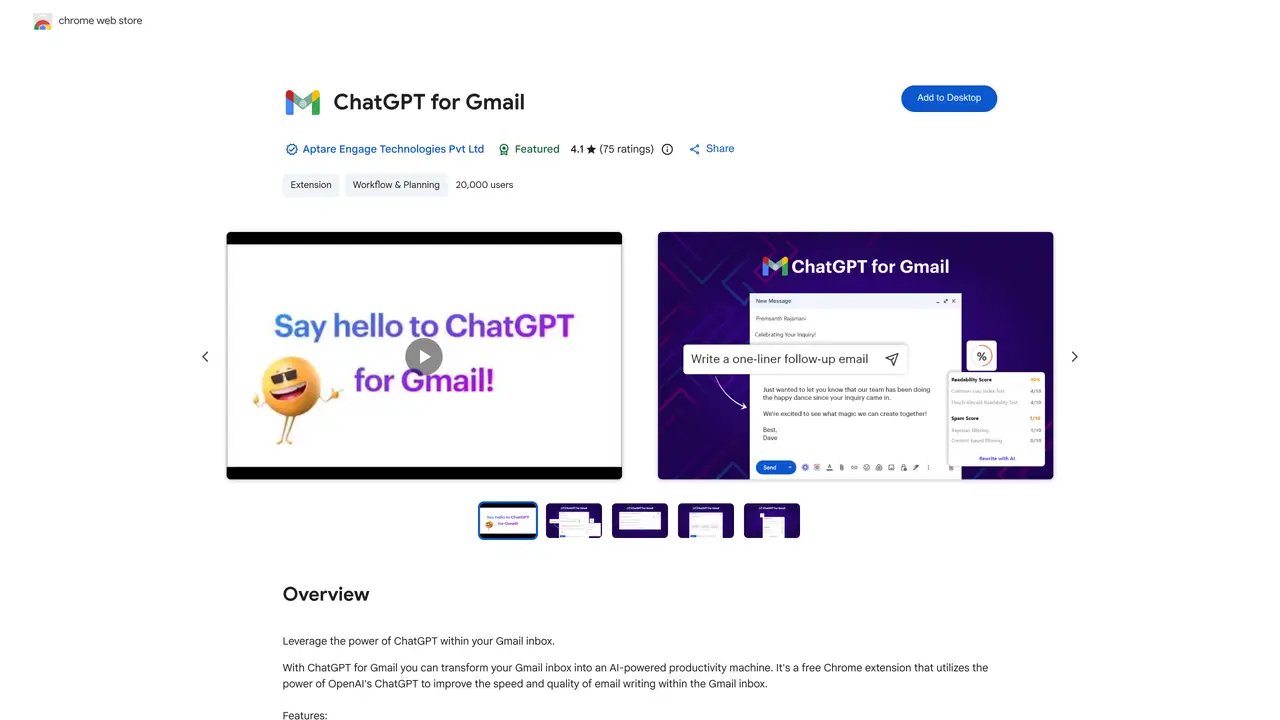
ChatGPT for Gmail is a free browser extension that makes it easier to write emails and stay productive. Powered by OpenAI’s language model, it offers an array of features that can help you write emails more efficiently. These include generating subject lines based on email content, generating multiple subject line variations, and generating email content based on subject lines. It also provides real-time readability and spam score checking and can even rewrite entire emails for better readability. With ChatGPT for Gmail, you can save time, increase your productivity, and ensure that your emails are crafted for maximum impact. It’s the perfect tool for busy professionals, entrepreneurs, and students looking to make the most of their email writing. Plus, it’s easy to install and get started, so you can start sending emails with improved quality and clarity right away.
ChatGPT for Gmail is a Chrome extension that integrates OpenAI’s ChatGPT directly into the Gmail interface, enabling users to generate, refine, and summarize email content without needing a separate ChatGPT account.
No, you do not need a ChatGPT or OpenAI account to use ChatGPT for Gmail. The extension operates independently of personal ChatGPT logins.
Yes, ChatGPT for Gmail is a free Chrome extension available for installation from the Chrome Web Store.
ChatGPT for Gmail is developed by Aptare Engage Technologies Pvt Ltd, not by OpenAI or Google, and is designed to enhance productivity within Gmail.
The extension provides features such as generating subject lines, creating multiple subject line variations, drafting email content, checking readability and spam scores, rewriting emails, summarizing email threads, and offering unlimited custom prompts for creative responses.
To get started, simply install the Chrome extension from the Chrome Web Store, then open Gmail to begin using AI-powered email writing tools directly within your inbox.
We use essential cookies to run aitoolnavio™, and optional cookies to analyze traffic and measure our marketing. You choose what we use — optional cookies stay off unless you turn them on. See our Privacy Policy.
One short email a week: fresh tools worth trying, honest takes and the updates that actually matter. No spam, unsubscribe any time.
Design, automate, and analyze email campaigns with drag-and-drop builders, AI editing, and real-time analytics.
Identify contacts, generate emails, track prospects and accounts based on key signals.
AI assistant that automates routine work across email, calendar, Slack, files and other tools with human oversight.
Schedule events, streamline projects, and draft emails efficiently with its features.
AI-powered email assistant that organizes inboxes, drafts replies, and automates routine tasks for professionals.
Generate SEO-friendly YouTube video scripts and descriptions for blog posts.
Create personalized emails, follow up automatically, and analyze for optimization and insights.
AI-powered email management for Gmail and Google Workspace teams with shared inboxes, AI drafting, automation, and analytics.
Cross-platform email client with unified inbox, calendar, and optional AI assistance for students, professionals, and small teams.
AI executive assistant that organizes Gmail and Outlook inboxes, drafts replies in your voice, schedules meetings, and tracks follow-ups for busy professionals.
Create interactive email campaigns with automated personalization.
Automate responses, personalize emails, and enjoy an intuitive interface for efficient email management.
ChatGPT for GmailSubscription Free AI Email Subject Line Generator by EnchargeFreemiumChatGPT for GmailSubscription
 Subject Line GeneratorSubscriptionChatGPT for GmailSubscription
 Ortto AI Subject Line WriterFreeChatGPT for GmailSubscription
 Instapage Subject Line TesterFree Trial
Matched on what this tool does — grouped by the job you would be replacing.
matches Generate subject lines based on email content · Create multiple subject line variations
Generate engaging subject lines effortlessly and receive relevant suggestions by analyzing your content.
Boost email open rates with AI-crafted, engaging subject lines instantly.
Create captivating subject lines and optimize emails using predictive analytics and sentiment analysis.
Test, analyze, and refine email subject lines with up to 3 variations using detailed analytics.
matches Rewrite emails for better readability · Real-time readability checking · Email content generation based on subject lines
matches Spam score checking
Automate email creation, transform bullet points into well-written prose, and personalize emails with AI-learned writing styles.
Quiky is an AI-powered email generator that helps users quickly draft professional emails in various tones and styles.
Compose, respond, and summarize emails effortlessly based on keywords.
Generate email content efficiently, create ChatGPT responses, and automate content in Google Sheets and online text boxes.
AI-powered platform that recommends the best AI tools for tasks and automates repetitive work to improve email marketing efficiency.
AI-powered email and subject line generator that creates content in seconds for marketers and businesses.