
Design, automate, and analyze email campaigns with drag-and-drop builders, AI editing, and real-time analytics.
5.2M visits/mo+4.7%#21 Business & Marketing

A productivity tool that summarizes emails and drafts replies to streamline inbox management and reduce email overload.
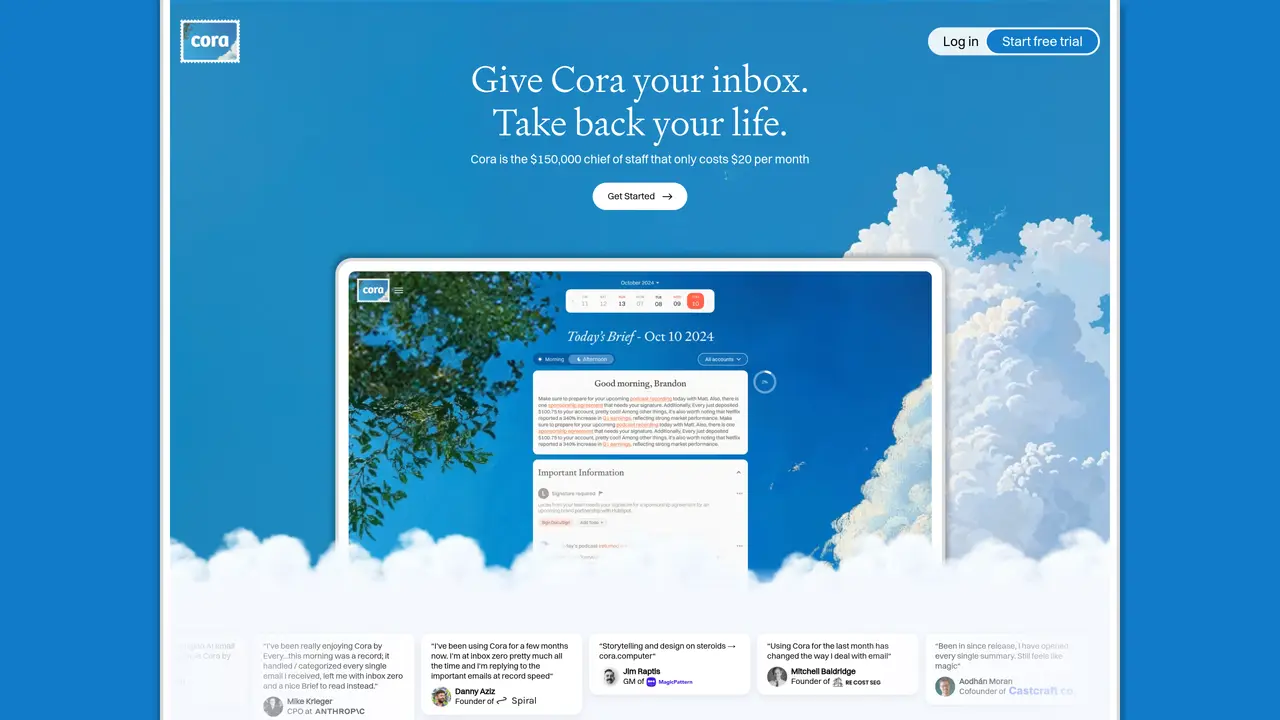
Cora is designed to transform email inbox management by filtering out unnecessary messages and highlighting only those requiring a response. It drafts replies in the user’s voice while maintaining context, which helps minimize back-and-forth communication and saves time. The tool summarizes the remaining emails into two daily briefs, allowing users to focus on what matters most. By reducing email overload, Cora aims to turn chaotic inboxes into structured, insightful experiences. It focuses on delivering necessary information efficiently without overwhelming the user with clutter. The approach is particularly useful for professionals who receive high volumes of email and need to prioritize responses while staying informed.
Cora transforms email inbox management by filtering unnecessary messages, highlighting those requiring responses, and drafting replies in the user’s voice while maintaining context. It summarizes emails into two daily briefs to help users focus on priorities.
Cora is designed for professionals who receive high volumes of email and need to prioritize responses while staying informed, such as executives, founders, and managers.
Cora offers a subscription-based pricing model, providing access to its features for a recurring fee.
Cora connects directly to the user’s email account to process and manage messages, focusing on inbox organization and response drafting.
Cora’s effectiveness depends on the volume and complexity of emails, and it requires access to the user’s inbox, which may not suit users with strict privacy preferences.
Users can sign up for Cora by connecting their email account and following the onboarding process to begin managing their inbox with AI assistance.
cora.computer · third-party estimates from Similarweb
Last 4 months · grows by one month every month
Share of visits by channel
No measurable traffic from Paid Referrals.
Share of visits · estimated visits
Writing & Content · Sep 2026
Traffic figures are third-party estimates, good for scale and trends; they can differ from a company's own numbers. Updated monthly.
We use essential cookies to run aitoolnavio™, and optional cookies to analyze traffic and measure our marketing. You choose what we use — optional cookies stay off unless you turn them on. See our Privacy Policy.
One short email a week: fresh tools worth trying, honest takes and the updates that actually matter. No spam, unsubscribe any time.
Design, automate, and analyze email campaigns with drag-and-drop builders, AI editing, and real-time analytics.
Identify contacts, generate emails, track prospects and accounts based on key signals.
AI assistant that automates routine work across email, calendar, Slack, files and other tools with human oversight.
Schedule events, streamline projects, and draft emails efficiently with its features.
AI-powered email assistant that organizes inboxes, drafts replies, and automates routine tasks for professionals.
Generate SEO-friendly YouTube video scripts and descriptions for blog posts.
Create personalized emails, follow up automatically, and analyze for optimization and insights.
AI-powered email management for Gmail and Google Workspace teams with shared inboxes, AI drafting, automation, and analytics.
Cross-platform email client with unified inbox, calendar, and optional AI assistance for students, professionals, and small teams.
AI executive assistant that organizes Gmail and Outlook inboxes, drafts replies in your voice, schedules meetings, and tracks follow-ups for busy professionals.
Create interactive email campaigns with automated personalization.
Automate responses, personalize emails, and enjoy an intuitive interface for efficient email management.
Matched on what this tool does — grouped by the job you would be replacing.
matches Filters out non-essential emails automatically · Highlights emails requiring a response · Drafts replies in the user's voice and tone
AI-powered email assistant that organizes inboxes, drafts replies, and automates routine tasks for professionals.
Stop drowning in emails - Emilio prioritizes and automates your email, saving 60% of your time
Automate personalized email replies, organize emails with filters, and process emails efficiently with AI assistant.
AI-powered email assistant that summarizes inbox messages, drafts replies, and sorts emails to save time on routine correspondence.