
Design, automate, and analyze email campaigns with drag-and-drop builders, AI editing, and real-time analytics.
5.2M visits/mo+4.7%#21 Business & Marketing

Generate personalized, professional email replies effortlessly using in-app, share menu, and keyboard methods.
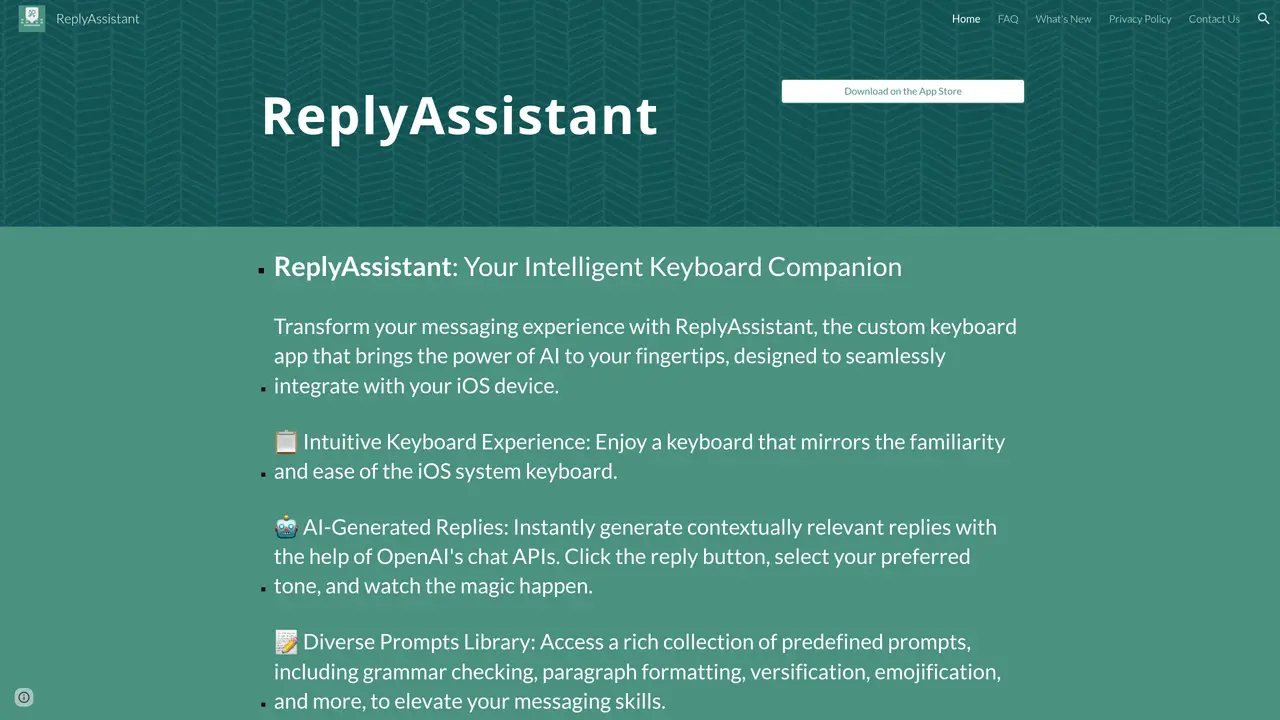
The ReplyAssistant is an AI-powered response generator that revolutionizes the way you communicate. With advanced OpenAI technology, it can generate personalized and professional responses to emails and messages in real-time, saving time and effort. Use ReplyAssistant in three different ways: the in-app method, the generate reply method within the share menu, or the ReplyAssistant keyboard method. The in-app method allows users to quickly generate replies to emails in a few clicks, while the generate reply method within the share menu enables users to quickly create and send personalized responses with one tap. The ReplyAssistant keyboard method allows users to type in their replies and have them automatically generated. Say goodbye to tedious typing and hello to ReplyAssistant.
ReplyAssistant is an AI-powered keyboard app for iOS that generates contextually relevant replies using OpenAI's chat APIs. Users can access it through an in-app interface, the share menu, or the ReplyAssistant keyboard itself.
ReplyAssistant is designed for iOS users who want to streamline their messaging experience by generating quick, personalized, and professional responses across various platforms and languages.
Download ReplyAssistant from the App Store, install the keyboard, and follow the setup instructions. You can then use it in-app, via the share menu, or through the keyboard interface to generate replies.
Yes, ReplyAssistant supports multiple languages including Arabic, English, French, Spanish, Italian, Turkish, and more, allowing users to communicate in their preferred language.
Yes, ReplyAssistant offers a library of predefined prompts and allows users to create their own custom prompts for tasks like translation, classification, or creative writing.
ReplyAssistant can be used in three ways: through the in-app interface, via the share menu for generating replies from selected text, or directly through the ReplyAssistant keyboard for real-time suggestions.
We use essential cookies to run aitoolnavio™, and optional cookies to analyze traffic and measure our marketing. You choose what we use — optional cookies stay off unless you turn them on. See our Privacy Policy.
One short email a week: fresh tools worth trying, honest takes and the updates that actually matter. No spam, unsubscribe any time.
Design, automate, and analyze email campaigns with drag-and-drop builders, AI editing, and real-time analytics.
Identify contacts, generate emails, track prospects and accounts based on key signals.
AI assistant that automates routine work across email, calendar, Slack, files and other tools with human oversight.
Schedule events, streamline projects, and draft emails efficiently with its features.
AI-powered email assistant that organizes inboxes, drafts replies, and automates routine tasks for professionals.
Generate SEO-friendly YouTube video scripts and descriptions for blog posts.
Create personalized emails, follow up automatically, and analyze for optimization and insights.
AI-powered email management for Gmail and Google Workspace teams with shared inboxes, AI drafting, automation, and analytics.
Cross-platform email client with unified inbox, calendar, and optional AI assistance for students, professionals, and small teams.
AI executive assistant that organizes Gmail and Outlook inboxes, drafts replies in your voice, schedules meetings, and tracks follow-ups for busy professionals.
Create interactive email campaigns with automated personalization.
Automate responses, personalize emails, and enjoy an intuitive interface for efficient email management.
Matched on what this tool does — grouped by the job you would be replacing.
matches Generate personalized and professional email replies · In-app method for quick reply generation · Generate reply method within the share menu
AI email assistant that rewrites, drafts, and improves messages in Outlook, Gmail, Chrome, and iOS with tone control and grammar fixes.
Generate customizable message replies, identify message context, and quickly insert frequently used text.
Automate customer inquiries and craft professional email replies using AI technology, directly accessing Gmail.