
Generate AI images, discover unique prompts, and save favorite images for quick reference.

Claupt
0Popularity
About Claupt
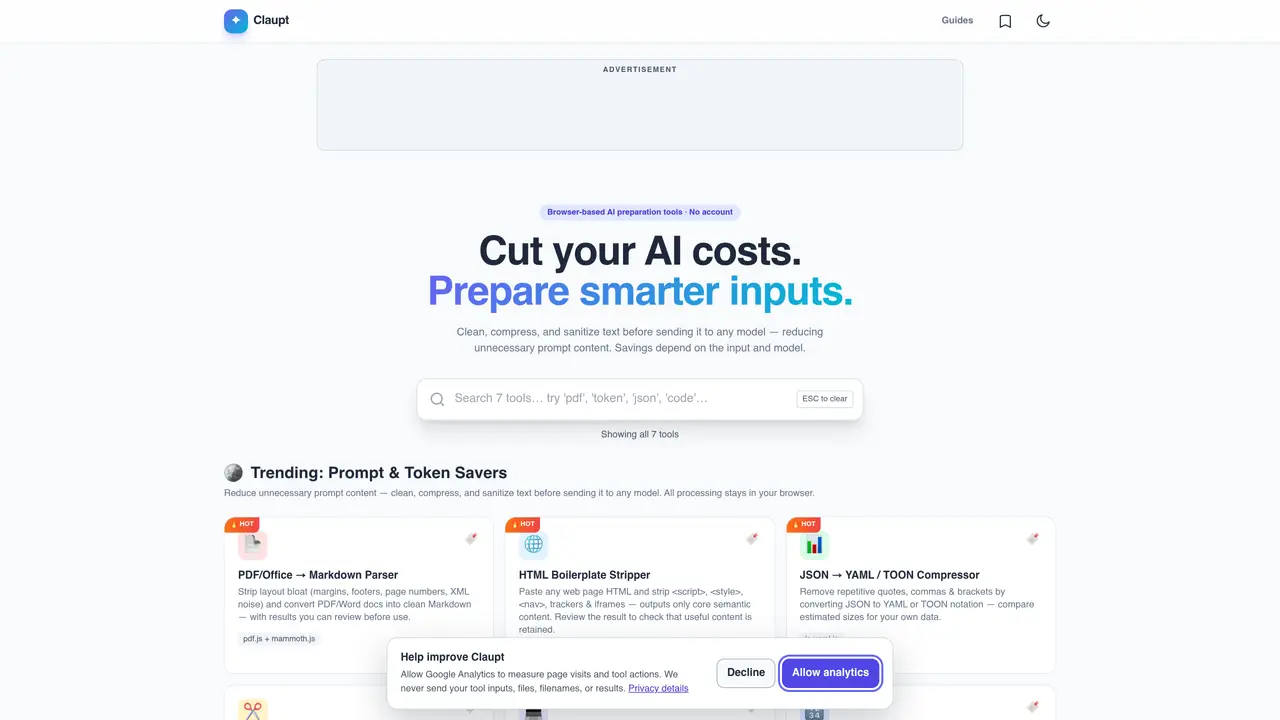
Claupt provides seven browser-based utilities for preparing text inputs before they are sent to AI models. The tools focus on reducing unnecessary content, converting formats, and anonymizing sensitive data. Processing occurs entirely in the user’s browser, with no account required and no files uploaded to external servers. Typical workflows include stripping layout bloat from PDFs or Word documents, removing boilerplate from web pages, compressing JSON or code, splitting large texts into token-sized chunks, and anonymizing personally identifiable information. Each tool shows a preview of the cleaned output so users can verify results before use. The suite also includes a token counter and cost estimator to help plan AI usage budgets.
Key features
- Clean PDF/Word to Markdown conversion
- HTML boilerplate stripping
- JSON to YAML/TOON compression
- Smart text chunking for RAG
- Code comment and whitespace removal
- Token counting and cost estimation
- Personal data anonymization
- Local processing without external uploads
Use cases
- Preparing documents for AI analysis
- Reducing AI prompt costs by cleaning inputs
- Anonymizing sensitive data before sharing prompts
Pros
- Browser-based processing with no account or uploads required
- Preview output before final use
- Supports multiple formats including PDF, HTML, JSON, and code
- Includes token counting and cost estimation
- Provides personal data anonymization
Cons
- No desktop application or API access
- Limited to browser-based use
- No support for mobile browsers
- No offline mode
Frequently asked questions about Claupt
What is Claupt and what does it do?
Claupt is a suite of seven browser-based tools designed to prepare text inputs before sending them to AI models. It helps clean, compress, and sanitize text to reduce unnecessary content and costs, with all processing occurring locally in the user’s browser without requiring an account.
Who should use Claupt?
Claupt is suitable for anyone preparing text for AI models, including developers, researchers, writers, and data analysts. It is particularly useful for those looking to optimize AI usage by reducing token counts and removing sensitive information.
Does Claupt require an account or upload files to external servers?
No, Claupt does not require an account, and all processing happens in the user’s browser. Files are not uploaded to external servers, ensuring data remains local and private.
What types of text inputs can Claupt process?
Claupt can process various text inputs, including PDFs, Word documents, HTML web pages, JSON data, code files, and plain text. It also includes tools for anonymizing personally identifiable information and estimating token usage.
Can Claupt help with token and cost estimation for AI models?
Yes, Claupt includes a token counter and cost estimator that helps users plan AI usage budgets by estimating prompt tokens, input and output costs, and repeated-use budgets based on provider token counts.
How do I get started with Claupt?
To get started, visit the Claupt website and select the tool that matches your needs. Paste or upload your text, review the cleaned output preview, and then use the processed text for your AI model. No account or installation is required.