Revolutionize transcription with unmatched accuracy, speed, and language support.
27M visits/mo+0.9%#4 Audio & Voice

AI web screen recorder that auto-edits tutorials, removes mistakes, and generates translations for fast, shareable videos.
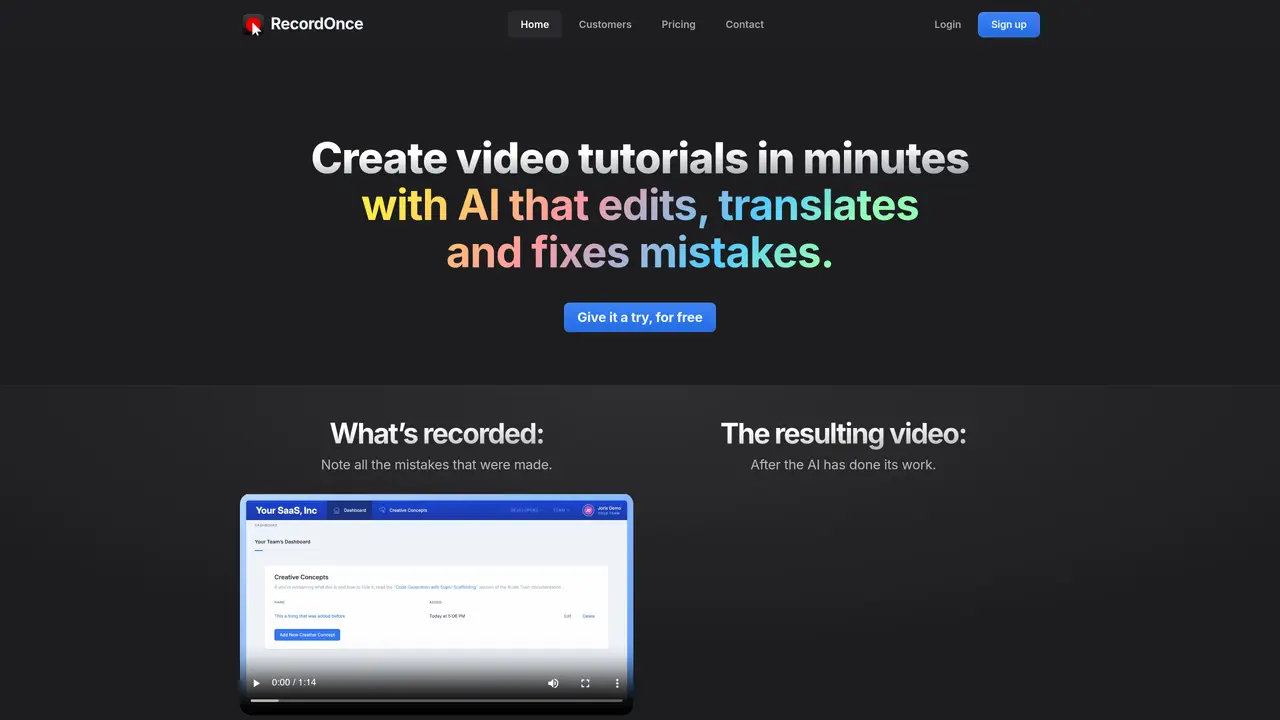
Record Once is an AI-powered web app designed for creators such as educators, marketers, trainers, and product demo makers who need to produce video tutorials and product demos efficiently. The tool records screen activity at the HTML/CSS level rather than pixel level, enabling real-time interaction edits and smoother, high-resolution outputs. It automatically fixes recording mistakes, hides typos, skips loading delays, and removes filler words like “hmms” and “you-knows” without requiring retakes. Users can generate translations for voice-overs and on-screen app text, creating the same tutorial in multiple languages. The platform also supports drag-and-drop editing and automatic text guides with screenshots, making it useful for teams that need both video and written documentation. Recordings can be published and shared instantly, optimized for different platforms and audiences. The approach of recording “code, not pixels” allows for in-app text translation during playback while maintaining high-quality output.
Record Once is an AI-powered web app that records screen activity at the HTML/CSS level to create video tutorials and product demos. It automatically edits mistakes, removes filler words, skips delays, and generates translations for voice-overs and on-screen text.
The tool is designed for creators such as educators, marketers, trainers, and product demo makers who need to produce video tutorials and product demos efficiently without requiring advanced video editing skills.
Record Once records at the HTML/CSS level, allowing it to understand interactions like typo corrections and automatically fix mistakes during playback without requiring retakes.
Yes, Record Once can generate translations for both voice-overs and on-screen app text, enabling users to create the same tutorial in multiple languages.
Yes, the platform automatically generates text guides with screenshots, which can be useful for teams needing both video and written documentation.
Recordings can be published and shared instantly, optimized for different platforms and audiences, without waiting for rendering or uploading delays.
recordonce.com · third-party estimates from Similarweb
Last 2 months · grows by one month every month
Share of visits · estimated visits
Audio & Voice · Sep 2026
Traffic figures are third-party estimates, good for scale and trends; they can differ from a company's own numbers. Updated monthly.
We use essential cookies to run aitoolnavio™, and optional cookies to analyze traffic and measure our marketing. You choose what we use — optional cookies stay off unless you turn them on. See our Privacy Policy.
One short email a week: fresh tools worth trying, honest takes and the updates that actually matter. No spam, unsubscribe any time.
Revolutionize transcription with unmatched accuracy, speed, and language support.
Hardware device that records conversations and converts them into searchable transcripts, summaries, and notes.
Automate transcription, generate summaries, identify speakers, and timestamps for video-conferencing conversations.
NoteGPT – Convert Speech to Text and Text to Speech with AI
Automatically record, transcribe, take notes, and create summaries with key insights during meetings.
Transforms audio/video to summarized text, instantly, across platforms.
Transcribe and summarize audio or video recordings with AI-powered speech recognition and summarization.
Automatically transcribe meetings, create summaries, and securely store audio files in a searchable format.
Convert audio and video into text, sync transcripts with media, and edit easily.
Streamline healthcare admin tasks, and enhance patient focus with Heidi AI.
Create transcripts of meetings, voice-overs for videos, and transcribe and review customer feedback efficiently.
Wearable AI device that captures conversations and meetings, then auto-generates transcripts, summaries, action items, mind maps, and searchable notes.
Matched on what this tool does — grouped by the job you would be replacing.
matches AI automatic editing to fix mistakes and remove filler words · Voice-over and on-screen text translations · Automatic text guides with screenshots
Convert videos into documentation, localized videos, and help-center articles with AI-generated subtitles, voiceovers, and screenshots.
AI platform that automatically generates step-by-step product tutorials and demo videos from product details and user behavior.
Records browser workflows and generates shareable guides in HTML, PDF and video
Records web workflows and turns them into shareable step-by-step guides and exportable documentation with AI assistance.
matches Interactive capture at HTML/CSS level for real-time edits · Drag-and-drop editing interface · No installation required; works in the browser
All-in-one screen recorder that captures videos, screenshots, and GIFs with AI-powered summaries and transcriptions for documentation.
Online screen recorder and AI editor for creators and teams to capture screen plus camera, auto-remove silences, add captions, and share links.
Turn messy screen recordings into polished, personalized walkthroughs.
Create and share visuals, track engagement, and access content seamlessly across all devices with cloud storage.