Generate captions, optimize content, and enhance with custom images for maximum engagement.
46M visits/mo-10%#3 Image & Design

Manifest converts any webpage into a structured JSON action map for AI agents, eliminating manual interaction guesswork.
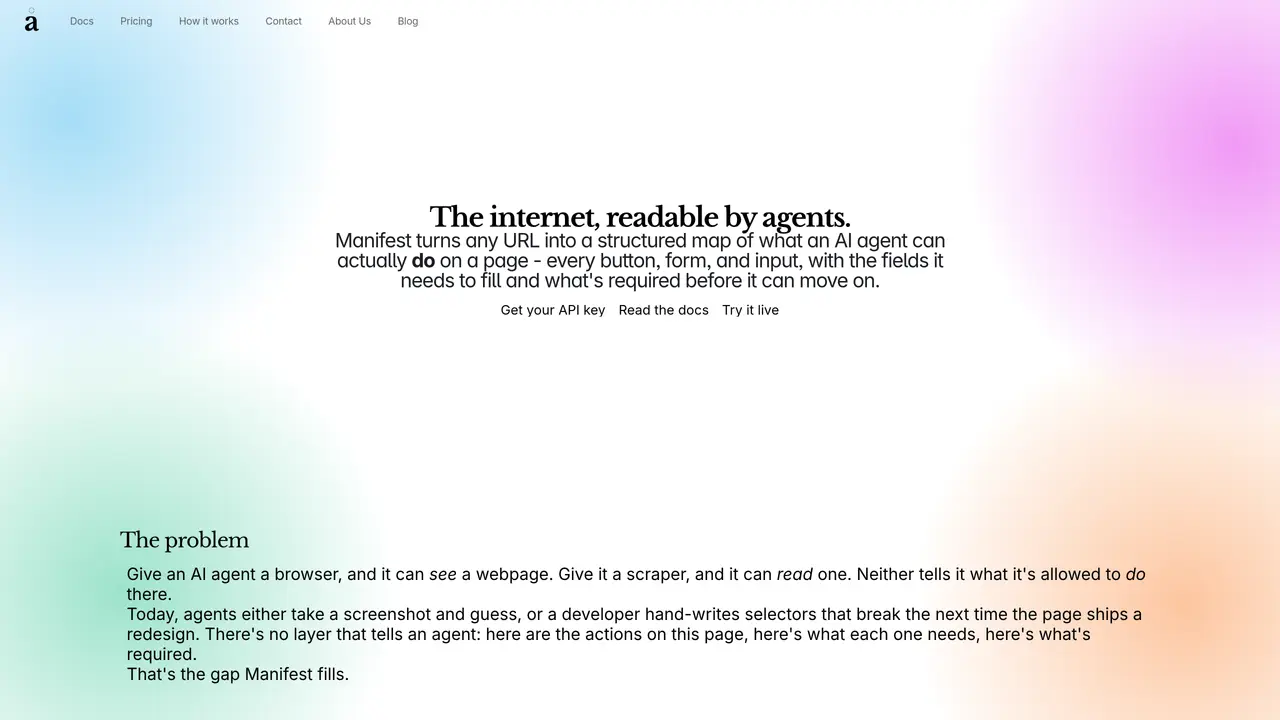
Manifest is an API tool that transforms any URL into a structured JSON map detailing every interactive element on a webpage, including buttons, forms, and input fields. It analyzes the page’s accessibility tree and DOM to capture required fields, input types, placeholders, and disabled states, providing AI agents with a clear, reasoned description of available actions. This removes the need for hand-written CSS selectors or error-prone screenshot-based approaches. Manifest serves as a reliable action layer between AI agents and live web pages, designed to adapt to UI redesigns without breaking functionality. By generating a machine-readable map of a page’s interactive elements, it enables agents to navigate and interact with web interfaces autonomously and accurately. The tool is particularly useful for automating workflows that require real-time interaction with dynamic web content, ensuring consistent performance even as web interfaces evolve.
Manifest transforms any URL into a structured JSON map detailing every interactive element on a webpage, including buttons, forms, and input fields. It analyzes the page’s accessibility tree and DOM to provide a machine-readable description of available actions for AI agents.
Manifest is designed for AI agents and developers who need to automate interactions with dynamic web content. It is particularly useful for workflows requiring real-time navigation and form submissions on evolving web interfaces.
Manifest visits a URL, reads the accessibility tree (like a screen reader), and cross-references it with the DOM to extract details such as required fields, input types, and disabled states. This information is compiled into a clean JSON action manifest that agents can use to interact with the page.
To get started, obtain an API key from the Manifest website, then integrate the API or MCP server into your project. Use the provided endpoint to send a URL, and receive a structured JSON manifest of the page’s interactive elements.
Yes, Manifest supports integration via MCP (Model Context Protocol) or a direct REST API. The MCP server can be added to your project's MCP client configuration, or you can call the REST endpoint directly with an API key.
Unlike browser tools that provide DOM access or scrapers that extract content, Manifest specifically returns available actions on a page, including required fields and input types. This allows agents to reason about what to click, fill, or submit without relying on fragile selectors or screenshots.
We use essential cookies to run aitoolnavio™, and optional cookies to analyze traffic and measure our marketing. You choose what we use — optional cookies stay off unless you turn them on. See our Privacy Policy.
One short email a week: fresh tools worth trying, honest takes and the updates that actually matter. No spam, unsubscribe any time.
Generate captions, optimize content, and enhance with custom images for maximum engagement.
Build conversational forms, capture rich responses, and automate follow-ups with AI-powered surveys and workflows.
Automate code, research, and documents using agents.
AI-powered IDE for autonomous coding tasks and agentic development workflows
Source, match, and manage talent with predictive analytics for effortless recruiting.
Automate workflow, optimize operations, and detect potential issues with this efficient AI-driven solution.
Transforms thoughts into actions, enhancing productivity and efficiency.
AI Recruitment engine to hire top global talent
All-in-one team productivity platform combining chat, docs, video meetings, workflows, and AI tools in one place.
Personal assistant that coordinates tasks across apps and devices via text or call
AI automation and agent-building platform with 3,000+ app integrations
AI job search copilot that matches roles to skills, optimizes resumes for ATS, generates cover letters, and autofills applications with real-time insights.
Matched on what this tool does — grouped by the job you would be replacing.
matches Converts any webpage URL into a structured JSON action map · Captures buttons, forms, and input fields with their states · Reads accessibility tree and DOM for accurate element mapping
AI-powered browser automation that handles navigation, form filling, data extraction, and CAPTCHAs without custom scripts or CSS selectors.
BrowserAct is an AI-powered cloud browser automation tool that extracts data and completes tasks from websites using natural language.
Automates browser interactions for AI agents using vision-first detection and typed tool contracts.
Web toolkit for AI agents to screenshot, PDF, read, extract, crawl, monitor and templatize URLs via one API