Generate captions, optimize content, and enhance with custom images for maximum engagement.
46M visits/mo-10%#3 Image & Design

TypeScript-native framework for building production-grade AI agents with workflows, memory, and built-in observability.
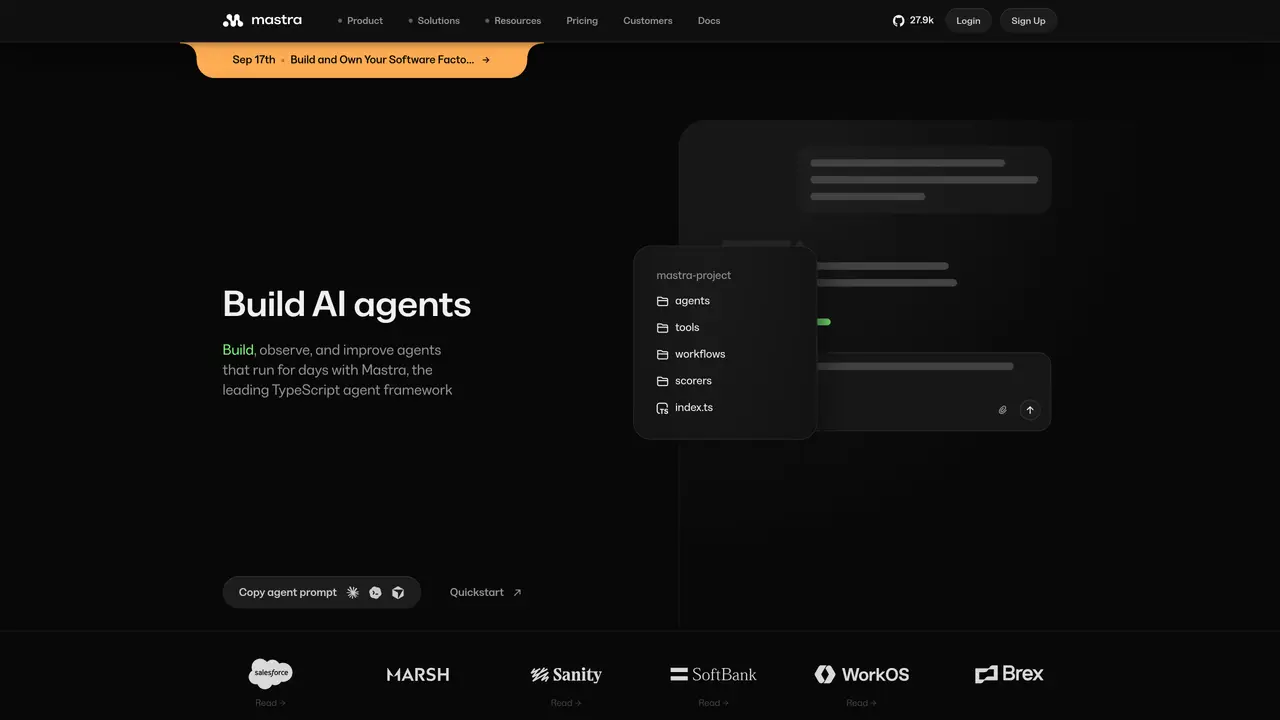
Mastra is a TypeScript-first framework designed for building production AI agents and applications. It provides typed agents, graph-based workflows, memory persistence, and built-in observability including metrics, logs, traces, and evaluations. The framework supports model routing across over 90 providers, MCP servers, and Node-compatible deployments, enabling teams to standardize multi-model access while maintaining deep observability for reliability, performance, and cost control. Developers define typed agents with instructions, tools, and models in a single file, then compose complex workflows using control-flow primitives like then, branch, and parallel. Memory can be persisted and retrieved from APIs, databases, or files to maintain context, while built-in tracing captures tokens, logs, and tool calls for debugging and iteration. Mastra Studio offers a visual interface to inspect workflow graphs, run details, traces, and eval scores, alongside memory snapshots and inputs/outputs, facilitating rapid debugging and regression checks. Deployments are streamlined to Hono servers or cloud providers with minimal configuration changes, supporting integrations into Next.js, React, or Node applications. Teams use Mastra for customer support copilots, internal Slack automation agents, developer SRE monitoring, and onboarding assistants embedded in web apps.
Mastra is a TypeScript-first framework for building production AI agents and applications, offering typed agents, graph-based workflows, memory persistence, and built-in observability.
Mastra is designed for developers and teams building AI agents and applications, particularly those using TypeScript and requiring standardized multi-model access and deep observability.
Mastra provides a model router that supports access to thousands of models across over 90 providers, enabling teams to standardize multi-model access within their applications.
Mastra includes built-in observability features such as metrics, logs, traces, and evaluations, which help teams debug, iterate, and ensure reliability, performance, and cost control.
Yes, Mastra supports integrations into Next.js, React, or Node applications, and deployments can be streamlined to Hono servers or cloud providers with minimal configuration changes.
To get started, run `npm create mastra@latest -- --llm ` to create a new project, then navigate to the project directory and start the dev server with `npx bgproc start -n -w -- npm run dev`.
mastra.ai · third-party estimates from Similarweb
Last 4 months · grows by one month every month
Share of visits by channel
No measurable traffic from Paid Referrals.
Share of visits · estimated visits
Other countries: 59.5%
How people reach this site from other AI tools
1.5K a month · 0.4% of all visits
Automation & Agents · Sep 2026
Traffic figures are third-party estimates, good for scale and trends; they can differ from a company's own numbers. Updated monthly.
We use essential cookies to run aitoolnavio™, and optional cookies to analyze traffic and measure our marketing. You choose what we use — optional cookies stay off unless you turn them on. See our Privacy Policy.
One short email a week: fresh tools worth trying, honest takes and the updates that actually matter. No spam, unsubscribe any time.
Generate captions, optimize content, and enhance with custom images for maximum engagement.
Build conversational forms, capture rich responses, and automate follow-ups with AI-powered surveys and workflows.
Automate code, research, and documents using agents.
AI-powered IDE for autonomous coding tasks and agentic development workflows
Source, match, and manage talent with predictive analytics for effortless recruiting.
Automate workflow, optimize operations, and detect potential issues with this efficient AI-driven solution.
Transforms thoughts into actions, enhancing productivity and efficiency.
AI Recruitment engine to hire top global talent
All-in-one team productivity platform combining chat, docs, video meetings, workflows, and AI tools in one place.
Personal assistant that coordinates tasks across apps and devices via text or call
AI automation and agent-building platform with 3,000+ app integrations
AI job search copilot that matches roles to skills, optimizes resumes for ATS, generates cover letters, and autofills applications with real-time insights.
Matched on what this tool does — grouped by the job you would be replacing.
matches Graph-based workflow engine with then, branch, and parallel control-flow primitives · Built-in memory persistence and retrieval from APIs, databases, and files · Human-in-the-loop approvals and resilient execution state persistence
Durable runtime for building resilient agents and backend services
Agent workflow orchestration platform for deterministic, versioned automations with step visibility, approvals, and run history.
Open-source framework for building resilient, stateful AI agents with graph-based orchestration, durable execution, and human-in-the-loop control.
Zero Trust sandbox platform for building, running and governing production AI agents
matches Typed agent definitions unifying instructions, models, tools, and runtime behavior · TypeScript-native development with straightforward integration into Next.js, React, and Node apps
matches Comprehensive observability with metrics, logs, traces, and evaluations · Repeatable datasets and scoring for production promotion
matches Mastra Studio for visual debugging, iteration, and regression checks
Open-source TypeScript SDK for building LLM apps and agents with a unified API, streaming, tool calling, and 100+ model support.
Metadata framework for building AI-written applications
AI observability platform for tracing production agents, running evals, and catching regressions before they reach users.
Turnkey platform to deploy, run, monitor, and optimize AI models at scale with OpenAI-compatible APIs.
Open-source platform to visually build, deploy, and manage LLM apps, agents, and RAG pipelines with drag-and-drop workflows and APIs.
Visually build, test, and deploy AI agents, RAG workflows, MCP servers, and LLM apps with drag-and-drop flows and reusable components.