Generate captions, optimize content, and enhance with custom images for maximum engagement.
46M visits/mo-10%#3 Image & Design

Open-source framework for building resilient, stateful AI agents with graph-based orchestration, durable execution, and human-in-the-loop control.
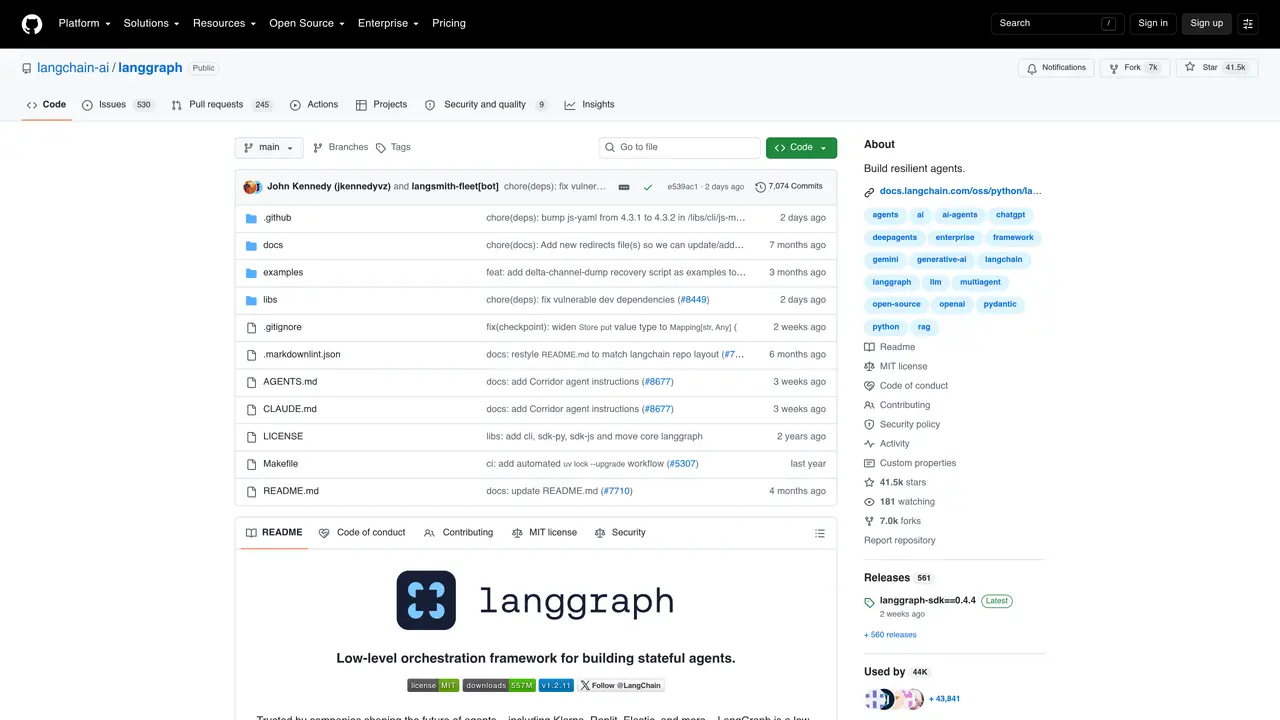
LangGraph is an open-source orchestration framework by LangChain designed for building resilient, long-running, stateful AI agents. It enables developers to model agent workflows as graphs with controllable nodes, edges, branches, subgraphs, and state transitions. The framework supports durable execution by persisting agent state, allowing workflows to resume from checkpoints and recover from failures. It includes built-in short-term and long-term memory to support persistent reasoning across sessions, as well as human-in-the-loop controls for inspecting and modifying agent state during execution. LangGraph integrates with LangSmith for debugging, tracing, evaluation, and deployment, making it suitable for production LLM applications. It is ideal for AI engineers, agent developers, backend engineers, platform teams, and developers building reliable tool-using agents, multi-agent systems, and production workflows.
GitHub, Inc.
San Francisco, California, US · Founded 2008
LangGraph is an open-source orchestration framework for building resilient, stateful AI agents. It enables developers to model agent workflows as graphs with controllable nodes, edges, and state transitions, supporting durable execution and human-in-the-loop controls.
LangGraph is ideal for AI engineers, agent developers, backend engineers, platform teams, and developers building reliable tool-using agents, multi-agent systems, and production workflows.
LangGraph provides durable execution by persisting agent state, allowing workflows to resume from checkpoints and recover from failures. It includes both short-term and long-term memory to support persistent reasoning across sessions.
Yes, LangGraph integrates seamlessly with the LangChain ecosystem, including LangSmith for debugging and deployment, and Deep Agents for higher-level agent development.
LangGraph requires technical expertise to implement complex workflows and may involve additional setup for production deployment. Full feature utilization depends on the LangChain ecosystem.
Start by installing LangGraph via pip and exploring the documentation or quickstart guides. For higher-level agent development, consider using Deep Agents built on top of LangGraph.
We use essential cookies to run aitoolnavio™, and optional cookies to analyze traffic and measure our marketing. You choose what we use — optional cookies stay off unless you turn them on. See our Privacy Policy.
One short email a week: fresh tools worth trying, honest takes and the updates that actually matter. No spam, unsubscribe any time.
Generate captions, optimize content, and enhance with custom images for maximum engagement.
Build conversational forms, capture rich responses, and automate follow-ups with AI-powered surveys and workflows.
Automate code, research, and documents using agents.
AI-powered IDE for autonomous coding tasks and agentic development workflows
Source, match, and manage talent with predictive analytics for effortless recruiting.
Automate workflow, optimize operations, and detect potential issues with this efficient AI-driven solution.
Transforms thoughts into actions, enhancing productivity and efficiency.
AI Recruitment engine to hire top global talent
All-in-one team productivity platform combining chat, docs, video meetings, workflows, and AI tools in one place.
Personal assistant that coordinates tasks across apps and devices via text or call
AI automation and agent-building platform with 3,000+ app integrations
AI job search copilot that matches roles to skills, optimizes resumes for ATS, generates cover letters, and autofills applications with real-time insights.
Matched on what this tool does — grouped by the job you would be replacing.
matches Graph-based agent workflows with nodes, edges, branches, and subgraphs · Durable execution with checkpointing, retries, and failure recovery · Stateful agent orchestration with persistent execution state
TypeScript-native framework for building production-grade AI agents with workflows, memory, and built-in observability.
Durable runtime for building resilient agents and backend services
Framework for adding AI agents to products with built-in infrastructure
Multi-agent orchestration with skill routing, parallel execution, and memory-driven coordination
matches Support for tool calls and multi-agent coordination · Human-in-the-loop review and state inspection during execution · Integration with LangSmith for debugging, tracing, and evaluation
matches Short-term and long-term memory for persistent reasoning · Built-in memory persistence and observability
A platform for building stateful AI agents with persistent memory and transparent reasoning.
A platform to build, observe, test, and deploy multi-agent AI systems with deep observability and automated safety controls.
End-to-end platform for building, deploying, and observing LLM agents and workflows
Type-safe Python framework for building reliable AI agents with structured outputs, streaming, and observability.
A memory layer and context engineering platform that provides long-term AI agent memory, retrieval, and connectors via a universal API.
A platform for persistent memory, coordination, and crash recovery in multi-agent AI systems.