
Generate captions, optimize content, and enhance with custom images for maximum engagement.
46M visits/mo-10%#3 Image & Design
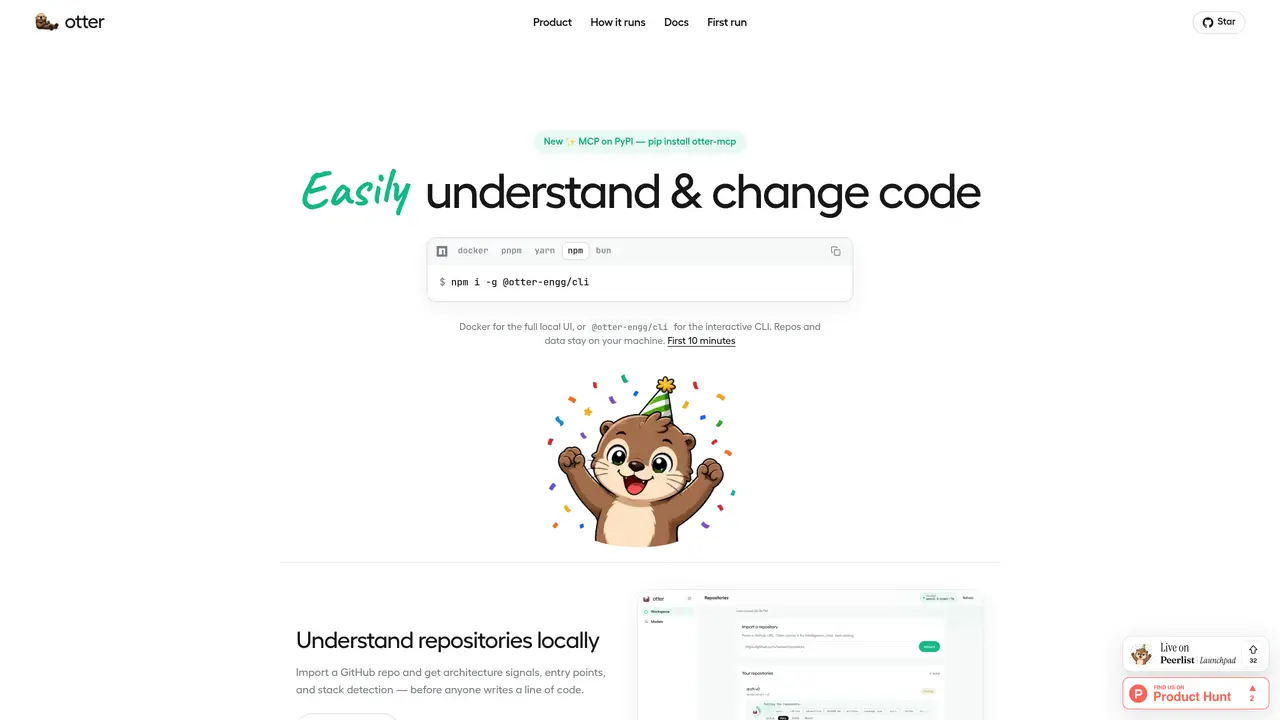
Otter is a local-first tool that helps developers understand and modify codebases without cloud agents or silent writes. It runs entirely on the user’s machine, connecting to a local Ollama instance or any OpenAI-compatible endpoint. The tool first analyzes repositories to detect architecture, entry points, and technology stack before any changes are proposed. Users can then engage in grounded chat that cites real files, plan changes with risk assessments, and generate patches for review. Each patch requires explicit approval before a pull request is opened, ensuring no modifications occur without consent. Otter supports both a full local UI via Docker and an interactive CLI, with repositories and data remaining on the user’s system throughout the process.
Otter is a local-first tool designed to help developers understand and modify codebases without relying on cloud agents or performing silent writes. It operates entirely on the user’s machine, connecting to a local Ollama instance or any OpenAI-compatible endpoint to analyze repositories, detect architecture and technology stack, and enable grounded chat with real file citations.
Otter is suitable for developers and engineering teams who prioritize local control over their code and workflows. It is ideal for those who want to understand large codebases before making changes and prefer approval-gated modifications to avoid unintended alterations.
To get started, install Otter either via Docker for the full local UI or the npm CLI for an interactive terminal experience. Connect a local model like Ollama or an OpenAI-compatible endpoint, then import a repository to begin analyzing architecture and planning changes.
No, Otter runs entirely on the user’s machine and does not require cloud services or internet access for core functionality. Repositories and data remain local throughout the process, ensuring privacy and control.
Yes, Otter can integrate with GitHub by installing the Otter GitHub App, which allows users to import repositories and open pull requests directly from the tool without exposing client secrets on their machine.
Otter supports local models like Ollama or any OpenAI-compatible endpoint. Users can connect their preferred model through a single interface for chat, explanation, and coding tasks.
We use essential cookies to run aitoolnavio™, and optional cookies to analyze traffic and measure our marketing. You choose what we use — optional cookies stay off unless you turn them on. See our Privacy Policy.
One short email a week: fresh tools worth trying, honest takes and the updates that actually matter. No spam, unsubscribe any time.
Generate captions, optimize content, and enhance with custom images for maximum engagement.
Build conversational forms, capture rich responses, and automate follow-ups with AI-powered surveys and workflows.
Automate code, research, and documents using agents.
AI-powered IDE for autonomous coding tasks and agentic development workflows
Source, match, and manage talent with predictive analytics for effortless recruiting.
Automate workflow, optimize operations, and detect potential issues with this efficient AI-driven solution.
Transforms thoughts into actions, enhancing productivity and efficiency.
AI Recruitment engine to hire top global talent
All-in-one team productivity platform combining chat, docs, video meetings, workflows, and AI tools in one place.
Personal assistant that coordinates tasks across apps and devices via text or call
AI automation and agent-building platform with 3,000+ app integrations
AI job search copilot that matches roles to skills, optimizes resumes for ATS, generates cover letters, and autofills applications with real-time insights.
Matched on what this tool does — grouped by the job you would be replacing.
matches Local code analysis and architecture detection · Patch generation with risk assessment · Approval-gated pull request creation
Autonomous software delivery agent that turns tickets into reviewed pull requests
Web-based tool to safely apply AI-generated code patches with backups and verification
matches Local Room-based workspace for agents and team members · Simultaneous execution of multiple coding agents · Integrated patch and review tracking
matches Pull request integration via CLI, MCP, web, or GitHub App · Automatic change-impact evidence generation · Instant PR reviews for GitHub and GitLab with summaries and line-by-line feedback
matches CLI-based terminal agent · Project live mapping and review · Risk assessment and security scanning
A Git-backed workspace that lets multiple AI agents collaborate on files with version control and SaaS data sync.
Local coding agent coordination workspace for macOS
Desktop app for multi-agent coding sessions with AI PR review and CI debugging
AI-powered code review and security scanning platform that automates pull request feedback and IDE reviews with one-click fixes.
AI-powered VS Code extension that drafts pull request feedback across GitHub, GitLab and Bitbucket using multiple models in parallel.
AI-powered code review with change-impact evidence and cross-vendor reconciliation
Open-source AI coding assistant that suggests completions, reviews code, and automates repetitive tasks for developers.
Terminal-based AI agent for coding, data tasks and workflow automation