
Generate captions, optimize content, and enhance with custom images for maximum engagement.
46M visits/mo-10%#3 Image & Design
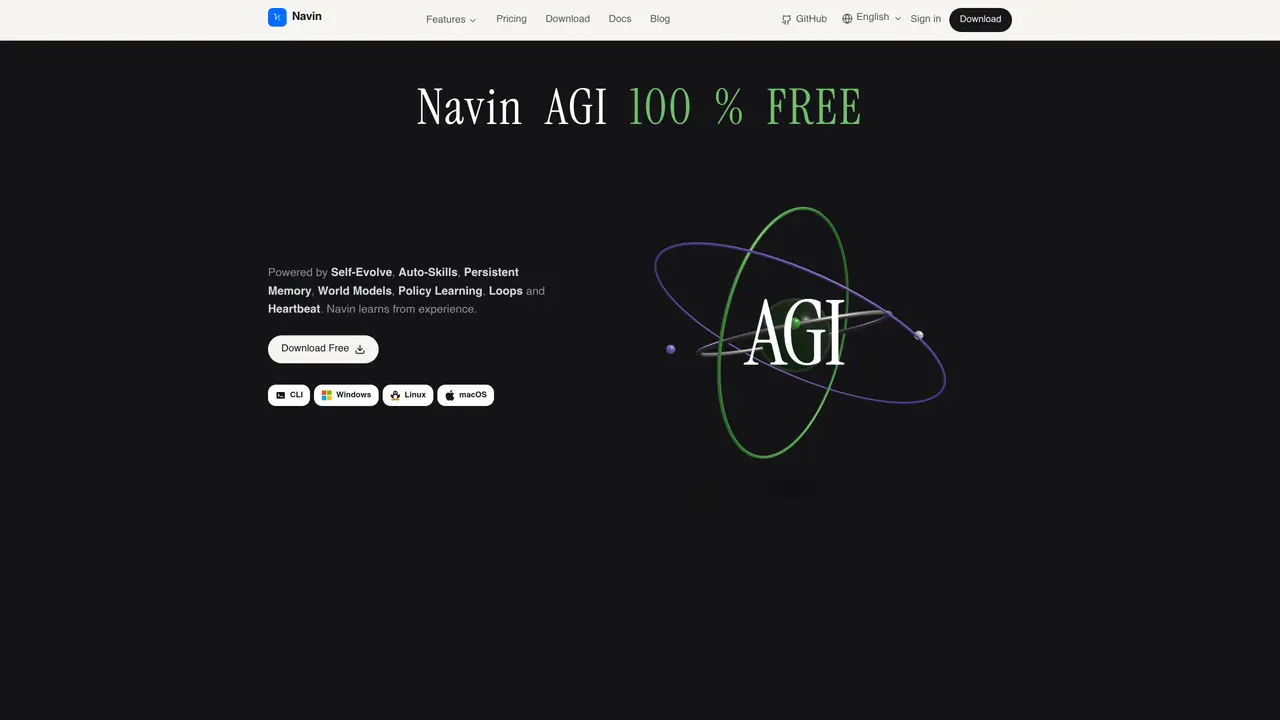
Navin is a free terminal AI agent that replaces tools like Cursor, Claude Code and OpenCode. It operates via a CLI available for Windows, Linux and macOS, offering coding assistance, project mapping and session management without vendor lock-in. The agent uses self-evolving capabilities, persistent memory and policy learning to handle tasks such as writing, verifying and testing code, managing git workflows and integrating with user API keys. It supports multiple modes, live project mapping and up to 87% fewer wasted tokens compared to paid alternatives. Navin also provides specialized modules for risk assessment, lead generation, tender tracking, career applications and marketing campaigns, all within a unified interface. The tool emphasizes local-first operation, with chats and files stored locally, and supports both cloud-based and local models.
Navin is a free terminal AI agent that replaces tools like Cursor, Claude Code, and OpenCode. It operates via a CLI for Windows, Linux, and macOS, providing coding assistance, project mapping, session management, and integration with user API keys without vendor lock-in.
Navin is designed for developers, project managers, and teams seeking a unified, local-first AI agent to handle coding, risk assessment, lead generation, tender tracking, career applications, marketing campaigns, and trading workflows in a single interface.
Navin is free to install and use, with no upfront costs or hidden fees. It emphasizes local-first operation, storing chats and files locally, and supports both cloud-based and local AI models.
Navin supports integration with user API keys, enabling access to various services and tools. It also allows switching between modes, managing git workflows, and using specialized modules for tasks like risk assessment, lead generation, and marketing campaigns.
Navin is a CLI-based tool, which may require familiarity with terminal environments. While it offers extensive features, its effectiveness depends on the user's ability to configure and utilize the agent within their workflows.
To get started, download and install the Navin CLI for your operating system (Windows, Linux, or macOS). Follow the provided documentation to configure the agent, set up your API keys, and begin using its features such as coding assistance, project mapping, and session management.
navin.live · third-party estimates from Similarweb
Last 2 months · grows by one month every month
Traffic figures are third-party estimates, good for scale and trends; they can differ from a company's own numbers. Updated monthly.
We use essential cookies to run aitoolnavio™, and optional cookies to analyze traffic and measure our marketing. You choose what we use — optional cookies stay off unless you turn them on. See our Privacy Policy.
One short email a week: fresh tools worth trying, honest takes and the updates that actually matter. No spam, unsubscribe any time.
Generate captions, optimize content, and enhance with custom images for maximum engagement.
Build conversational forms, capture rich responses, and automate follow-ups with AI-powered surveys and workflows.
Automate code, research, and documents using agents.
AI-powered IDE for autonomous coding tasks and agentic development workflows
Source, match, and manage talent with predictive analytics for effortless recruiting.
Automate workflow, optimize operations, and detect potential issues with this efficient AI-driven solution.
Transforms thoughts into actions, enhancing productivity and efficiency.
AI Recruitment engine to hire top global talent
All-in-one team productivity platform combining chat, docs, video meetings, workflows, and AI tools in one place.
Personal assistant that coordinates tasks across apps and devices via text or call
AI automation and agent-building platform with 3,000+ app integrations
AI job search copilot that matches roles to skills, optimizes resumes for ATS, generates cover letters, and autofills applications with real-time insights.
Matched on what this tool does — grouped by the job you would be replacing.
matches CLI-based terminal agent · Project live mapping and review · Git integration and session management
Autonomous software delivery agent that turns tickets into reviewed pull requests
Free AI coding agent for desktop with multi-file editing and terminal access
AI coding assistant that operates inside the terminal for end-to-end development tasks
Desktop workspace for coding agents like Codex and Claude Code
matches Local AI model inference · Persistent memory and skills · Custom app development
Free, open-source desktop platform to install, run, and automate AI apps and agents locally without coding.
A macOS workspace for running and managing parallel AI coding agents with isolated shells and automatic git worktrees.
Unified local workspace for running AI models, automations and custom tools on a computer