Automate job postings, track applicants, and streamline hiring with an intuitive HCM platform for talent acquisition.
32M visits/mo+3.9%#5 Business & Marketing

AI-powered tool that automates meeting invitations, syncs agendas, and integrates with conferencing platforms like Zoom and Google Meet.
Magical is an intuitive, AI-powered tool designed to simplify scheduling, coordinating, and automating meetings for professionals. It streamlines the entire meeting workflow by allowing users to manage invitations, agendas, and notes directly from their browser. The platform integrates seamlessly with popular conferencing tools such as Zoom and Google Meet, enabling quick setup of virtual meetings. Magical also syncs with productivity apps like Notion to keep teams aligned and ensure everyone stays on the same page. Its user-friendly interface helps busy professionals save time by reducing manual coordination tasks and minimizing the risk of missed details. By centralizing meeting logistics, Magical ensures that projects remain on track and communication stays efficient. The tool is particularly useful for teams and individuals who frequently organize meetings and need a reliable way to maintain clarity and productivity.
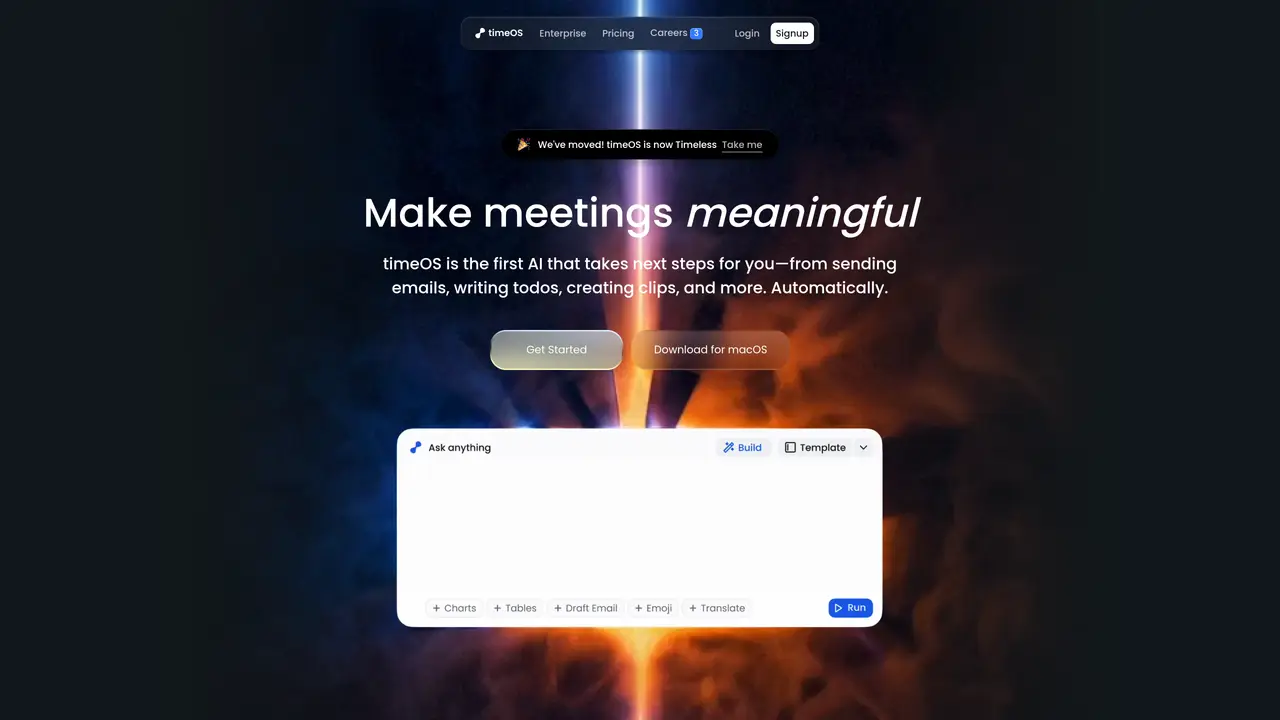
timeOS automates meeting workflows by generating summaries, action items, clips, and follow-up emails directly from conversations. It integrates with tools like Notion and Google Drive to centralize meeting outputs.
The tool is ideal for professionals who frequently organize meetings, such as managers, founders, marketers, and consultants. It helps streamline post-meeting tasks and ensures clarity in follow-ups.
Yes, timeOS provides a free plan with limited AI usage. Additional features and higher usage limits are available through paid plans.
timeOS integrates with productivity tools like Notion, Google Drive, and monday.com. It also works with conferencing platforms and can export data to various apps for workflow synchronization.
timeOS is SOC 2 Type II compliant and encrypts data in transit and at rest. Users can delete their data at any time, and meeting summaries are private by default unless shared explicitly.
Users can start by downloading the browser extension or desktop app, then follow the guided setup to connect their preferred tools and customize workflows. A free plan is available to begin.
magical.so · third-party estimates from Similarweb
Last 4 months · grows by one month every month
Share of visits by channel
No measurable traffic from Paid Referrals.
Share of visits · estimated visits
Automation & Agents · Sep 2026
Traffic figures are third-party estimates, good for scale and trends; they can differ from a company's own numbers. Updated monthly.
We use essential cookies to run aitoolnavio™, and optional cookies to analyze traffic and measure our marketing. You choose what we use — optional cookies stay off unless you turn them on. See our Privacy Policy.
One short email a week: fresh tools worth trying, honest takes and the updates that actually matter. No spam, unsubscribe any time.
Automate job postings, track applicants, and streamline hiring with an intuitive HCM platform for talent acquisition.
Automate workflow, optimize operations, and detect potential issues with this efficient AI-driven solution.
AI automation and agent-building platform with 3,000+ app integrations
Automate email sending, save leads to CRMs, and create complex workflows for customer support tickets.
Open-source workflow automation platform to build, run, and monitor agentic and traditional workflows with 500+ integrations and AI governance.
AI-powered platform streamlining workflows with no-code automation.
With Accio, manufactures/ products/ suppliers/ inspirations will come to you, any time, any where.
Create & deploy AI apps, access real-time insights, and easily build models with an intuitive user interface.
Automate outreach campaigns, create personalized emails with AI, and monitor results with detailed analytics.
AI-powered fleet management platform for trucking, delivery, and field service teams, combining GPS tracking, ELD compliance, dash cams, maintenance, and spend management.
Automate tasks, streamline workflows, and create powerful automation flows effortlessly.
Control your computer and apps from any chat.
Matched on what this tool does — grouped by the job you would be replacing.
Paid placement · similar tools from listings that support aitoolnavio™
Instant lead response for home-service pros: your phone rings on every new lead, plus 14 days of follow-up
matches Manage meeting notes and action items directly in the browser · Sync meeting agendas in real-time · Automate meeting invitations with AI assistance
matches Automate meeting invitations with AI assistance · Intuitive interface for quick scheduling and coordination · Sync with Zoom, Google Meet, and other conferencing tools
Automate transcription, generate summaries, identify speakers, and timestamps for video-conferencing conversations.
AI-powered meeting assistant that records, summarizes, and organizes notes from Zoom, Google Meet, and Teams with seamless workflow integration.
AI meeting note-taker and screen recorder that auto-joins calls, transcribes conversations, and generates searchable summaries and action items.
A desktop AI assistant that captures meeting notes, summarizes context across apps, supports AI writing with memory, and tracks tasks.
Tailor your booking page, sync availability with calendars, set recurring events, and avoid double-booking with reminders.
AI assistant that triages inboxes, drafts replies, schedules meetings, and syncs CRM updates directly in Gmail and Outlook.
Schedule meetings, customize invitations, and sync your schedule with popular calendar and email services.
All-in-one AI productivity platform that automates tasks, schedules meetings, and generates reports from a single app.