Automate job postings, track applicants, and streamline hiring with an intuitive HCM platform for talent acquisition.
32M visits/mo+3.9%#5 Business & Marketing

Automate workflows, enhance productivity, reduce manual tasks with AI-driven automation.
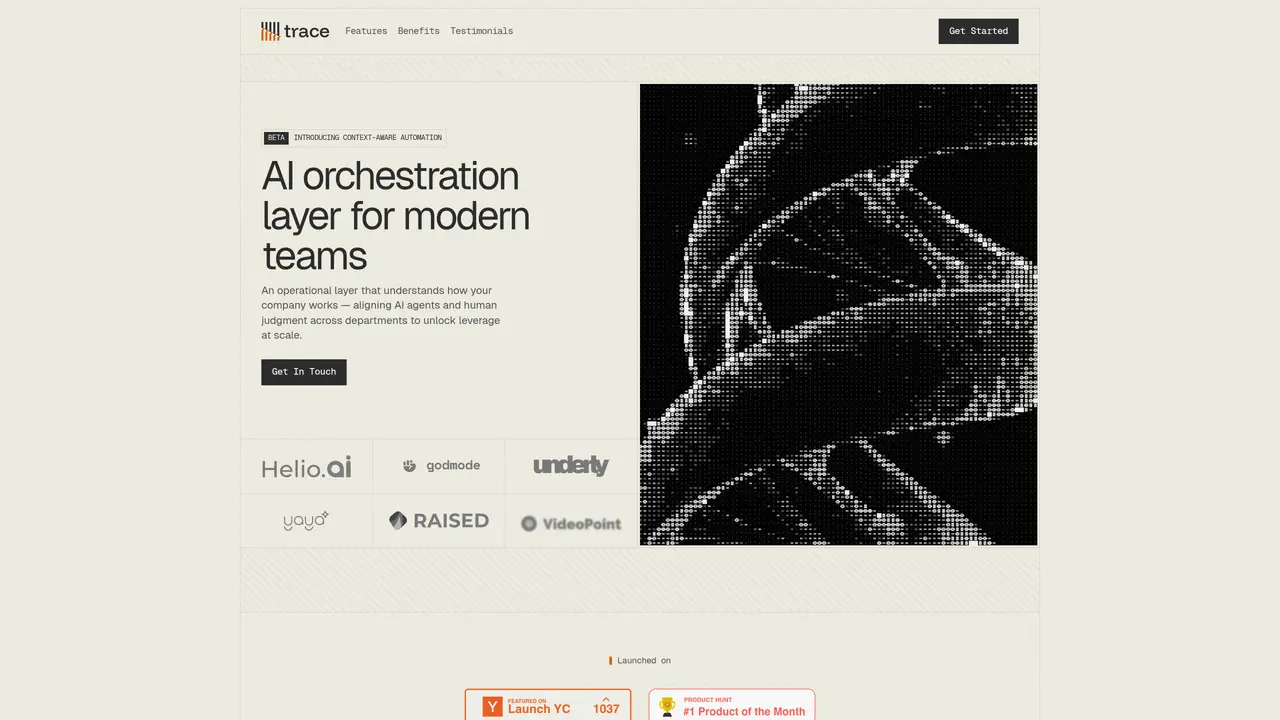
Trace is designed to transform workflow management by integrating AI-driven automation into everyday business operations. It’s crafted to simplify how teams handle repetitive tasks without altering their existing processes. By mapping out workflows and identifying automation opportunities, Trace keeps businesses running with minimal human intervention. Whether it’s brainstorming multi-step workflows or using community-curated templates, Trace provides a platform where automation takes the lead, allowing users to focus on what truly matters. Key Features: Workflow Mapping and Automation: Trace identifies and maps workflows, pinpointing where automation can have the most impact. Community-Curated Templates: Start with ready-made templates to quickly set up effective workflows. AI and Human Agent Routing: Automatically assigns tasks to either human or AI agents, maintaining user control. Prebuilt AI Components: Offers components for tasks like data extraction and scoring, facilitating quick deployment. Pros Time Efficiency: Automates repetitive tasks, saving significant time for users. User Control: Allows users to review and approve automation steps, ensuring governance. Customizable Triggers: Automate workflows with intelligent triggers based on real-time events. Integration Flexibility: Easily connects with popular third-party apps to enhance functionality. Cons Initial Learning Curve: New users may require time to understand the full capabilities of the platform. Integration Limitations: While flexible, some niche apps may not be supported without a request.
Trace is an AI orchestration layer that aligns AI agents and human judgment across departments to automate workflows and tasks. It models how tasks flow between teams, enabling context-aware automation that scales from experimentation to enterprise deployment.
Trace is designed for modern teams and organizations seeking to automate repetitive tasks while maintaining visibility, control, and governance. It suits businesses looking to integrate AI into their operations without disrupting existing processes.
Trace automatically assigns tasks to either AI agents or human reviewers based on predefined rules and thresholds. Users can review and approve automation steps, ensuring governance and control over workflow execution.
Trace connects with popular third-party apps such as Slack, HubSpot, and Google Drive to resolve entities and execute workflows. It uses a knowledge graph to map and integrate data across multiple systems.
Yes, Trace is built for scale and supports workflows across multiple departments and teams without losing structure or visibility. It includes deployment safeguards to maintain control as complexity grows.
Users can start by exploring Trace’s workspaces, workflows, and agents through the platform’s interface. The system provides tools to model workflows, set up automation, and monitor execution with real-time insights.
trace.so · third-party estimates from Similarweb
Last 4 months · grows by one month every month
Share of visits · estimated visits
Automation & Agents · Sep 2026
Traffic figures are third-party estimates, good for scale and trends; they can differ from a company's own numbers. Updated monthly.
We use essential cookies to run aitoolnavio™, and optional cookies to analyze traffic and measure our marketing. You choose what we use — optional cookies stay off unless you turn them on. See our Privacy Policy.
One short email a week: fresh tools worth trying, honest takes and the updates that actually matter. No spam, unsubscribe any time.
Automate job postings, track applicants, and streamline hiring with an intuitive HCM platform for talent acquisition.
Automate workflow, optimize operations, and detect potential issues with this efficient AI-driven solution.
AI automation and agent-building platform with 3,000+ app integrations
Automate email sending, save leads to CRMs, and create complex workflows for customer support tickets.
Open-source workflow automation platform to build, run, and monitor agentic and traditional workflows with 500+ integrations and AI governance.
AI-powered platform streamlining workflows with no-code automation.
With Accio, manufactures/ products/ suppliers/ inspirations will come to you, any time, any where.
Create & deploy AI apps, access real-time insights, and easily build models with an intuitive user interface.
Automate outreach campaigns, create personalized emails with AI, and monitor results with detailed analytics.
AI-powered fleet management platform for trucking, delivery, and field service teams, combining GPS tracking, ELD compliance, dash cams, maintenance, and spend management.
Automate tasks, streamline workflows, and create powerful automation flows effortlessly.
Control your computer and apps from any chat.
Matched on what this tool does — grouped by the job you would be replacing.
Paid placement · similar tools from listings that support aitoolnavio™
Instant lead response for home-service pros: your phone rings on every new lead, plus 14 days of follow-up
matches Workflow mapping and automation · Community-curated templates · Prebuilt AI components
matches AI and human agent routing · AI-driven automation
Streamline workflows with AI-driven, no-code automation capabilities.
No-code workflow automation platform that lets teams visually design, automate, and track business processes with AI-powered templates and integrations.
Automate Shopify workflows across connected apps using plain-English requests and AI-powered logic.
Automate Google Sheets workflows and run AI agents to execute multi-step tasks without coding.
Strawberry automates routine browser tasks, enhancing productivity.
Automate CRM field population, draft personalized follow-up emails, and integrate with popular tools for maximum efficiency.
Build no-code AI agents to automate sales, support, marketing, and creative tasks for small businesses.
Unified AI platform that automates CRM, workflows, and customer interactions in a single workspace.