
Design, distribute, and analyze surveys online or via email with real-time insights using Survey Monkey.
38M visits/mo-3.9%#2 Business & Marketing

Unified analytics platform for connecting data, generating AI-powered insights, and creating interactive reports and dashboards.
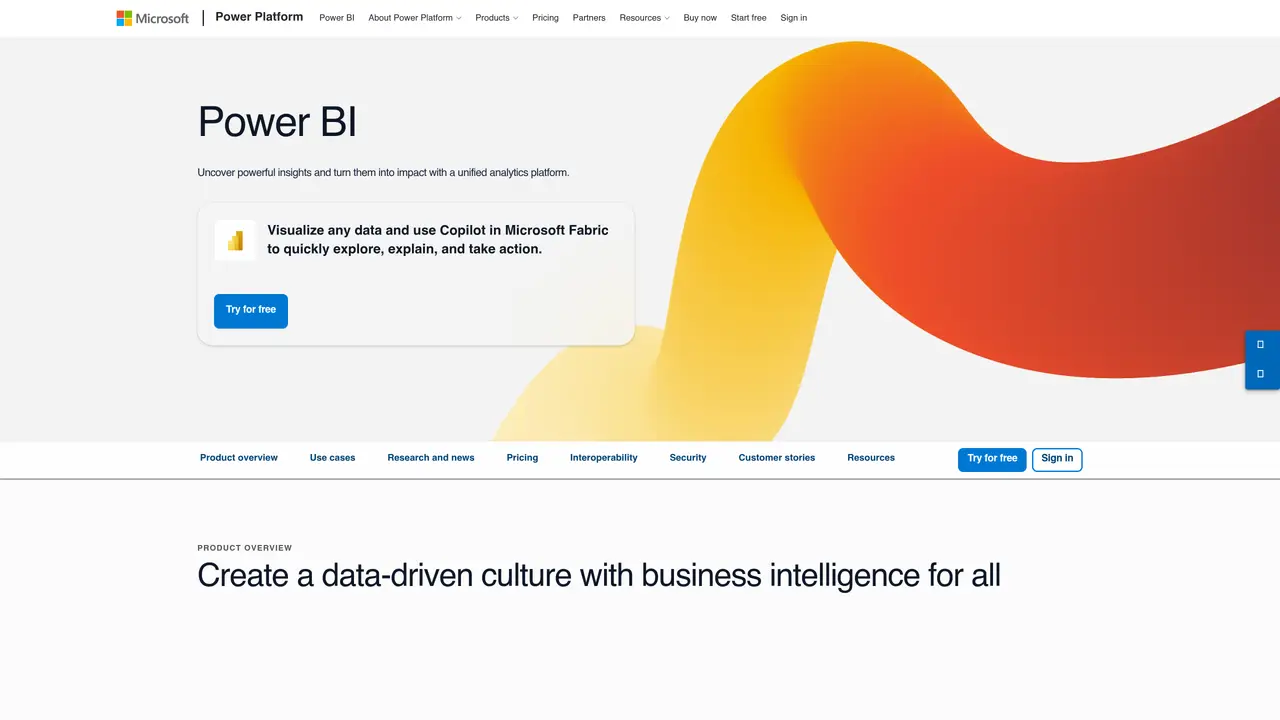
Power BI is a unified analytics platform from Microsoft designed to help organizations transform raw data into actionable insights through interactive visualizations and AI-driven automation. It enables users to connect to any data source, whether cloud-based or on-premises, and consolidate it into a single source of truth using OneLake and Microsoft Fabric. The platform supports both self-service business intelligence for non-technical users and advanced data modeling for professionals, fostering a data-driven culture across organizations of all sizes. AI features like Copilot allow users to generate reports, summaries, and visualizations simply by describing their needs in natural language, reducing manual effort and accelerating insight discovery. Power BI integrates seamlessly with Microsoft 365, Teams, and other enterprise tools, enabling secure sharing and embedding of reports within existing workflows. Governance and security are centralized through consistent policies and trusted semantic models, ensuring data integrity and compliance. The platform scales from individual users to large enterprises, offering flexible licensing and capacity models to optimize costs while delivering governed insights. Typical use cases include executive dashboards, automated reporting, embedded analytics, and unified data management across departments.
Microsoft
Redmond, United States · Founded 1975
Power BI is a business analytics platform that enables users to visualize data, generate insights, and create reports. It is designed for business users, analysts, data professionals, and organizations seeking to make data-driven decisions.
Power BI incorporates AI through Copilot, which allows users to ask questions in natural language and automatically generate reports, visualizations, and summaries. It also provides AI-driven insights and narratives to highlight key trends in data.
Yes, Power BI supports a wide range of data connectors for cloud and on-premises sources, including third-party databases, APIs, and file formats, enabling integration with diverse data ecosystems.
Power BI offers centralized governance through OneLake and Microsoft Fabric, including consistent security policies, data endorsement, dataset search, and access control to ensure trusted and compliant analytics.
Users can start with Power BI Desktop for free to create reports, or sign up for a trial to explore cloud-based features. Microsoft provides guided tours, documentation, and training resources to help new users begin building dashboards and visualizations.
Yes, Power BI offers embedded analytics through Power BI Embedded, allowing organizations to integrate interactive reports into their own applications and brand them as their own.
We use essential cookies to run aitoolnavio™, and optional cookies to analyze traffic and measure our marketing. You choose what we use — optional cookies stay off unless you turn them on. See our Privacy Policy.
One short email a week: fresh tools worth trying, honest takes and the updates that actually matter. No spam, unsubscribe any time.
Design, distribute, and analyze surveys online or via email with real-time insights using Survey Monkey.
Create targeted campaigns, automate email campaigns, and analyze performance for maximum ROI.
Discover keywords, analyze competitors' SEO strategies, and make data-driven decisions for website performance.
Analyze website performance, track competitors' tactics, and access comprehensive analytics and optimization features.
YouTube and Instagram growth toolkit with AI-powered optimization and analytics
Develop, run data jobs, transform datasets, leverage ML algorithms for actionable insights.
Streamline hiring, monitor job performance, and choose flexible pricing plans.
Unified AI-powered platform for real-time monitoring, analytics, and security across cloud infrastructure, applications, and services.
Securely store, analyze, and scale data while enhancing security and performance with encryption and automated backups.
AI-powered customer feedback platform for mid-market businesses to run conversational surveys and extract insights.
Automate review requests, analyze sentiment, and monitor ratings with a streamlined dashboard for improved customer feedback.
Monitor brand performance, create content for social media, and gain insights with deep analytics.
Matched on what this tool does — grouped by the job you would be replacing.
matches Connects to any data source, cloud or on-premises, via built-in connectors · AI-driven Copilot for generating reports, summaries, and visualizations from natural language prompts · Enterprise-grade semantic models for consistent, trusted business logic across reports
Cloud-based business intelligence platform that turns raw data into real-time insights with drag-and-drop dashboards and team collaboration tools.
Uncover insights, search for answers and create interactive reports with AI-powered analytics from any data source.
Real-time business dashboards with interactive charts, automated alerts, and centralized data visualization for tracking KPIs.
Enterprise BI and embedded analytics platform for governed, real-time reporting, dashboards, and data applications on Google Cloud.
matches AI-driven Copilot for generating reports, summaries, and visualizations from natural language prompts · Drag-and-drop report builder with hundreds of pre-built template apps · Interactive visualizations with real-time data updates
Open-source analytics platform to build interactive dashboards, automate data prep, and enforce enterprise-grade security.
A search-driven analytics platform that lets anyone instantly query and analyze business data without waiting for reports or IT.
Unlock AI-driven insights, no-code data exploration for B2B SaaS.