

Automate customer service, track interactions, gather insights for improving customer support performance.
5.2M visits/mo-12.1%#17 Chatbots & Assistants
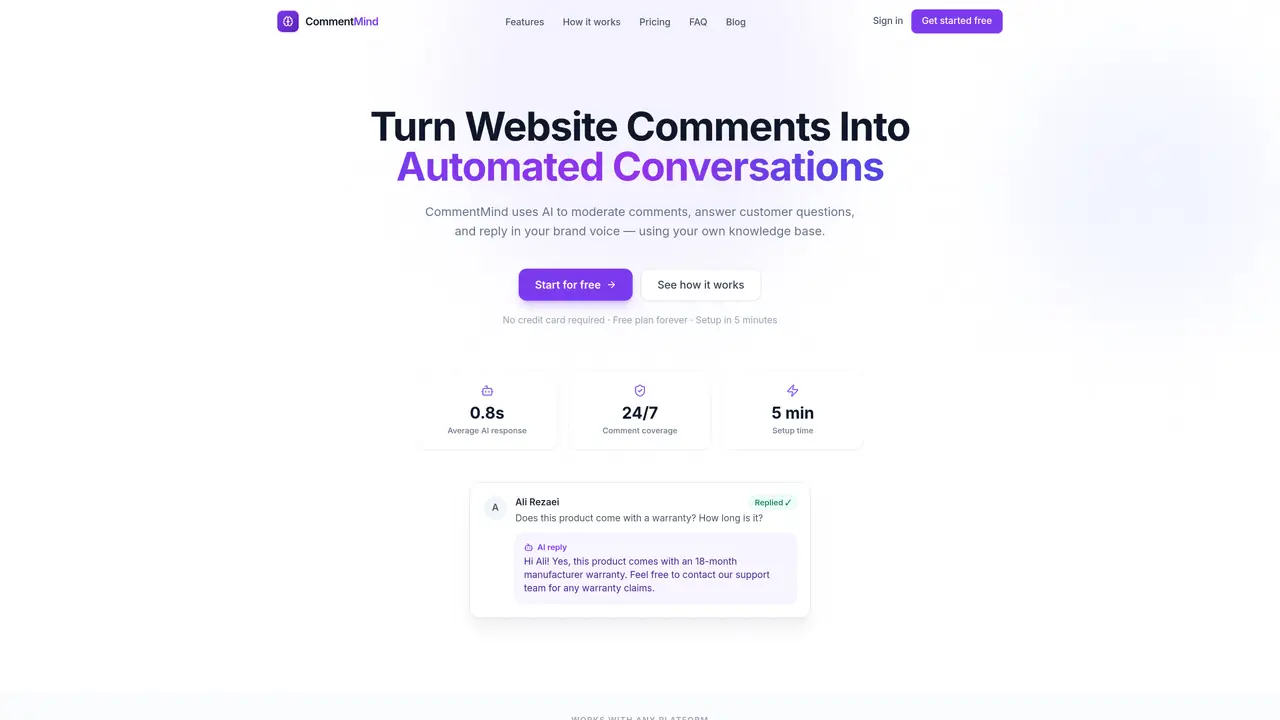
CommentMind automates comment moderation by filtering spam, generating contextual replies in a specified brand voice, and answering customer questions using a custom knowledge base. The tool processes comments asynchronously so visitors experience no delays, while site owners maintain full control over approval settings, spam thresholds, and reply tone. It supports multiple platforms through a universal embed script and offers manual, auto-approve, or auto-reply modes. Users can upload FAQs, policies, or product details to train the AI for accurate responses. The system provides an audit trail for all interactions and integrates with WordPress via a dedicated plugin. Setup requires minimal technical effort, typically completed in under five minutes without developer involvement.
CommentMind automates comment moderation by filtering spam, generating contextual replies in a specified brand voice, and answering customer questions using a custom knowledge base.
It suits solo bloggers, small business owners, growing e-commerce stores, content teams, and agencies managing multiple client sites.
CommentMind offers a free plan with limited features and paid plans with additional capabilities, billed monthly or annually.
It supports WordPress via a dedicated plugin and works with any platform through a universal embed script, including WooCommerce, Shopify, Ghost, Webflow, and custom HTML.
The free plan restricts the number of websites and AI-moderated comments per month, and advanced features like custom reply tones and priority support require a paid plan.
Create an account, add your website domain, build your knowledge base, embed a script tag, and configure settings like spam thresholds and reply tone.
We use essential cookies to run aitoolnavio™, and optional cookies to analyze traffic and measure our marketing. You choose what we use — optional cookies stay off unless you turn them on. See our Privacy Policy.
One short email a week: fresh tools worth trying, honest takes and the updates that actually matter. No spam, unsubscribe any time.
Automate customer service, track interactions, gather insights for improving customer support performance.
Web-based CRM that unifies WhatsApp, Instagram, email, and calls into one inbox for sales teams to manage leads and automate conversations.
Automate support, target customers, gather insights – all with AI-powered tools.
Automate tailored conversations, analyze customer behavior, and automate lead gen, customer service, and sales.
Real-time customer support with personalized service, accessible through a mobile app.
Automate review requests, analyze sentiment, and monitor ratings with a streamlined dashboard for improved customer feedback.
AI-powered lead generation and customer communication platform for local businesses to capture, respond to, and convert leads across text, email, web chat, and calls.
Gorgias is an AI-driven Ecommerce customer experience enhancer that integrates major platforms.
Unify communication channels, automate customer service, track customer inquiries with advanced analytics.
Identify pain points, generate reports, and monitor customer sentiment in real-time.
Automate customer responses, personalize messages, and create an AI-powered chatbot for 24/7 customer service.
Automatically summarize chat transcripts, comprehend key components, and accelerate transcript analysis.
Matched on what this tool does — grouped by the job you would be replacing.
Paid placement · similar tools from listings that support aitoolnavio™
Instant lead response for home-service pros: your phone rings on every new lead, plus 14 days of follow-up
matches AI-generated contextual replies · Spam & toxicity scoring (0-1 scale) · Knowledge base upload (.txt/.md)
matches AI-generated contextual replies · Spam & toxicity scoring (0-1 scale) · Adjustable reply tone (friendly/formal/professional)
AI social engagement platform that auto-replies to comments and DMs for brands, creators, and agencies across Instagram, TikTok, YouTube, and Facebook.
A social media monitoring and analysis platform that helps brands track conversations, manage comments, and analyze sentiment.
Generate custom, multilingual comments for posts effortlessly, with a Chrome extension for enhanced efficiency.
Browser extension that drafts context-aware social media comments using AI and image analysis
AI-generated replies to App Store and Google Play reviews in the reviewer's language
Chrome extension that drafts AI-generated replies to Google Maps, Yelp, and Tripadvisor reviews
Instagram DM automation and comment-to-DM tool for creators