
Automate customer service, track interactions, gather insights for improving customer support performance.
5.2M visits/mo-12.1%#17 Chatbots & Assistants

AI assistant that explains social posts or messages from screenshots and suggests replies
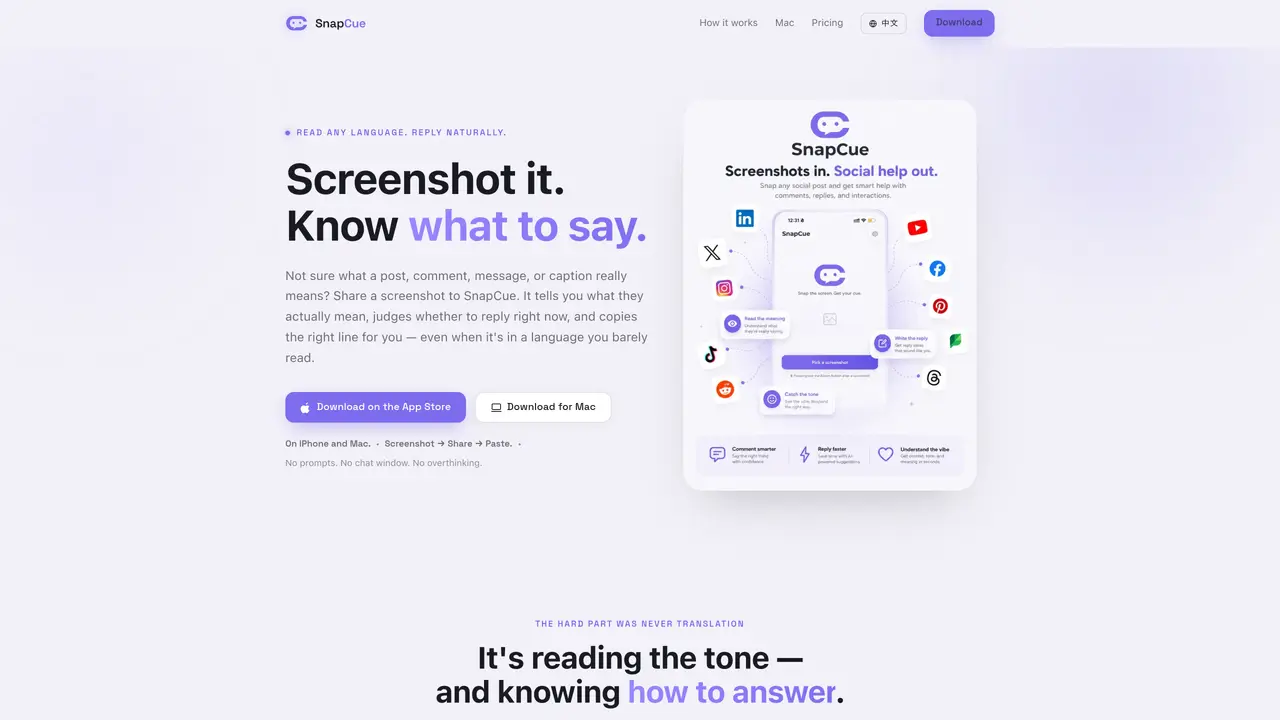
SnapCue is an AI-powered tool that analyzes screenshots of social media posts, comments, messages, or captions to interpret their tone and meaning. It provides a clear explanation of the content, assesses whether a reply is advisable, and generates a natural-sounding response already copied to the clipboard. The tool is designed to handle language barriers by translating and explaining posts in the user’s language while drafting replies in the original language. SnapCue operates through a share sheet or dedicated capture methods on iPhone and Mac, streamlining the process to a single screenshot, share, and paste action. It is intended for users who need quick, context-aware guidance on how to respond in social or professional settings without leaving the app they are using. The service emphasizes privacy by analyzing and deleting screenshots immediately after processing, with no storage or model training involved.
SnapCue analyzes screenshots of social media posts, comments, messages, or captions to interpret their tone and meaning. It provides explanations, assesses whether a reply is advisable, and generates a natural-sounding response copied to the clipboard.
SnapCue is designed for users who need quick, context-aware guidance on how to respond in social or professional settings without leaving the app they are using, including those dealing with language barriers.
SnapCue analyzes and deletes screenshots immediately after processing, with no storage or model training involved. It only uses the shared screenshot for a single analysis and never reads other apps or auto-posts.
SnapCue works on iPhone and Mac, supporting platforms like LinkedIn, X, Instagram, YouTube, WhatsApp, Telegram, and other apps where users may need to interpret or respond to content.
To get started, take a screenshot of the post, comment, or message you are unsure about, then share it to SnapCue via the share sheet or dedicated capture methods. The tool will analyze it and provide guidance.
Yes, SnapCue offers a free version with a limited number of analyses per day to try the tool. A paid version is available for unlimited use, additional tones, and speaking styles.
We use essential cookies to run aitoolnavio™, and optional cookies to analyze traffic and measure our marketing. You choose what we use — optional cookies stay off unless you turn them on. See our Privacy Policy.
One short email a week: fresh tools worth trying, honest takes and the updates that actually matter. No spam, unsubscribe any time.
Automate customer service, track interactions, gather insights for improving customer support performance.
Web-based CRM that unifies WhatsApp, Instagram, email, and calls into one inbox for sales teams to manage leads and automate conversations.
Automate support, target customers, gather insights – all with AI-powered tools.
Automate tailored conversations, analyze customer behavior, and automate lead gen, customer service, and sales.
Real-time customer support with personalized service, accessible through a mobile app.
Automate review requests, analyze sentiment, and monitor ratings with a streamlined dashboard for improved customer feedback.
AI-powered lead generation and customer communication platform for local businesses to capture, respond to, and convert leads across text, email, web chat, and calls.
Gorgias is an AI-driven Ecommerce customer experience enhancer that integrates major platforms.
Unify communication channels, automate customer service, track customer inquiries with advanced analytics.
Identify pain points, generate reports, and monitor customer sentiment in real-time.
Automate customer responses, personalize messages, and create an AI-powered chatbot for 24/7 customer service.
Automatically summarize chat transcripts, comprehend key components, and accelerate transcript analysis.
Matched on what this tool does — grouped by the job you would be replacing.
Paid placement · similar tools from listings that support aitoolnavio™
Instant lead response for home-service pros: your phone rings on every new lead, plus 14 days of follow-up
matches Instant tone and meaning analysis · Risk assessment for public replies · Natural reply generation in original language
matches Screenshot capture from any app or browser · Privacy-first processing with no storage
matches Natural reply generation in original language · Clipboard-ready response copy
AI-powered app that generates text replies from screenshots of conversations
AI-powered WhatsApp inbox assistant that suggests replies for businesses to approve with one click
AI brand manager that plans and drafts social media content in the user’s voice for weekly approval
AI-powered organizer for links, notes and screenshots from any app
AI-powered platform that automatically posts human-like comments on LinkedIn, Twitter, YouTube, and Quora to drive targeted traffic and generate leads 24/7.
Generate tailored content, save time and money on creation, and monitor comments and reviews in real-time.