AI-powered video messaging tool that records, shares, and manages video messages with AI-generated titles, summaries, and tasks.
16M visits/mo-3.4%#5 Chatbots & Assistants

Using Zoom’s unique federated approach to AI, you can expect high-quality results when drafting emails and chat messages, summarizing meetings and chat threads, brainstorming creatively, and much…
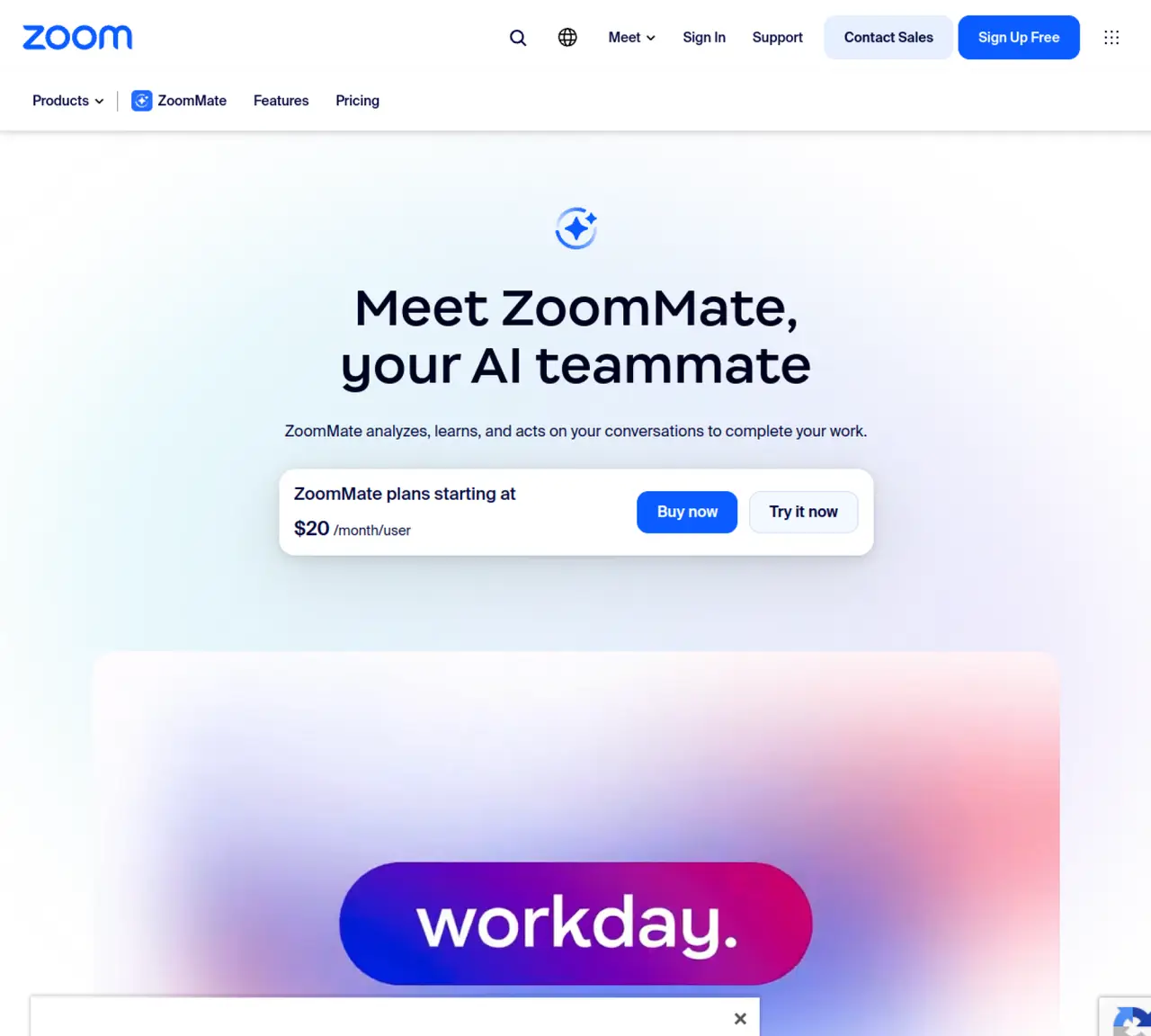
Zoom AI Companion is a tool that uses Zoom’s unique federated approach to AI. It helps users draft emails and chat messages, summarize meetings and chat threads, brainstorm creatively, and more. The tool can be used for various tasks such as rephrasing Team Chat messages, generating summaries of Zoom Meetings with next steps, and generating email responses based on the context of the email thread. Zoom AI Companion is included with Paid Zoom Account and has a freemium pricing model. It is suitable for users who want to improve their productivity and collaboration skills. The tool can be used in various scenarios such as drafting emails, summarizing meetings, and improving collaboration. Users can ask Zoom AI Companion questions about meetings in progress to quickly catch up and get clarity on what they missed without interrupting. The tool also provides feedback on presentation skills on how users engage with meeting participants. It can generate ideas for whiteboards as stickies, tables, or mind maps, refine and categorize existing whiteboard content, and write emails faster with suggested content based on the email conversation context. Zoom AI Companion is a useful tool for anyone looking to improve their productivity and collaboration skills in meetings and online conversations.
Zoom AI Companion, also referred to as ZoomMate, is an AI-powered teammate designed to analyze conversations, automate tasks, and transform discussions into completed work. It integrates with Zoom’s ecosystem to assist with productivity, collaboration, and workflow execution.
Zoom AI Companion is suitable for professionals, teams, and organizations looking to enhance productivity by automating routine tasks, summarizing meetings, and generating actionable insights from conversations. It is particularly useful for users already using Zoom’s communication and collaboration tools.
ZoomMate analyzes conversations and connected apps to find decisions and details, then acts on them by delegating tasks, structuring meeting agendas, generating documents, or sending follow-ups. It uses a memory layer to refine responses over time and can be customized for specific workflows.
Yes, Zoom AI Companion can connect with third-party tools such as Salesforce, Jira, Google Drive, and OneDrive to provide context-aware assistance and automate workflows across multiple platforms.
Zoom AI Companion is available as part of Zoom’s AI services, which may be included with paid Zoom accounts or offered as a separate feature depending on the subscription plan.
To get started, users can access ZoomMate through Zoom’s AI services, customize agents or workflows, and integrate it with their existing tools. It can be used directly in Zoom Chat or through pre-built agents tailored to specific tasks.
We use essential cookies to run aitoolnavio™, and optional cookies to analyze traffic and measure our marketing. You choose what we use — optional cookies stay off unless you turn them on. See our Privacy Policy.
One short email a week: fresh tools worth trying, honest takes and the updates that actually matter. No spam, unsubscribe any time.
AI-powered video messaging tool that records, shares, and manages video messages with AI-generated titles, summaries, and tasks.
Hardware device that records conversations and converts them into searchable transcripts, summaries, and notes.
Automate transcription, generate summaries, identify speakers, and timestamps for video-conferencing conversations.
AI-powered meeting recorder and summarizer that captures, transcribes, and generates actionable insights from conversations.
Automatically record, transcribe, take notes, and create summaries with key insights during meetings.
Transforms audio/video to summarized text, instantly, across platforms.
Automatically transcribe meetings, create summaries, and securely store audio files in a searchable format.
Automatically turn meetings into searchable notes and tasks.
Wearable AI device that captures conversations and meetings, then auto-generates transcripts, summaries, action items, mind maps, and searchable notes.
Record, transcribe, and share key insights from virtual trainings, online meetings, and content creation.
Record, transcribe, and summarize online meetings from Google Meet and Zoom with AI, then share insights across collaboration tools.
Transform audio/video to text with precision, supporting 1500+ platforms, enriched by AI features.
Matched on what this tool does — grouped by the job you would be replacing.
matches Generate summaries of meetings and chat threads · Ask questions about meetings in progress to quickly catch up
Automatically record, transcribe, take notes, and create summaries with key insights during meetings.
AI meeting assistant that captures live notes, suggests responses in real time, and drafts follow-up emails during calls.
Turn meetings into auto-updated tickets, tasks, emails.
Elevate Zoom meetings with AI-driven summaries, task automation, and real-time assistance.
matches Draft chat messages based on conversational context · Write emails faster with suggested content
matches Brainstorm creatively with ideas for whiteboards as stickies, tables, or mind maps · Refine and categorize existing whiteboard content
Generate content, correct spelling, suggest synonyms to enhance writing.
Mac-based AI assistant that watches your screen to provide context-aware help without manual copy-pasting.
Streamlines emails, calendars, and tasks into one interface.
AI-powered tool that automates meeting invitations, syncs agendas, and integrates with conferencing platforms like Zoom and Google Meet.
Visual collaboration platform for creating diagrams, mind maps, wireframes, and workflows with real-time teamwork.
All-in-one collaborative workspace combining docs, tables, automations, and AI for managing projects, meetings, and workflows.