Discover personalized fashion, receive expert advice, and enjoy convenient shopping with free shipping and returns.
6.8M visits/mo+15.2%#5 Lifestyle & Education

Text manipulation with simple commands, from summarization to translation, and instant AI-powered responses in any text field.
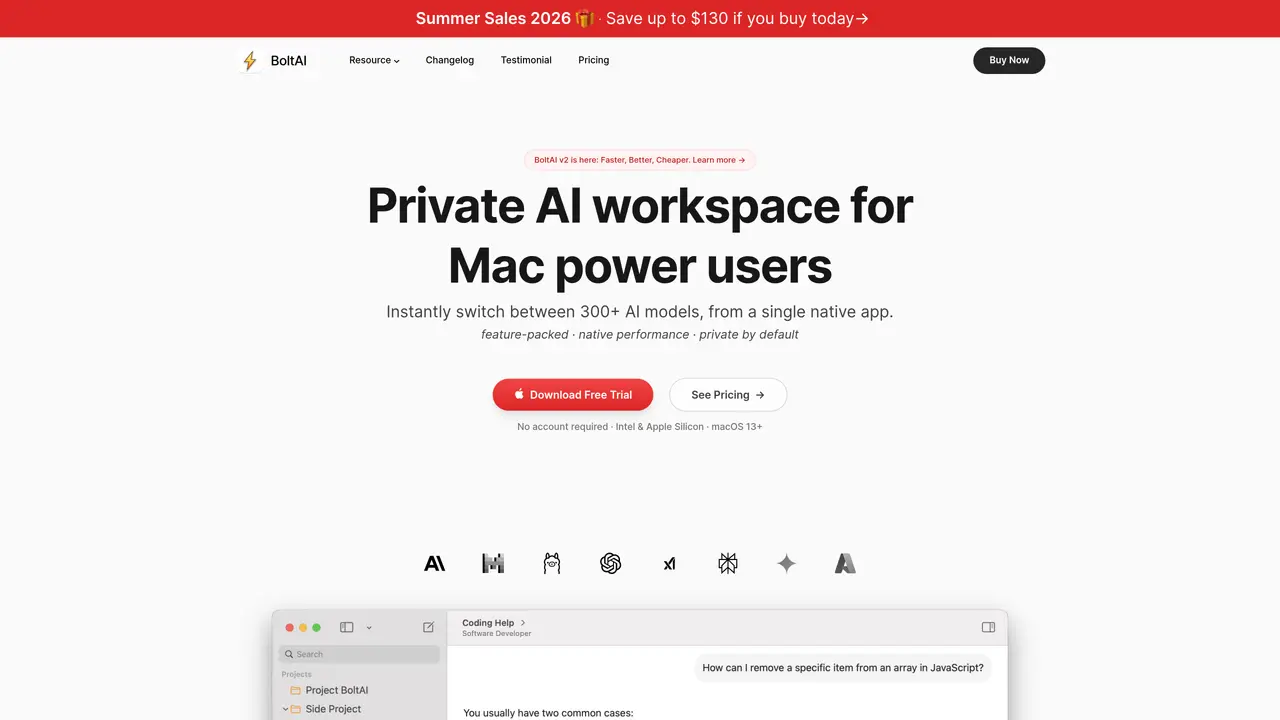
BoltAI is a native macOS application that integrates ChatGPT directly into any Mac app, eliminating the need to switch between windows or copy-paste text. Users can access its features through three methods: selecting text and pressing Control + Space to open a command menu, typing /gpt followed by a prompt within any text field, or utilizing the AI Assistant for more advanced interactions. The tool enables instant text summarization, translation, and AI-powered responses directly within supported applications, streamlining workflows for tasks like drafting emails, refining documents, or generating ideas. BoltAI is designed for users who frequently rely on AI assistance in their daily tasks and prefer a seamless, context-aware experience without disrupting their workflow. It supports a wide range of Mac applications, including browsers, email clients, and productivity suites, ensuring versatility across different use cases. The app emphasizes ease of use, with no complex setup required, making it accessible to both beginners and experienced users. By embedding AI capabilities natively, BoltAI reduces friction in accessing advanced language models, enhancing productivity for professionals, students, and creatives alike.
BoltAI is a native macOS application that integrates AI capabilities directly into any Mac app, allowing users to access and interact with various AI models without leaving their workflow. It supports over 300 AI models from providers like OpenAI, Anthropic, Google, Mistral, and local models, enabling tasks such as text summarization, translation, code analysis, and multimodal processing.
BoltAI is designed for Mac power users, professionals, and teams who need seamless AI integration into their daily workflows. It caters to users who require advanced AI tools, structured workflows, and fine-grained control over AI model behavior, as well as those who prioritize privacy and local processing.
BoltAI allows users to instantly switch between over 300 AI models from multiple providers, including OpenAI, Anthropic, Google, Mistral, Azure, and local models like Ollama. Users can manage these models within a unified workspace, adjusting settings such as temperature, token limits, and system instructions for precise control.
Yes, BoltAI supports running powerful local AI models via Ollama and LM Studio, enabling fast, private responses without per-token costs. This feature is ideal for users who prioritize privacy and want to avoid cloud-based dependencies.
BoltAI prioritizes privacy by storing chats locally and never using them for model training. API keys can be encrypted with a passphrase, ensuring that user data remains secure and under their control. The application is designed to keep work private and fully managed by the user.
Users can download BoltAI for free and try it without creating an account. The application offers a free trial, and installation is straightforward on macOS 13 or later. Once installed, users can access AI features via a global shortcut, enabling instant interaction with AI models in any text field or application.
boltai.app · third-party estimates from Similarweb
Traffic figures are third-party estimates, good for scale and trends; they can differ from a company's own numbers. Updated monthly.
We use essential cookies to run aitoolnavio™, and optional cookies to analyze traffic and measure our marketing. You choose what we use — optional cookies stay off unless you turn them on. See our Privacy Policy.
One short email a week: fresh tools worth trying, honest takes and the updates that actually matter. No spam, unsubscribe any time.
Discover personalized fashion, receive expert advice, and enjoy convenient shopping with free shipping and returns.
Personal assistant that coordinates tasks across apps and devices via text or call
Quickly narrow searches by category, control results by country or language, and find relevant, accurate results with ease.
Optimizes schedules by auto-organizing tasks and meetings.
AI assistant that drafts, reviews, and researches legal documents for lawyers and law firms.
Real-time task tracking, project management, collaboration, and task assignment.
An AI voice assistant that delivers emotionally intelligent, context-aware conversations with natural timing and personal engagement.
Identify technologies, analyze data, and refine search criteria with AI-powered tools for patent research and trend analysis.
Automate audio and video transcription, timestamps, speaker labels, diarization, and export with customizations.
An AI chat platform for immersive, personalized interactions with virtual companions, including image generation.
Customer relations assistant in Gmail
AI-driven app personalizing adaptive workouts for continuous improvement.
Matched on what this tool does — grouped by the job you would be replacing.
matches Text summarization · Translation
Quickly and accurately translate documents with unparalleled precision and confidence for business, legal, and academic purposes.
Summarizes, extracts, and rewrites content from files.
AI-powered writing tool for paraphrasing, summarizing, and enhancing writing effortlessly.
AI-powered PDF editor with built-in agents for summarization, translation, and document analysis.
matches Instant AI-powered responses · Access to ChatGPT in any Mac app · Native macOS app
A macOS AI writing assistant that proofreads, rewrites, summarizes, and drafts emails and Slack replies with cross-app integration and PDF/image chat.
Native macOS client for ChatGPT with inline mode, privacy focus, and multi-provider support.
Free macOS menubar app that captures screenshots and queries GPT-4o/GPT-4 Vision for instant visual analysis and code help.
A macOS AI assistant that automates Finder, Mail, Calendar, Notes, and Safari workflows using conversational commands with encrypted privacy controls.