Discover personalized fashion, receive expert advice, and enjoy convenient shopping with free shipping and returns.
6.8M visits/mo+15.2%#5 Lifestyle & Education

Mac application that connects to a user’s ChatGPT Dot to create custom AI roles
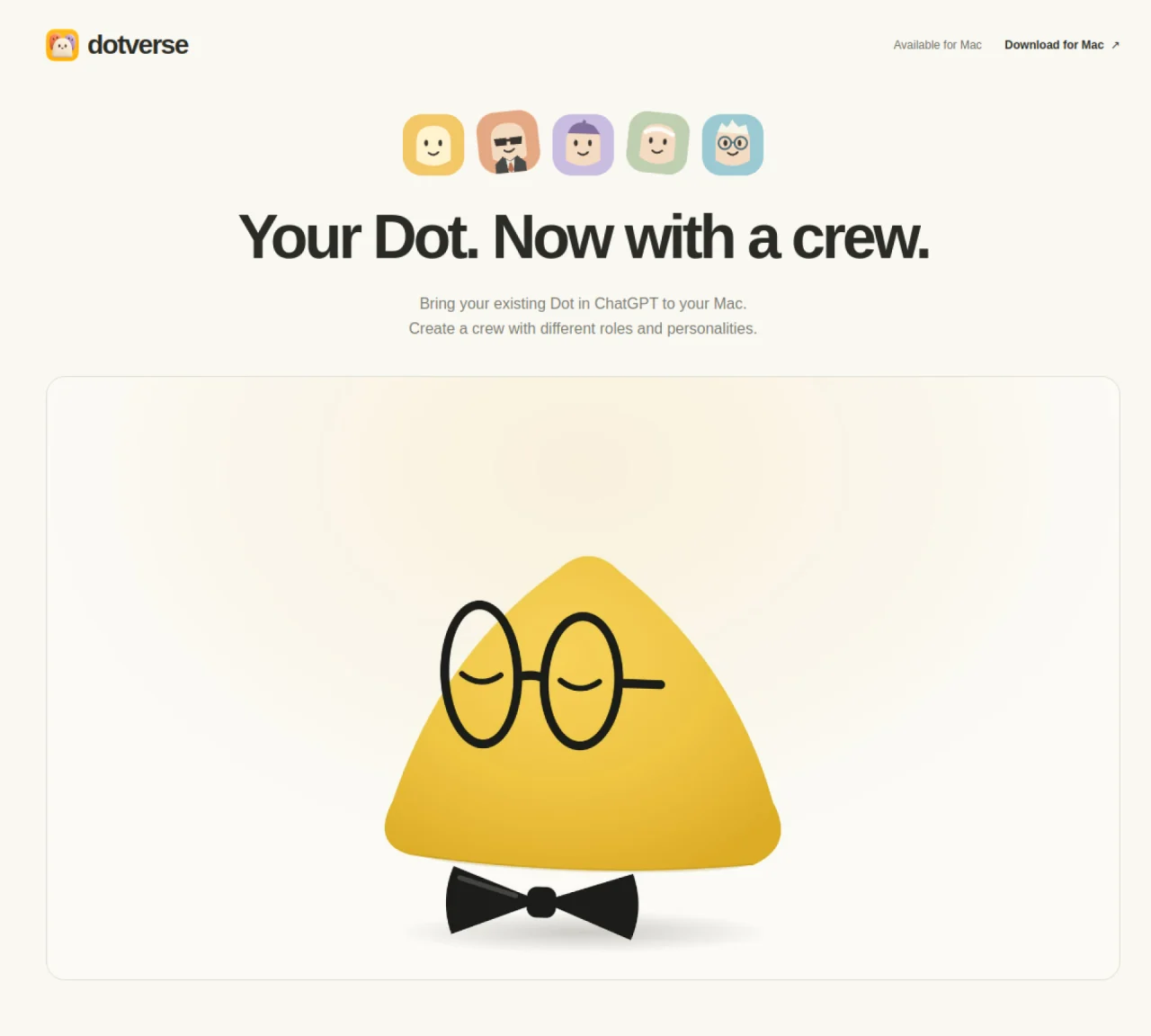
Dotverse is a desktop application for Apple Silicon Macs running macOS 14 or later that connects to an existing Dot in ChatGPT. It allows users to create multiple custom Dots, each with distinct roles and personalities, to assist with different tasks. The application integrates with the user’s existing Dot, sharing its memory and capabilities while presenting separate conversation views for each custom Dot. Users can create Dots tailored for writing, editing, planning, learning, or other purposes, with each role defined by its own instructions and tone. Conversations and drafts are stored locally in encrypted form on the Mac, while messages are also sent to the connected Dot service. The app runs requests sequentially and requires an active internet connection to function. Installation is completed by downloading a DMG file, dragging the app to Applications, and signing in with an existing Dot account.
Dotverse is a desktop application for Apple Silicon Macs running macOS 14 or later that connects to an existing Dot in ChatGPT. It allows users to create multiple custom Dots, each with distinct roles and personalities, to assist with different tasks such as writing, editing, planning, or learning.
Dotverse is designed for users who already have a Dot in ChatGPT and want to create a personalized crew of AI assistants tailored to specific tasks. It is particularly useful for individuals who prefer a desktop application on their Mac for managing conversations and drafts.
Yes, Dotverse requires an active internet connection to function as it sends messages to the connected Dot service and relies on the Dot's capabilities and memory.
To install Dotverse, download the DMG file from the website, drag the app into the Applications folder, and open it. Then sign in to your existing Dot account to start using the application.
Yes, custom Dots share the same underlying Dot and its memory, allowing them to leverage the same knowledge and capabilities while maintaining distinct roles and personalities.
Dotverse stores encrypted copies of conversations and drafts locally on your Mac. Messages are also sent to the connected Dot service, and clearing local history does not affect the Dot's own conversations or memory.
We use essential cookies to run aitoolnavio™, and optional cookies to analyze traffic and measure our marketing. You choose what we use — optional cookies stay off unless you turn them on. See our Privacy Policy.
One short email a week: fresh tools worth trying, honest takes and the updates that actually matter. No spam, unsubscribe any time.
Discover personalized fashion, receive expert advice, and enjoy convenient shopping with free shipping and returns.
Personal assistant that coordinates tasks across apps and devices via text or call
Quickly narrow searches by category, control results by country or language, and find relevant, accurate results with ease.
Optimizes schedules by auto-organizing tasks and meetings.
AI assistant that drafts, reviews, and researches legal documents for lawyers and law firms.
Real-time task tracking, project management, collaboration, and task assignment.
An AI voice assistant that delivers emotionally intelligent, context-aware conversations with natural timing and personal engagement.
Identify technologies, analyze data, and refine search criteria with AI-powered tools for patent research and trend analysis.
Automate audio and video transcription, timestamps, speaker labels, diarization, and export with customizations.
An AI chat platform for immersive, personalized interactions with virtual companions, including image generation.
Customer relations assistant in Gmail
AI-driven app personalizing adaptive workouts for continuous improvement.
Matched on what this tool does — grouped by the job you would be replacing.
matches Custom Dot creation with defined roles and personalities · Shared memory with the base Dot in ChatGPT · Separate conversation views for each custom Dot
An AI chat platform for roleplaying, storytelling, and learning by chatting with millions of user-created AI characters.
Chat with ChatGPT, generate summaries, check grammar, customize length, and store prompts.
matches Mac application with DMG installation · Encrypted local storage for conversations and drafts · Version updates via Settings or app menu
Create AI models on Mac, have natural conversations, and gain real-time insights.
Runs private AI models entirely on a user’s Mac without cloud dependency
Mac app for private, offline voice typing and text-to-speech using Apple Silicon with 31 languages and 64 voices.
Free, open-source macOS app that transcribes speech to text offline with optional on-device AI polishing.