

Collaboration and version control platform for software development and AI model hosting.
746M visits/mo+15.5%#1 Coding & Development
Be the first member to say you use it
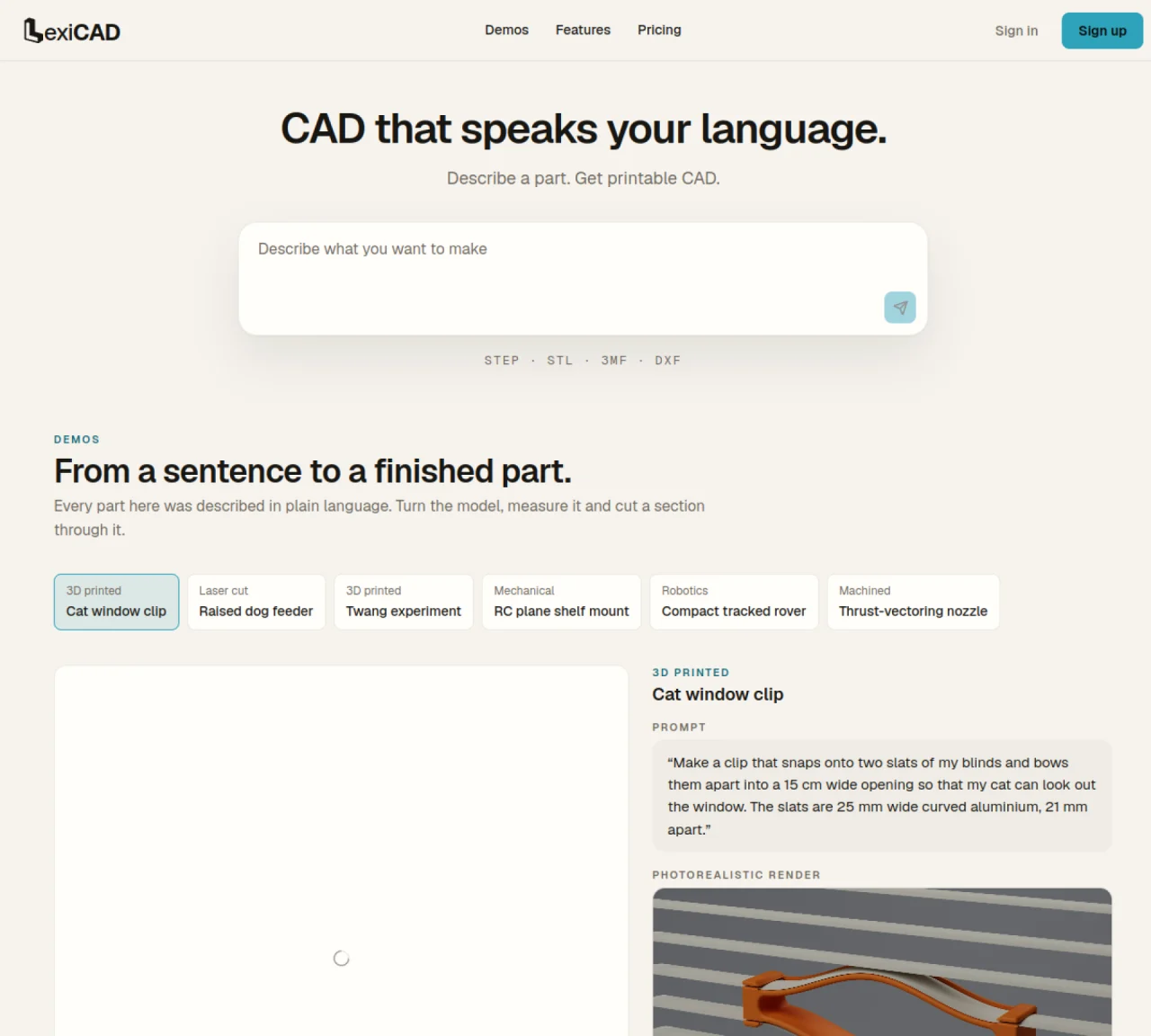
LexiCAD converts natural-language prompts into editable CAD files and manufacturing-ready outputs. The system uses an agent that iteratively refines a design, asking clarifying questions, checking geometry against specifications, and verifying manufacturability. Users describe parts in plain terms, including dimensions, fits, and standards, and receive STEP, STL, 3MF, DXF, SVG, PDF, or G-code files. The tool handles mechanical parts, assemblies, threads, gears, laser-cut layouts, and technical drawings. It performs load-path analysis, quantizes wall thickness, and optimizes orientation for printing or cutting. Users can measure, section, explode, or edit models parametrically, and revert to any prior version. Outputs include photorealistic renders and animations, while inputs can be sketches, photos, existing models, or text instructions.
LexiCAD excels at creating mechanical parts like brackets, enclosures, and fixtures, as well as whole assemblies such as gearboxes and mechanisms. It is also suitable for designing robots with motors and bearings, threads, gears, laser-cut objects, and technical drawings. The tool is not ideal for highly artistic or organic shapes that require sculpting rather than engineering precision.
LexiCAD builds parts to the exact dimensions specified, ensuring real units and flat faces. For example, if a user specifies 45 mm, the part will measure exactly 45 mm. The tool prioritizes manufacturability and precision in its outputs.
Users receive editable CAD files in STEP format, which can be opened and modified in other CAD tools. Additionally, LexiCAD allows parametric edits within the platform, enabling users to change design parameters and rebuild the model without starting from scratch.
Unlike general AI assistants, LexiCAD is purpose-built for generating manufacturable parts. It checks its own work rigorously, ensuring designs meet specifications, avoid fragility, and are optimized for production. It also provides tools like version history, 3D measurement, and sectioning that general AI assistants lack.
LexiCAD exports designs in multiple formats, including STEP, STL, 3MF, DXF, SVG, PDF, and G-code. These formats cater to 3D printing, laser cutting, technical drawings, and manufacturing workflows.
Yes, LexiCAD can generate designs from sketches, photos, drawings, or existing models. Users can also provide text instructions or reference standard parts to incorporate into their designs.
We use essential cookies to run aitoolnavio™, and optional cookies to analyze traffic and measure our marketing. You choose what we use — optional cookies stay off unless you turn them on. See our Privacy Policy.
One short email a week: fresh tools worth trying, honest takes and the updates that actually matter. No spam, unsubscribe any time.
Collaboration and version control platform for software development and AI model hosting.
Scales efficient language processing with open-source accessibility.
Tesla’s AI stack powers Full Self-Driving, Optimus humanoid robots, and real-world autonomy with neural networks, custom hardware, and Dojo-scale training.
AI-powered website builder that generates a professional site in under a minute and includes tools for content, SEO, and analytics.
Integrates AI into Airtable to analyze data, summarize insights, draft content, and automate workflows without prior AI experience.
Meta's free AI assistant for chat, answers and image generation, built into WhatsApp, Instagram, Facebook and the web.
Unified platform to access and switch between hundreds of AI models like ChatGPT, Claude, and Gemini via a single API.
xAI builds Grok frontier AI models for reasoning, coding, voice, images, video, enterprise workflows, and developer APIs.
Crowdsourced platform for blind, side-by-side AI model comparisons with a public leaderboard.
Independent benchmarks comparing AI models on quality, speed, and cost across multiple capabilities.
Chat, build, and explore with open AI models.
Customize, deploy, and control AI models securely.
Matched on what this tool does — grouped by the job you would be replacing.
matches Plain-language prompt input · Automated manufacturability analysis · Load-path and wall-thickness optimization
Generate parametric 3D CAD models from plain English prompts to accelerate engineering design workflows with AI.
Turns text descriptions and reference images into parametric 3D CAD models with AI-generated geometry code and iterative verification.
Generates structured parametric CAD models from text prompts or reference images
Converts plain-language robot descriptions into engineering-ready files
matches Photorealistic renders and animations · Laser-cut layout and nesting
AI-powered tool that converts 3D models into photorealistic renders using text-based editing for instant design changes.
AI rendering platform that converts 3D model screenshots into photorealistic architectural images in seconds.
AI rendering platform that converts CAD files and sketches into photorealistic architectural visuals in minutes.
AI architecture design tool that generates 3D building models and photorealistic renderings from basic requirements with parametric compliance controls.