Scales efficient language processing with open-source accessibility.
357M visits/mo+1%#2 Coding & Development

RunComfy lets artists and hobbyists run ComfyUI workflows in the cloud without local setup, using on-demand GPUs and optional autoscaling serverless endpoints.
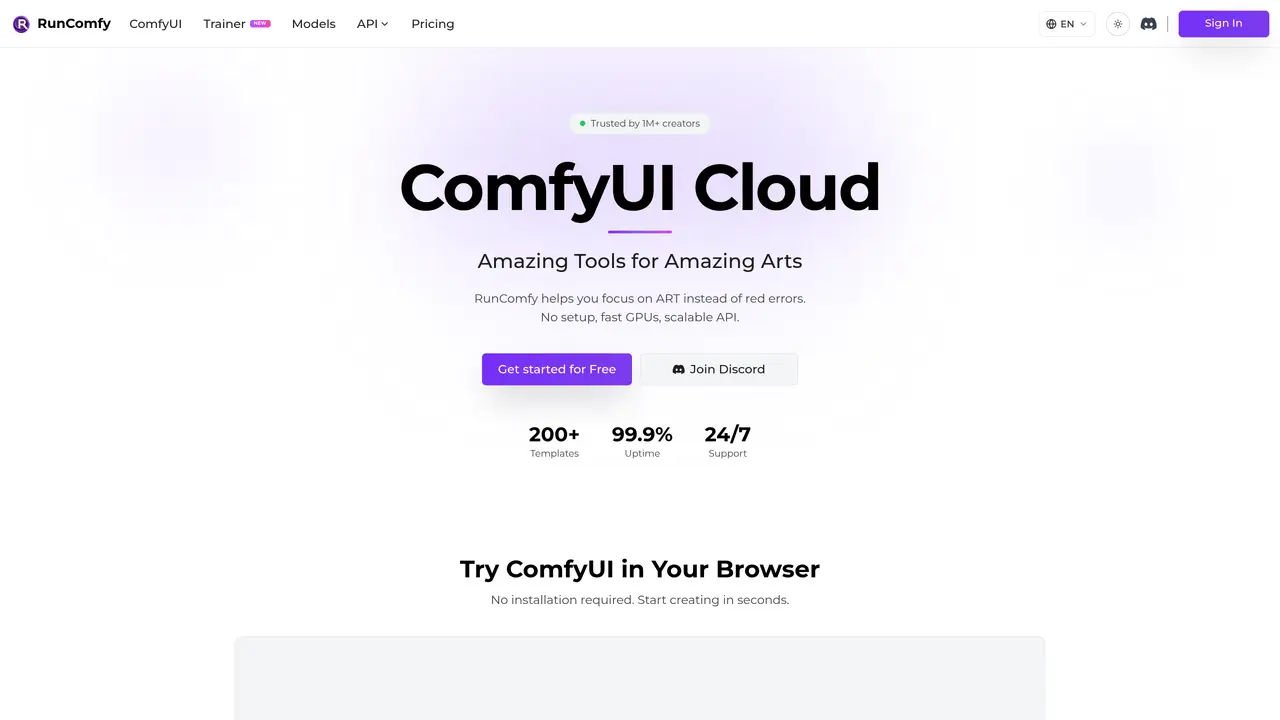
RunComfy is a web and API platform designed for artists and hobbyists to execute ComfyUI workflows entirely in the cloud, eliminating the need for local installation or hardware setup. Users can launch browser-based ComfyUI sessions with a pre-configured environment and access over 200 ready-to-run templates for common image and video workflows. The platform supports workflow management with reproducible environments, where saved workflows capture the workflow JSON alongside the underlying OS, Python setup, nodes, and models. It also enables downloading models from sources like Civitai and Hugging Face, persisting models across sessions, and installing nodes via ComfyUI-Manager. For production use, users can deploy saved workflows as serverless ComfyUI API endpoints that autoscale with demand, with options ranging from basic non-autoscaling APIs to fully managed endpoints. Billing follows a pay-as-you-go model based on instance uptime, with tiered hourly rates and discounts available through a Pro subscription. The platform is notable for offering an unmodified ComfyUI experience while providing cloud-saved, shareable workflow environments that maintain consistency across local and cloud setups.
ComfyUI is a powerful and versatile graphical user interface for Stable Diffusion and other AI models, featuring a node-based graph system for designing intricate image and video workflows. It supports models such as SD1.x, SD2, SDXL, SD3, SD3.5, Flux.1, AnimateDiff, controlnet, and Stable Video Diffusion.
Installing ComfyUI locally can be complex and requires a powerful GPU. RunComfy provides a fully configured cloud environment with 200+ ready-to-run workflow templates, allowing users to start creating immediately without technical setup.
RunComfy offers an unmodified ComfyUI experience, enabling seamless transitions between local and cloud environments. It handles dependencies, custom nodes, and model downloads automatically, allowing users to focus solely on creativity.
Yes, RunComfy allows users to deploy saved workflows as serverless ComfyUI API endpoints with a single click. These endpoints autoscale with demand and can be called from anywhere, scaling to zero when idle.
RunComfy enables users to download models directly from Civitai, Hugging Face, and Google Drive, persisting them across sessions. This process is significantly faster than local uploads and integrates smoothly with workflows.
RunComfy provides multiple on-demand GPU machines with VRAM ranging from 16GB to 141GB, catering to models of all sizes. Users can select the appropriate GPU configuration based on their workflow requirements.
runcomfy.com · third-party estimates from Similarweb
Last 4 months · grows by one month every month
Share of visits · estimated visits
Other countries: 62.7%
How people reach this site from other AI tools
6.7K a month · 1.7% of all visits
Coding & Development · Sep 2026
Traffic figures are third-party estimates, good for scale and trends; they can differ from a company's own numbers. Updated monthly.
We use essential cookies to run aitoolnavio™, and optional cookies to analyze traffic and measure our marketing. You choose what we use — optional cookies stay off unless you turn them on. See our Privacy Policy.
One short email a week: fresh tools worth trying, honest takes and the updates that actually matter. No spam, unsubscribe any time.
Scales efficient language processing with open-source accessibility.
Collaboration and version control platform for software development and AI model hosting.
Tesla’s AI stack powers Full Self-Driving, Optimus humanoid robots, and real-world autonomy with neural networks, custom hardware, and Dojo-scale training.
Integrates AI into Airtable to analyze data, summarize insights, draft content, and automate workflows without prior AI experience.
AI-powered website builder that generates a professional site in under a minute and includes tools for content, SEO, and analytics.
Unified platform to access and switch between hundreds of AI models like ChatGPT, Claude, and Gemini via a single API.
xAI builds Grok frontier AI models for reasoning, coding, voice, images, video, enterprise workflows, and developer APIs.
Meta AI enhances machine learning, NLP, and computer vision capabilities.
Crowdsourced platform for blind, side-by-side AI model comparisons with a public leaderboard.
Customize, deploy, and control AI models securely.
Independent benchmarks comparing AI models on quality, speed, and cost across multiple capabilities.
Chat, build, and explore with open AI models.
Matched on what this tool does — grouped by the job you would be replacing.
matches Browser-based ComfyUI sessions with pre-configured environments · Workflow management with reproducible environments · Cloud-saved workflows that maintain consistency across setups
Professional visual AI engine for node-based image, video, 3D, audio and generative workflows with full control over models and outputs.
Rents high-performance GPU pods on demand with hourly billing
Create high-quality AI art in your browser using Stable Diffusion, a cloud-based tool.
matches Serverless API endpoints for production deployment with autoscaling · Pay-as-you-go GPU billing with tiered hourly rates · Model and node support via Civitai, Hugging Face, and ComfyUI-Manager
matches On-demand GPU machines without local hardware requirements · Hourly billing with per-GPU pricing
Novita AI offers 200+ model APIs, custom deployment, GPU instances, and serverless GPUs to scale AI workloads efficiently.
Serverless AI infrastructure for deploying and autoscaling GPU-backed model APIs with low cold starts and multi-region support.
A serverless AI inference platform for running 100+ production-ready image, video, and speech models via Python, JavaScript, or REST APIs.
Cloud platform for developing, training, and scaling AI models with a serverless GPU environment.
Rent GPU computing resources for running AI models at a low cost.