AI-powered website builder that generates a professional site in under a minute and includes tools for content, SEO, and analytics.
52M visits/mo+0.7%#4 Coding & Development
Manage multiple Claude Code accounts on one machine with isolated identities and shared project data
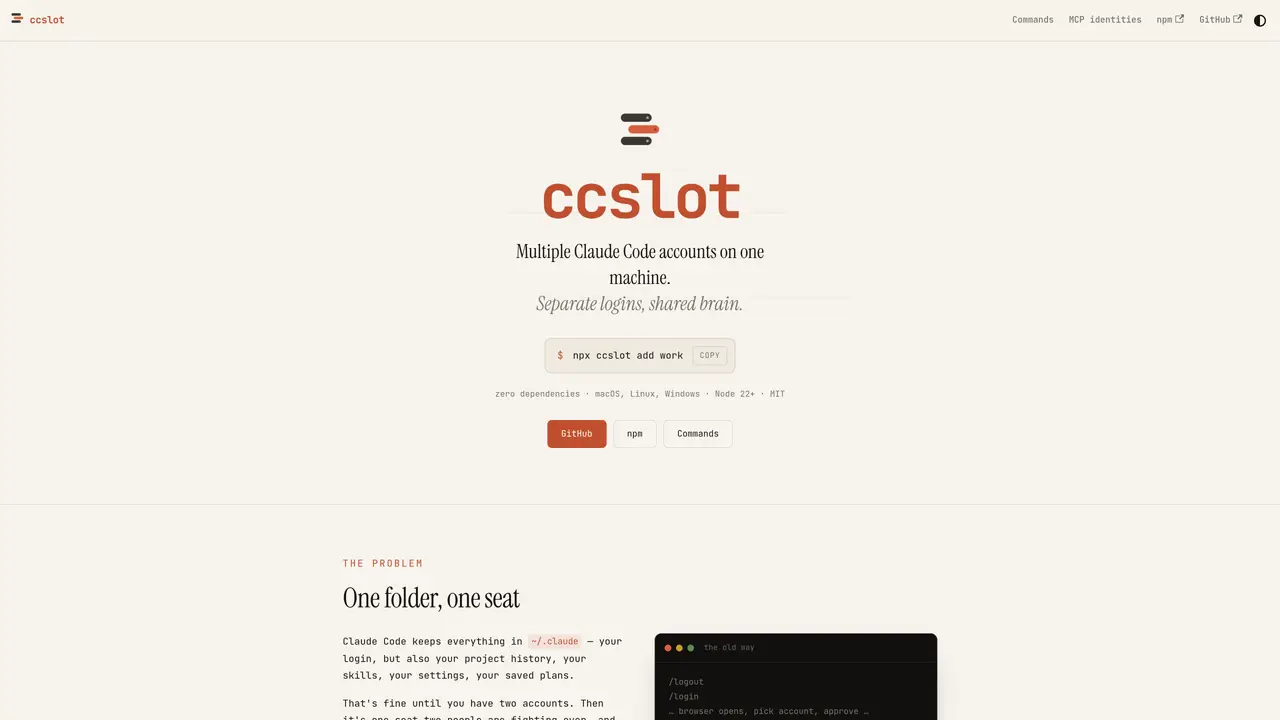
ccslot enables running multiple separate Claude Code accounts on a single machine by creating isolated configuration directories for each account while sharing project history, skills, plans, and settings. Each account maintains its own login credentials and MCP server authorizations, preventing conflicts when switching between identities. The tool works by setting the CLAUDE_CONFIG_DIR environment variable to a custom directory for each account, then symlinking shared resources back to the original location. This allows users to resume conversations started under one account from another, as the project history remains accessible across identities. ccslot provides commands to create, list, view, delete, and switch between these isolated accounts, with shell aliases generated for convenience. It does not bundle Claude Code itself but manages its configuration directories, requiring the official CLI to be installed separately.
ccslot enables running multiple separate Claude Code accounts on a single machine by creating isolated configuration directories for each account while sharing project history, skills, plans, and settings. It manages login credentials and MCP server authorizations separately for each account.
ccslot is designed for users who need to manage multiple Claude Code accounts on one machine, such as contractors working with multiple organizations, individuals handling both personal and professional tasks, or anyone requiring separate identities for different projects.
No, ccslot does not bundle Claude Code. It only manages the configuration directories for Claude Code and requires the official CLI to be installed separately.
ccslot can be installed via npm using the command `npx ccslot` or globally with `npm install -g ccslot`. It requires Node.js 22+ and works on macOS, Linux, and Windows.
Yes, ccslot allows you to resume conversations started under one account from another, as the project history remains shared across identities. The `/resume` command enables this functionality.
Each account maintains its own MCP server authorizations, so you do not need to re-authorize when switching between identities. This is useful for contractors or users managing multiple organizations.
We use essential cookies to run aitoolnavio™, and optional cookies to analyze traffic and measure our marketing. You choose what we use — optional cookies stay off unless you turn them on. See our Privacy Policy.
One short email a week: fresh tools worth trying, honest takes and the updates that actually matter. No spam, unsubscribe any time.
AI-powered website builder that generates a professional site in under a minute and includes tools for content, SEO, and analytics.
AI-powered coding platform that uses agents to plan, write, and test software with real-time feedback and verifiable artifacts.
Automate code, research, and documents using agents.
AI-powered code assistant that generates, reviews, optimizes, and debugs code with natural language prompts and editor integrations.
AI assistant for safe, reliable productivity with code, collaboration, and integrations.
AI-powered IDE for autonomous coding tasks and agentic development workflows
Privacy-focused AI chatbot that generates uncensored text, code, images, and translations without storing conversations or requiring an account.
A free web-based AI chatbot and agent for writing, coding, research, and content creation with multilingual support.
Write & run code in 50+ languages, auto-complete with AI, and code faster with an intuitive interface.
An IDE that automates legacy-to-modern code migration using autonomous coding agents.
AI models that return typed decisions with calibrated confidence for software automation
Practice coding challenges, improve technical skills, get detailed explanations, compare performance with peers.
Matched on what this tool does — grouped by the job you would be replacing.
matches Create isolated config directories per account · Share projects, skills, plans, and settings across accounts · Resume conversations from one account in another
Centralizes and visualizes AI coding tool configurations, provider keys, and model routing for developers and teams.
A macOS workspace for running and managing parallel AI coding agents with isolated shells and automatic git worktrees.
Native desktop cockpit to run and coordinate multiple AI coding agents on a local machine
Local AI coding agent manager that turns tickets into isolated worktrees and pull requests
matches Share projects, skills, plans, and settings across accounts · Single shared project for team agents · Decision and task board visible to all agents
matches Share projects, skills, plans, and settings across accounts · Automatic memory capture during work sessions · Cross-tool memory synchronization
Shared workspace for teams of AI coding agents
Local coding agent coordination workspace for macOS
Centralized private memory for AI projects to maintain continuity across different assistants
Shared AI memory layer that syncs context across multiple AI tools automatically
Shared memory for coding agents to retain team knowledge across sessions