Generate content, correct spelling, suggest synonyms to enhance writing.
173M visits/mo+0.1%#1 Productivity & Office

Centralized private memory for AI projects to maintain continuity across different assistants
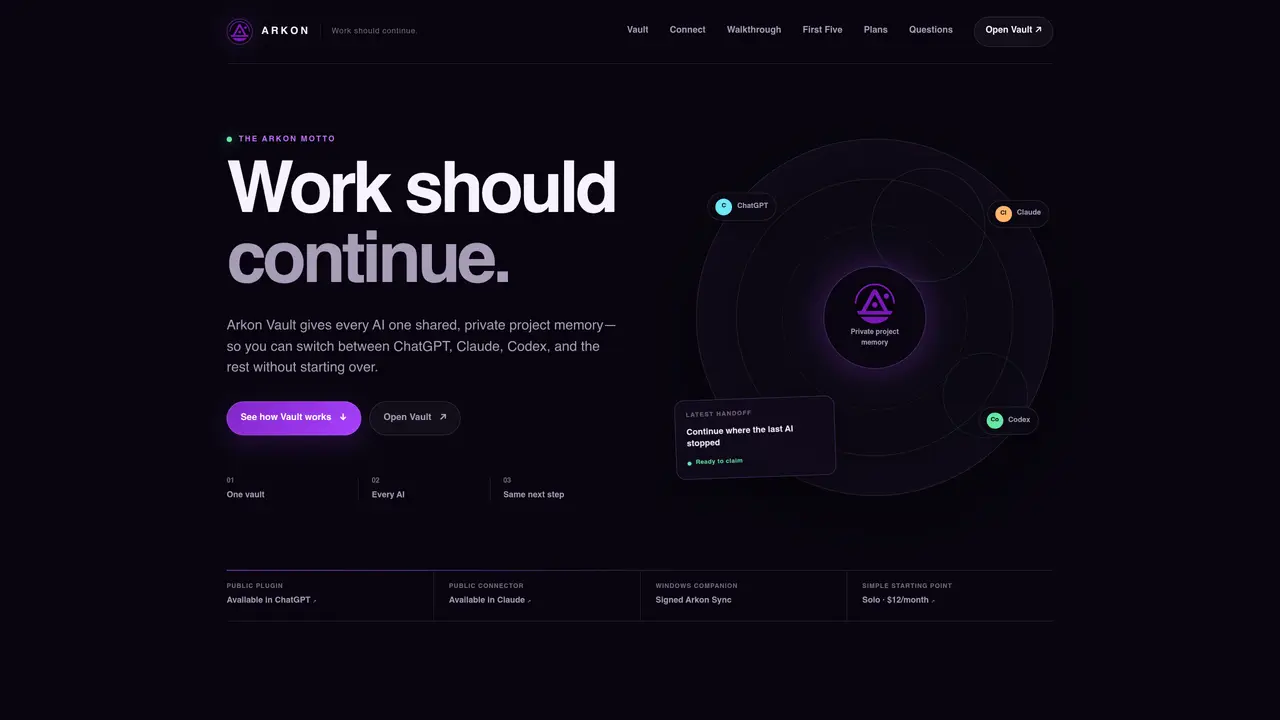
Arkon Vault provides a single shared, private workspace where AI assistants like ChatGPT, Claude, and Codex can read and update a project’s state. It preserves the project vision, decisions, and next steps so work can resume seamlessly when switching between AIs. The tool enforces an authoritative project state through a four-step continuity loop: preflight checks the current state before work begins, decisions and progress are recorded during work, handoffs explicitly define the next action when pausing, and continuation resumes from the agreed next step in the next AI session. Users install a plugin or connector, authorize a private Vault workspace, and run preflight to establish continuity. The service is designed for solo operators, small teams, and operations groups who need consistent project context across multiple AI tools without rebuilding briefings or duplicating work.
Arkon Vault provides a single shared, private workspace where AI assistants like ChatGPT, Claude, and Codex can read and update a project’s state. It preserves the project vision, decisions, and next steps so work can resume seamlessly when switching between AIs.
The service is designed for solo operators, small teams, and operations groups who need consistent project context across multiple AI tools without rebuilding briefings or duplicating work.
Users install a plugin or connector, authorize a private Vault workspace, and run preflight to establish continuity. The setup involves selecting the provider’s public listing, approving the Vault workspace, and invoking the tool in a new chat.
Yes, Arkon Vault supports multiple AI assistants, including ChatGPT, Claude, and Codex, allowing users to switch between them without losing project context.
Yes, users can see the authoritative project state, resolve conflicts, revoke connections, export data, and decide what continues, ensuring human oversight remains central.
The continuity loop consists of four steps: preflight checks the current state before work begins, decisions and progress are recorded during work, handoffs explicitly define the next action when pausing, and continuation resumes from the agreed next step in the next AI session.
arkoncybersecurity.com · third-party estimates from Similarweb
Last 2 months · grows by one month every month
Share of visits by channel
Share of visits · estimated visits
Productivity & Office · Sep 2026
Traffic figures are third-party estimates, good for scale and trends; they can differ from a company's own numbers. Updated monthly.
We use essential cookies to run aitoolnavio™, and optional cookies to analyze traffic and measure our marketing. You choose what we use — optional cookies stay off unless you turn them on. See our Privacy Policy.
One short email a week: fresh tools worth trying, honest takes and the updates that actually matter. No spam, unsubscribe any time.
Generate content, correct spelling, suggest synonyms to enhance writing.
Turn messy team ideas into actionable plans with Miro's visual workspace.
Leverage analytics, automate tasks, share documents, and coordinate projects.
Integrates AI into Airtable to analyze data, summarize insights, draft content, and automate workflows without prior AI experience.
Cloud accounting software that automates bookkeeping, invoicing, and financial reporting for small and growing businesses.
Streamline teamwork, manage projects, automate tasks efficiently.
Automate code, research, and documents using agents.
AI assistant for safe, reliable productivity with code, collaboration, and integrations.
Create customizable tables, databases, and spreadsheets, share data securely with team members.
Easy-to-use CRM platform that automates lead capturing, prioritizes tasks, and provides sales pipeline analytics for businesses of all sizes.
Transforms thoughts into actions, enhancing productivity and efficiency.
Write & run code in 50+ languages, auto-complete with AI, and code faster with an intuitive interface.
Matched on what this tool does — grouped by the job you would be replacing.
Paid placement · similar tools from listings that support aitoolnavio™
Instant lead response for home-service pros: your phone rings on every new lead, plus 14 days of follow-up
matches Private project memory shared across AIs · Preflight state verification before work begins · Explicit handoffs with defined next steps
A shared chat workspace where AI agents with persistent memory initiate conversations and collaborate with humans in real time.
Shared memory layer for AI agents to maintain context across sessions
Shared AI memory layer that syncs context across multiple AI tools automatically
Persistent workspace for AI-assisted tasks and projects