Generate captions, optimize content, and enhance with custom images for maximum engagement.
46M visits/mo-10%#3 Image & Design

Local AI coding agent manager that turns tickets into isolated worktrees and pull requests
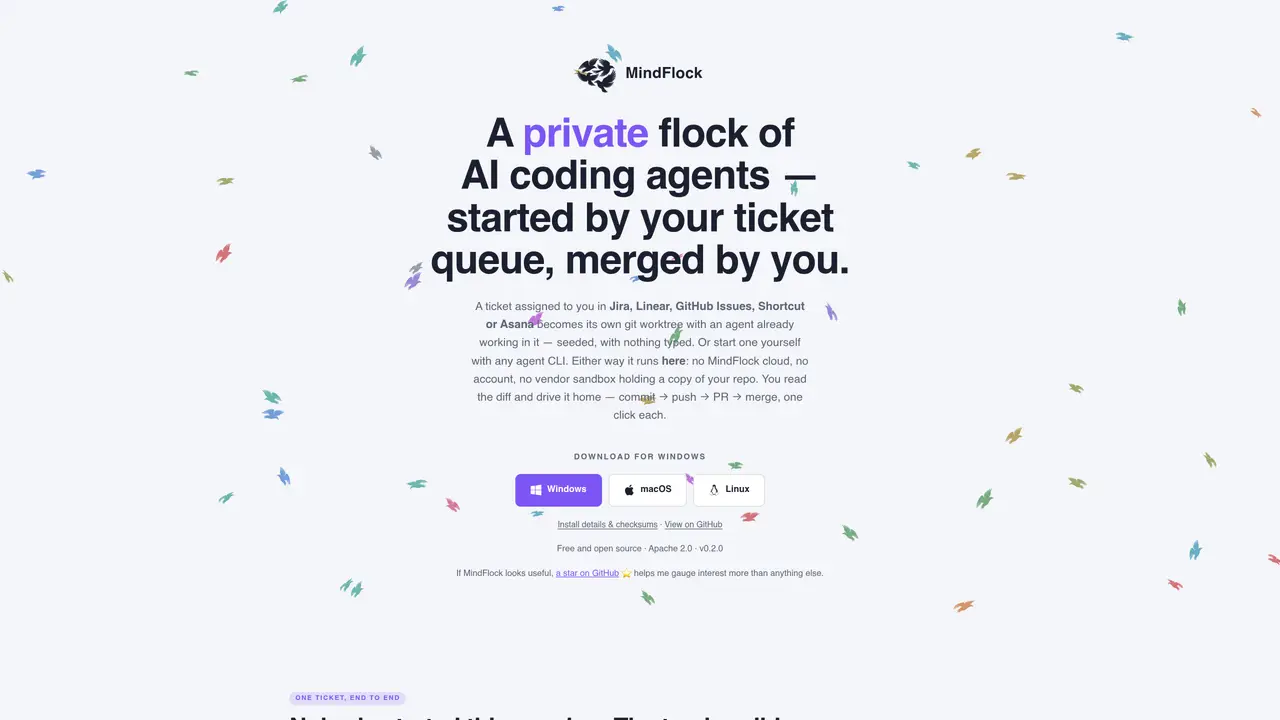
MindFlock is a desktop application that creates private, isolated git worktrees from tickets in project trackers like Jira, Linear, GitHub Issues, Shortcut or Asana. Each ticket assigned to a user spawns a dedicated agent that prepares a clean worktree with dependencies installed and begins working from the ticket’s title, description and acceptance criteria without manual setup. The user reviews the resulting diff in a dedicated tab and completes the workflow with one-click commit, push, pull request creation and merge operations, all executed locally on the user’s machine. The tool avoids cloud processing by running entirely on the user’s device, using only local clones of repositories and tracker tokens stored on disk. Agents interact directly with their configured model providers without additional hops, and the application provides cost tracking and session management for multiple concurrent agents. Users can also start sessions manually without a tracker by specifying a repository, agent and prompt, creating additional isolated worktrees for experimentation or parallel work.
MindFlock is a desktop application that creates private, isolated git worktrees from project tracker tickets such as Jira, Linear, GitHub Issues, Shortcut, or Asana. Each assigned ticket spawns a dedicated AI agent that prepares a clean worktree, installs dependencies, and begins working from the ticket’s details without manual setup.
MindFlock is designed for developers and teams who want to automate repetitive coding tasks while maintaining full control over their codebase and workflow. It suits users who prefer local processing and private, isolated environments for AI-assisted development.
No, MindFlock does not require an account or cloud processing. It runs entirely on the user’s device using local clones of repositories and tracker tokens stored on disk. All operations, including agent interactions, occur locally without sending code to external servers.
MindFlock integrates with project trackers like Jira, Linear, GitHub Issues, Shortcut, and Asana by polling for assigned tickets. Once connected, it automatically provisions a git worktree for each ticket, installs dependencies, and starts an AI agent to work on the ticket’s details.
Yes, MindFlock can be used without a project tracker. Users can manually start sessions by specifying a repository, agent, and prompt to create isolated worktrees for experimentation or parallel work. The workflow remains the same, including commit, push, PR creation, and merge operations.
MindFlock prioritizes privacy by running entirely on the user’s device with no cloud processing or third-party data sharing. Tracker tokens are stored locally in an encrypted settings file, and no analytics, telemetry, or crash reporting is collected. All operations occur within the user’s local environment.
We use essential cookies to run aitoolnavio™, and optional cookies to analyze traffic and measure our marketing. You choose what we use — optional cookies stay off unless you turn them on. See our Privacy Policy.
One short email a week: fresh tools worth trying, honest takes and the updates that actually matter. No spam, unsubscribe any time.
Generate captions, optimize content, and enhance with custom images for maximum engagement.
Build conversational forms, capture rich responses, and automate follow-ups with AI-powered surveys and workflows.
Automate code, research, and documents using agents.
AI-powered IDE for autonomous coding tasks and agentic development workflows
Source, match, and manage talent with predictive analytics for effortless recruiting.
Automate workflow, optimize operations, and detect potential issues with this efficient AI-driven solution.
Transforms thoughts into actions, enhancing productivity and efficiency.
AI Recruitment engine to hire top global talent
All-in-one team productivity platform combining chat, docs, video meetings, workflows, and AI tools in one place.
Personal assistant that coordinates tasks across apps and devices via text or call
AI automation and agent-building platform with 3,000+ app integrations
AI job search copilot that matches roles to skills, optimizes resumes for ATS, generates cover letters, and autofills applications with real-time insights.
Matched on what this tool does — grouped by the job you would be replacing.
matches Isolated git worktrees per ticket · One-click commit, push, PR creation and merge · Multi-agent session management
Parallel AI coding agent IDE that runs multiple agents side by side in isolated git worktrees for faster, comparative development.
A macOS workspace for running and managing parallel AI coding agents with isolated shells and automatic git worktrees.
Local dashboard to discover, monitor and steer multiple AI coding agents from one screen
Native desktop cockpit to run and coordinate multiple AI coding agents on a local machine
matches Local token and cost tracking · Automatic dependency installation for Python/uv projects
matches Automatic dependency installation for Python/uv projects · One-click commit, push, PR creation and merge
Tracks AI coding costs and token usage for local AI coding sessions
Desktop workspace and usage tracker for AI coding agents
Control plane for AI coding agents measuring cost, safety and memory
Tracks AI usage, spend, and commits for engineering teams with zero workflow change
Autonomous AI agent that plans, edits and verifies code across terminal, Mac and VS Code
Autonomous software delivery agent that turns tickets into reviewed pull requests
AI agent that turns plain-English descriptions into working code, hosts it, and deploys it online