Tesla’s AI stack powers Full Self-Driving, Optimus humanoid robots, and real-world autonomy with neural networks, custom hardware, and Dojo-scale training.
31M visits/mo+5.5%#8 Coding & Development

On-device tool to detect and replace personal data in text, documents and images before using AI
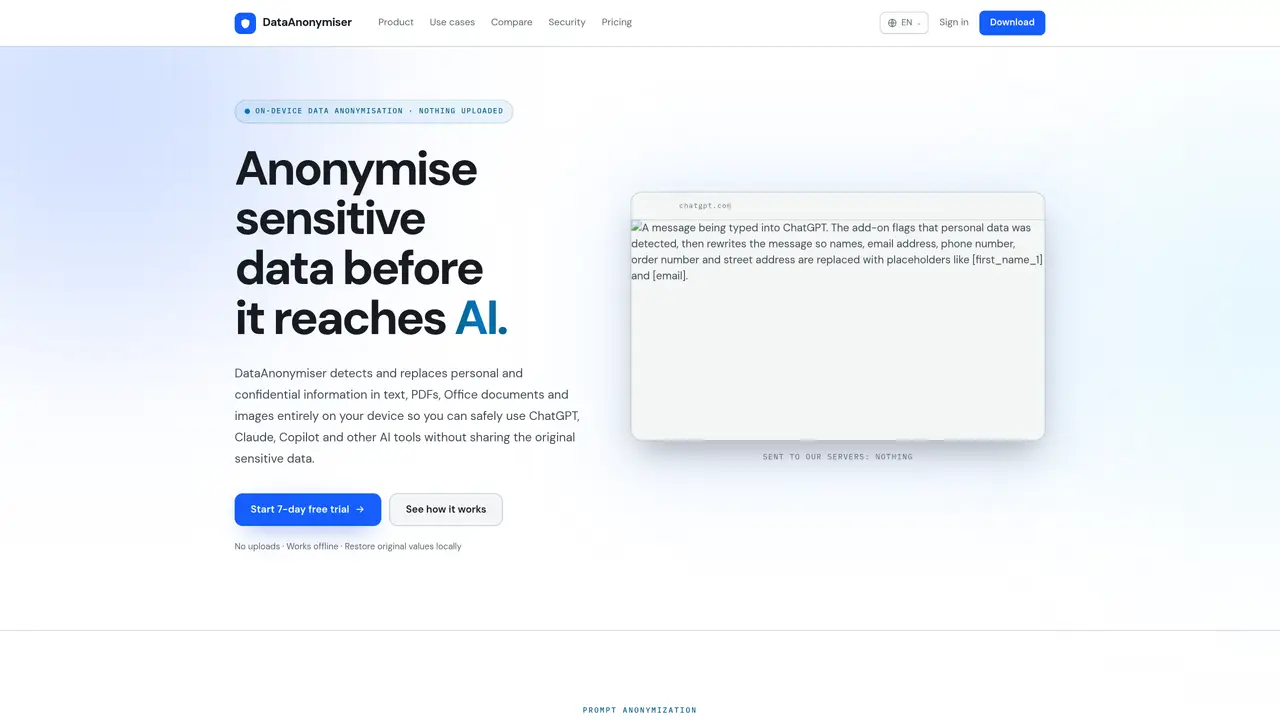
DataAnonymiser is a privacy-focused tool designed to detect and replace personal or confidential information in text, PDFs, Office documents, and images directly on the user’s device before it is shared with AI services like ChatGPT, Claude, or Copilot. The software operates entirely offline, ensuring that sensitive data such as names, phone numbers, financial details, and project names are anonymized using placeholders and later restored locally after receiving AI responses. This approach minimizes exposure to third parties and supports compliance with data protection requirements. DataAnonymiser offers both a desktop application and a browser add-on, enabling individuals and teams to anonymize prompts, documents, or screenshots seamlessly during their workflow. For organizations, an enterprise console allows centralized deployment of data loss prevention policies across multiple devices, ensuring consistent protection without relying on external servers. The tool is particularly useful for professionals handling sensitive information, compliance teams managing data exposure risks, and individuals seeking to use AI tools without compromising personal or confidential data. The browser add-on integrates with platforms like ChatGPT, Claude, and email services such as Gmail or Outlook, automatically flagging and anonymizing text before it is processed by AI. The desktop app supports direct anonymization of uploaded files, providing a straightforward way to clean documents before sharing them. By keeping all operations local, DataAnonymiser ensures that original data remains on the user’s device, reducing the risk of accidental data leaks. The tool also includes features for benchmarking performance against other privacy filters, with a focus on high detection rates and low false positives. Users can test the tool’s accuracy and report any missed cases for additional support time, reinforcing its commitment to reliability and user trust.
DataAnonymiser identifies and replaces personal or confidential information in text, PDFs, Office documents, and images directly on the user’s device before sharing with AI tools like ChatGPT or Claude. It uses placeholders to mask sensitive data and restores the original values locally after receiving AI responses.
The tool is designed for individuals handling sensitive information, compliance teams managing data exposure risks, and organizations needing to minimize personal data sharing with third parties. It is also useful for anyone who wants to use AI tools without revealing personal details.
No. DataAnonymiser operates entirely on the user’s device, and no documents or sensitive data are uploaded to external servers. All anonymization and restoration processes occur locally.
The browser add-on monitors text input in platforms like ChatGPT, Claude, or email services, and anonymizes selected text or prompts before they are sent to AI tools. The anonymization and restoration happen locally on the user’s computer.
Yes. The enterprise console allows organizations to deploy centralized data loss prevention policies across multiple devices, ensuring consistent protection without relying on external servers. IT teams can manage policies and view findings from a console hosted on their own infrastructure.
If a user identifies a missed case, they can report it to DataAnonymiser. Upon confirmation, the user receives two weeks added to their subscription as a reward. This process helps improve the tool’s accuracy over time.
dataanonymiser.com · third-party estimates from Similarweb
Share of visits · estimated visits
Coding & Development · Sep 2026
Traffic figures are third-party estimates, good for scale and trends; they can differ from a company's own numbers. Updated monthly.
We use essential cookies to run aitoolnavio™, and optional cookies to analyze traffic and measure our marketing. You choose what we use — optional cookies stay off unless you turn them on. See our Privacy Policy.
One short email a week: fresh tools worth trying, honest takes and the updates that actually matter. No spam, unsubscribe any time.
Tesla’s AI stack powers Full Self-Driving, Optimus humanoid robots, and real-world autonomy with neural networks, custom hardware, and Dojo-scale training.
Customize, deploy, and control AI models securely.
Standardize application packaging and execution with portable containers for consistent local and cloud workflows.
AI-first electronic design automation for ICs, advanced packaging, and systems with hardware-assisted acceleration and elastic cloud delivery.
Unified AI-powered platform for real-time monitoring, analytics, and security across cloud infrastructure, applications, and services.
Prevention-first, AI-powered cybersecurity platform protecting networks, clouds, and endpoints with unified controls and autonomous response.
Automate tasks, analyze data, and ensure data security with advanced measures.
Cloud communications platform that lets developers embed SMS, voice, WhatsApp, email, video, verification, and conversational AI via APIs.
AI-powered endpoint security with XDR, cloud or on-prem control, and low system impact for ransomware, email threats, and account takeover prevention.
Automate error tracking, monitor application performance, and gain insights with advanced analytics.
Identify stolen identities, uncover copyright infringements, and find unauthorized use of images with precision.
Instant threat detection and response, AI-powered prevention, unified dashboard for full visibility and control.
Matched on what this tool does — grouped by the job you would be replacing.
matches Browser extension for real-time prompt anonymization · Detects and replaces personal data in multiple file types · Local restoration of original values after AI response
Browser extension that masks API keys and PII in AI chat prompts before they are sent
Privacy-focused AI data protection that detects and obfuscates sensitive information in prompts before they reach AI systems, restoring original values locally.
Reversible text anonymization layer for AI prompts and LLM workflows
Browser extension that redacts sensitive data from AI prompts before they leave the user's device
matches Detects and replaces personal data in multiple file types · Local restoration of original values after AI response
Enterprise AI governance platform that detects, masks and audits sensitive data in LLM interactions
Offline macOS app that auto-detects and blurs sensitive data in screenshots, images, and PDFs for privacy-focused Mac users.
Scans local files on Mac to detect and remove personal data and AI provenance markers