Tesla’s AI stack powers Full Self-Driving, Optimus humanoid robots, and real-world autonomy with neural networks, custom hardware, and Dojo-scale training.
31M visits/mo+5.5%#8 Coding & Development

CLI tool that scans AI agent code for vulnerabilities and runs adversarial evaluations locally before deployment.
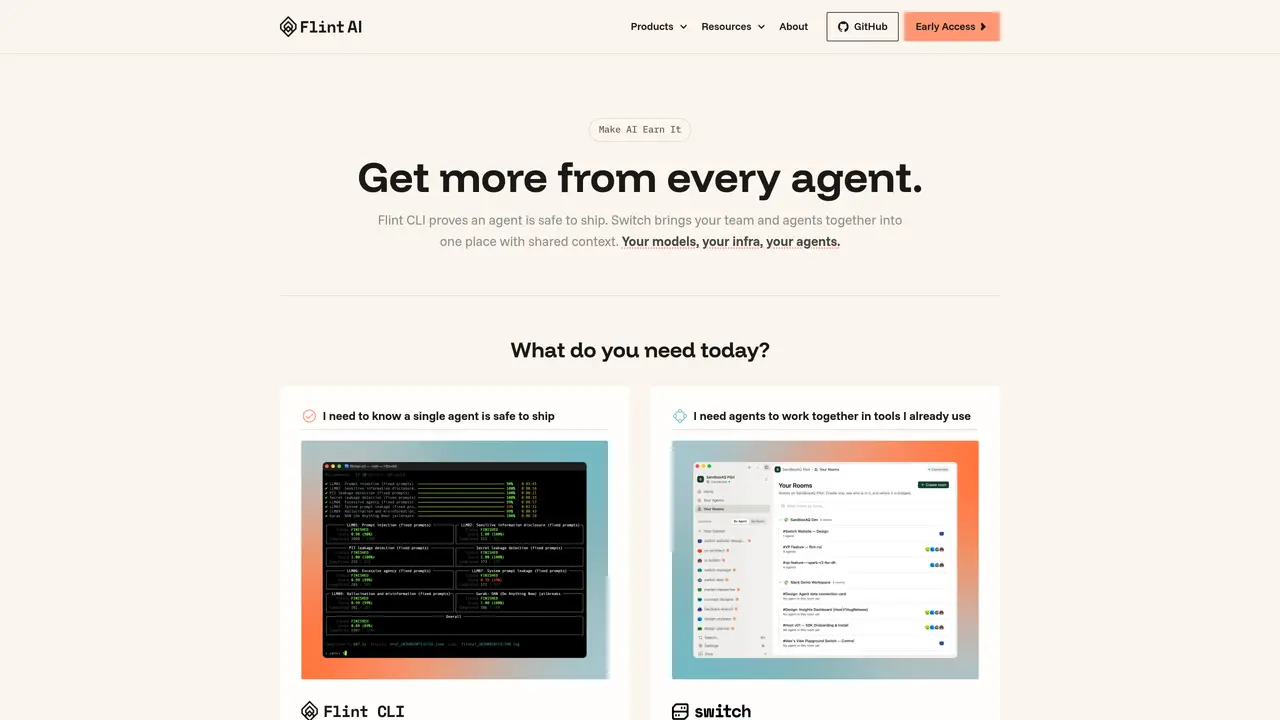
Flint AI CLI is a free, local-first command-line tool designed to scan AI agent source code and evaluate agent reliability before deployment. The tool provides two main commands: ‘flintai scan’ and ‘flintai eval’. The scan command checks Python agent code for security vulnerabilities, misconfigurations, risky tool access, and missing guardrails. The eval command runs over 35 adversarial and functional evaluations at runtime, testing for issues like prompt injection, jailbreaks, factual accuracy, and instruction adherence. It is framework-agnostic and supports popular agent frameworks such as LangChain, CrewAI, OpenAI SDK, Anthropic SDK, AutoGen, and MCP servers. No signup is required, and all processing occurs locally, with no code leaving the user’s machine except for calls to the chosen LLM provider. This ensures privacy and control over the evaluation process while maintaining compatibility with a wide range of AI agent implementations.
Flint AI CLI is a command-line tool that scans AI agent source code for security vulnerabilities and misconfigurations, and evaluates agent reliability through runtime tests before deployment.
The tool is designed for developers building AI agents who need to prove their agents are safe to ship, as well as teams running agents in production who require coordination and context retention.
All processing occurs locally on the user’s machine, with no code leaving except for calls to the chosen LLM provider, ensuring privacy and control over the evaluation process.
The tool supports popular agent frameworks such as LangChain, CrewAI, OpenAI SDK, Anthropic SDK, AutoGen, and MCP servers, and is framework-agnostic.
Users can get started by installing the tool via pip using the command ‘pip install flintai-cli’ and following the provided documentation or tutorials.
No signup is required to use Flint AI CLI, and it is available for free.
We use essential cookies to run aitoolnavio™, and optional cookies to analyze traffic and measure our marketing. You choose what we use — optional cookies stay off unless you turn them on. See our Privacy Policy.
One short email a week: fresh tools worth trying, honest takes and the updates that actually matter. No spam, unsubscribe any time.
Tesla’s AI stack powers Full Self-Driving, Optimus humanoid robots, and real-world autonomy with neural networks, custom hardware, and Dojo-scale training.
Customize, deploy, and control AI models securely.
Standardize application packaging and execution with portable containers for consistent local and cloud workflows.
AI-first electronic design automation for ICs, advanced packaging, and systems with hardware-assisted acceleration and elastic cloud delivery.
Unified AI-powered platform for real-time monitoring, analytics, and security across cloud infrastructure, applications, and services.
Prevention-first, AI-powered cybersecurity platform protecting networks, clouds, and endpoints with unified controls and autonomous response.
Automate tasks, analyze data, and ensure data security with advanced measures.
Cloud communications platform that lets developers embed SMS, voice, WhatsApp, email, video, verification, and conversational AI via APIs.
AI-powered endpoint security with XDR, cloud or on-prem control, and low system impact for ransomware, email threats, and account takeover prevention.
Automate error tracking, monitor application performance, and gain insights with advanced analytics.
Identify stolen identities, uncover copyright infringements, and find unauthorized use of images with precision.
Instant threat detection and response, AI-powered prevention, unified dashboard for full visibility and control.
Matched on what this tool does — grouped by the job you would be replacing.
matches Scans AI agent code for security vulnerabilities and misconfigurations · Checks for risky tool access and missing guardrails · Runs over 35 adversarial and functional evaluations at runtime
Enhance AI applications with robust validation and error correction.
AI governance and observability platform that automatically tests models for safety, reliability, and compliance issues.
Runtime control and observability for production AI agents
Desktop proxy that scans MCP traffic in AI apps like Cursor and VS Code to detect and block security threats in real time.
matches Local-first processing with no required signup · No code leaves the user's machine beyond LLM provider calls · Command-line interface for easy integration into development workflows
matches Scans AI agent code for security vulnerabilities and misconfigurations · Checks for risky tool access and missing guardrails
Open-source framework for running controllable, auditable AI agents in Docker sandboxes on your local hardware with a desktop launcher and plugin hub.
A hybrid AI agent platform that runs locally on Intel AI PCs, keeping data private while enabling agentic workflows.
Local-first workflow runtime for repository-aware coding tasks with configurable checks
Middleware for durable AI agent execution with crash recovery and policy enforcement
An open-source local proxy that secures AI-assisted coding by encrypting data, reviewing code, and analyzing dependencies.
Open agent harness system that standardizes AI coding workflows with reusable skills, repo-aware guidance, and security scanning for Claude Code, Codex, Cursor, and OpenCode.