
Tesla’s AI stack powers Full Self-Driving, Optimus humanoid robots, and real-world autonomy with neural networks, custom hardware, and Dojo-scale training.
31M visits/mo+5.5%#8 Coding & Development
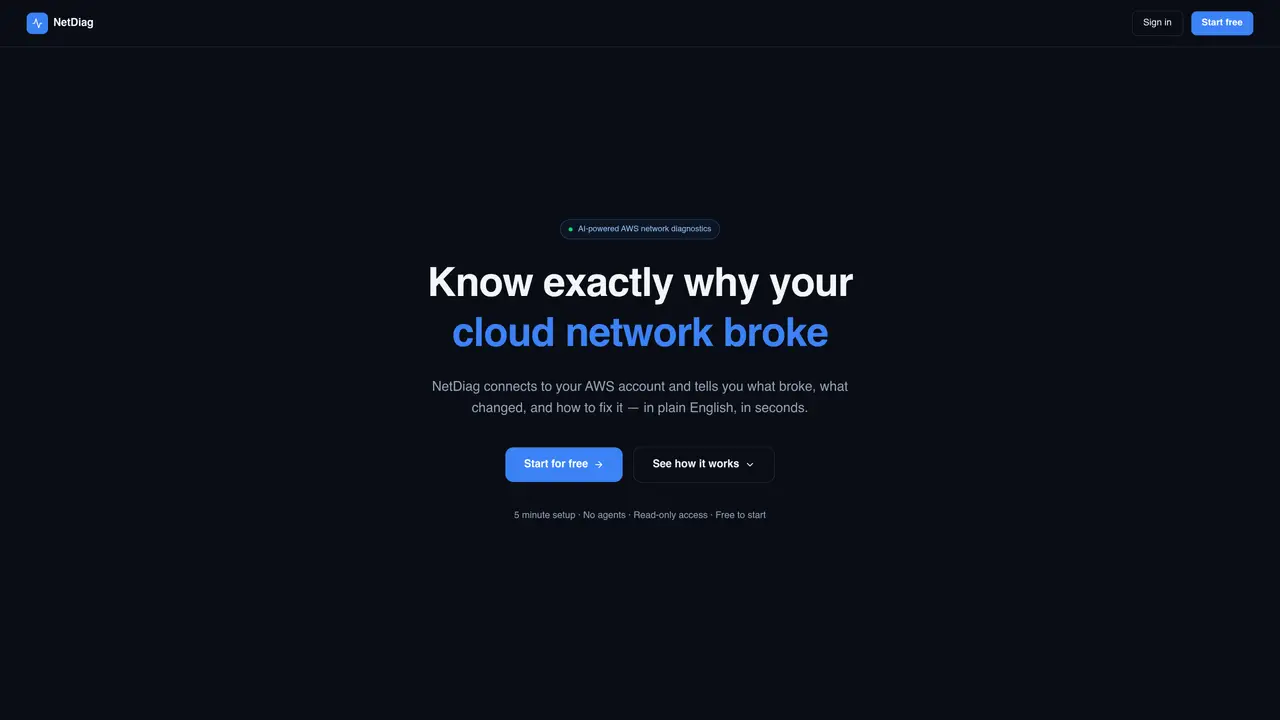
NetDiag connects to an AWS account to analyze network incidents using AI. It ingests data from CloudWatch, CloudTrail, ALB logs, and VPC flow logs to build a live topology graph of the AWS network. The tool identifies what broke, what changed, and provides plain-English explanations along with specific resource IDs and CLI commands for fixes. It supports AI diagnostic queries, security posture scoring, change correlation, and compliance reporting. The live topology map visualizes VPCs, subnets, ECS services, load balancers, and other resources, updated every 15 minutes. Security features include automated IAM audits, misconfiguration detection, and remediation steps. Change correlation links CloudTrail events to affected resources, showing who made changes and whether they caused incidents. The platform is designed for network and security teams managing AWS at scale.
NetDiag is an AI-powered tool that connects to an AWS account to diagnose network incidents by analyzing data from CloudWatch, CloudTrail, ALB logs, and VPC flow logs. It provides plain-English explanations of what broke, what changed, and how to fix it, including specific resource IDs and CLI commands.
NetDiag is designed for network and security teams managing AWS infrastructure at scale. It helps identify misconfigurations, track changes, and resolve incidents more efficiently.
NetDiag uses a read-only IAM role to access AWS data without modifying infrastructure. It ingests logs and events to build a live topology graph of the AWS network, updated every 15 minutes, and performs AI-driven diagnostics and security checks.
Yes, NetDiag allows users to ask plain-English questions about their network. It queries the live topology graph and returns specific resource IDs, changes, and CLI commands to resolve issues.
NetDiag includes automated IAM audits, misconfiguration detection, compliance reporting, and security posture scoring. It also provides change correlation to link CloudTrail events to affected resources and identify root causes of incidents.
To start using NetDiag, connect your AWS account by creating a read-only IAM role via a CloudFormation template, which takes about 3 minutes. Once connected, NetDiag maps your network and provides diagnostics within minutes.
netdiag.co · third-party estimates from Similarweb
Last 2 months · grows by one month every month
Share of visits by channel
Share of visits · estimated visits
Coding & Development · Sep 2026
Traffic figures are third-party estimates, good for scale and trends; they can differ from a company's own numbers. Updated monthly.
We use essential cookies to run aitoolnavio™, and optional cookies to analyze traffic and measure our marketing. You choose what we use — optional cookies stay off unless you turn them on. See our Privacy Policy.
One short email a week: fresh tools worth trying, honest takes and the updates that actually matter. No spam, unsubscribe any time.
Tesla’s AI stack powers Full Self-Driving, Optimus humanoid robots, and real-world autonomy with neural networks, custom hardware, and Dojo-scale training.
Customize, deploy, and control AI models securely.
Standardize application packaging and execution with portable containers for consistent local and cloud workflows.
AI-first electronic design automation for ICs, advanced packaging, and systems with hardware-assisted acceleration and elastic cloud delivery.
Unified AI-powered platform for real-time monitoring, analytics, and security across cloud infrastructure, applications, and services.
Prevention-first, AI-powered cybersecurity platform protecting networks, clouds, and endpoints with unified controls and autonomous response.
Automate tasks, analyze data, and ensure data security with advanced measures.
Cloud communications platform that lets developers embed SMS, voice, WhatsApp, email, video, verification, and conversational AI via APIs.
AI-powered endpoint security with XDR, cloud or on-prem control, and low system impact for ransomware, email threats, and account takeover prevention.
Automate error tracking, monitor application performance, and gain insights with advanced analytics.
Identify stolen identities, uncover copyright infringements, and find unauthorized use of images with precision.
Instant threat detection and response, AI-powered prevention, unified dashboard for full visibility and control.
Matched on what this tool does — grouped by the job you would be replacing.
matches Live topology map · Security posture scoring · IAM audit
An AI incident management platform that autonomously investigates alerts, finds root causes, and suggests fixes for engineering and SRE teams.
AI SRE platform that continuously analyzes Kubernetes and cloud infrastructure to auto-investigate alerts and propose remediation steps.
Autonomous root cause analysis for incident resolution in distributed systems
AI-powered root cause analysis for production failures in codebases
matches Security posture scoring · IAM audit · Slack and email alerts
matches Change correlation · Slack and email alerts
AI-driven security operations layer that triages, translates and remediates alerts on top of existing SIEMs
An AI-powered cybersecurity platform that unifies 30+ security tools into natural-language queries, dashboards, and automated workflows for security teams.
Continuous external security monitoring for AI-built apps
Autonomous AWS cost optimizer and IaC remediator
Cloud and AI cost management tool that reviews spend overnight and drafts fixes
AI assistant for cloud infrastructure management on AWS and Azure