Tesla’s AI stack powers Full Self-Driving, Optimus humanoid robots, and real-world autonomy with neural networks, custom hardware, and Dojo-scale training.
31M visits/mo+5.5%#8 Coding & Development

Local cybersecurity tool for Apple silicon Macs that monitors AI agents and system activity
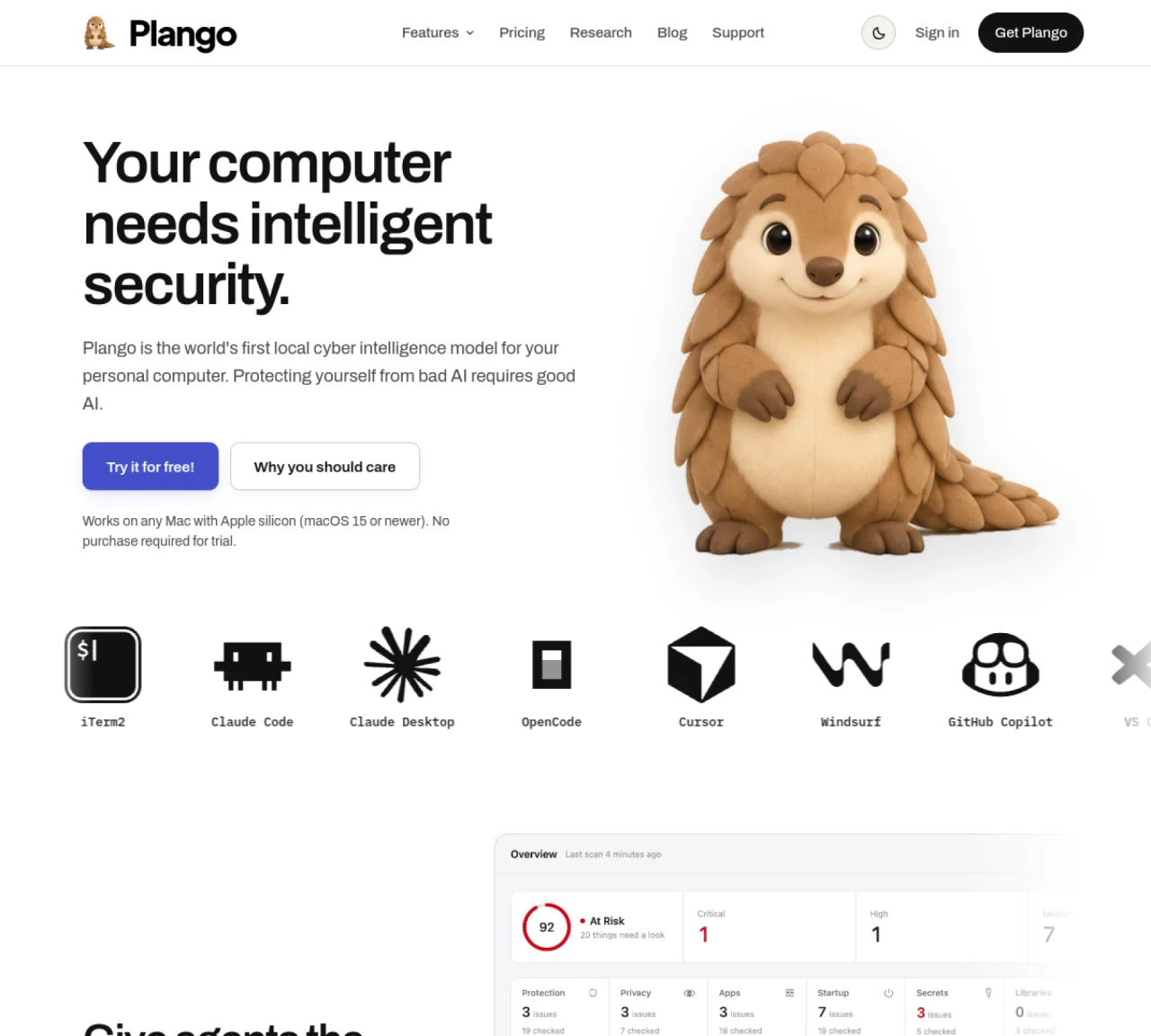
Plango provides local cybersecurity for Apple silicon Macs running macOS 15 or newer. It monitors AI coding agents and system processes to prevent dangerous actions and data exfiltration. The tool guards MCP servers, skills, plugins, and terminal commands while protecting secrets through integration with the macOS Keychain. It includes a phishing guard, privacy monitor for camera, microphone, screen and keystrokes access, and a smart firewall to control online activity. Plango runs entirely on-device using local AI models, keeping files and prompts private. The software also audits app permissions, startup items, and extensions, and can scan projects for libraries with known vulnerabilities. Users can view all events, requests, decisions, and blocks through a unified interface with customizable rules.
Plango is a local cybersecurity tool designed for Apple silicon Macs running macOS 15 or newer. It monitors AI coding agents and system processes to prevent dangerous actions and data exfiltration, while protecting secrets through integration with the macOS Keychain.
Plango is ideal for developers using AI coding tools such as Claude Code, Cursor, or GitHub Copilot, as well as users concerned about privacy and security on their Macs. It is particularly useful for those running MCP servers, skills, plugins, or terminal commands.
Plango runs entirely on-device using local AI models, ensuring files and prompts remain private. It integrates with the macOS Keychain to secure secrets, audits app permissions, and monitors for phishing attempts, privacy access, and online activity.
Plango requires a Mac with Apple silicon (M1, M2, M3, or M4) running macOS 15 or newer, with at least 16 GB of memory. It is not compatible with Intel-based Macs or older macOS versions.
Yes, Plango provides a 7-day free trial with no credit card required. The trial allows full access to the software on one device, and users can provide feedback during this period.
To get started, create an account on the Plango website. You will receive a confirmation email to verify your address, and then you can begin your 7-day free trial. After the trial, you can subscribe to continue using the software.
We use essential cookies to run aitoolnavio™, and optional cookies to analyze traffic and measure our marketing. You choose what we use — optional cookies stay off unless you turn them on. See our Privacy Policy.
One short email a week: fresh tools worth trying, honest takes and the updates that actually matter. No spam, unsubscribe any time.
Tesla’s AI stack powers Full Self-Driving, Optimus humanoid robots, and real-world autonomy with neural networks, custom hardware, and Dojo-scale training.
Customize, deploy, and control AI models securely.
Standardize application packaging and execution with portable containers for consistent local and cloud workflows.
AI-first electronic design automation for ICs, advanced packaging, and systems with hardware-assisted acceleration and elastic cloud delivery.
Unified AI-powered platform for real-time monitoring, analytics, and security across cloud infrastructure, applications, and services.
Prevention-first, AI-powered cybersecurity platform protecting networks, clouds, and endpoints with unified controls and autonomous response.
Automate tasks, analyze data, and ensure data security with advanced measures.
Cloud communications platform that lets developers embed SMS, voice, WhatsApp, email, video, verification, and conversational AI via APIs.
AI-powered endpoint security with XDR, cloud or on-prem control, and low system impact for ransomware, email threats, and account takeover prevention.
Automate error tracking, monitor application performance, and gain insights with advanced analytics.
Identify stolen identities, uncover copyright infringements, and find unauthorized use of images with precision.
Instant threat detection and response, AI-powered prevention, unified dashboard for full visibility and control.
Matched on what this tool does — grouped by the job you would be replacing.
matches AI agent guard for coding tools · MCP server monitoring · Skills and plugins scanning
Audits websites for agent readiness and ranks their compatibility with AI agents and MCP servers.
Cloud-native agent harness for running unprivileged agent loops with MCP tooling
Local MCP server manager for macOS and Windows
Local tracking tool for Claude Code activity on macOS