Collaboration and version control platform for software development and AI model hosting.
645M visits/mo-0.6%#1 Coding & Development

MCP server that exposes Windows desktop search via Everything to Cursor, Claude Desktop and Windsurf.
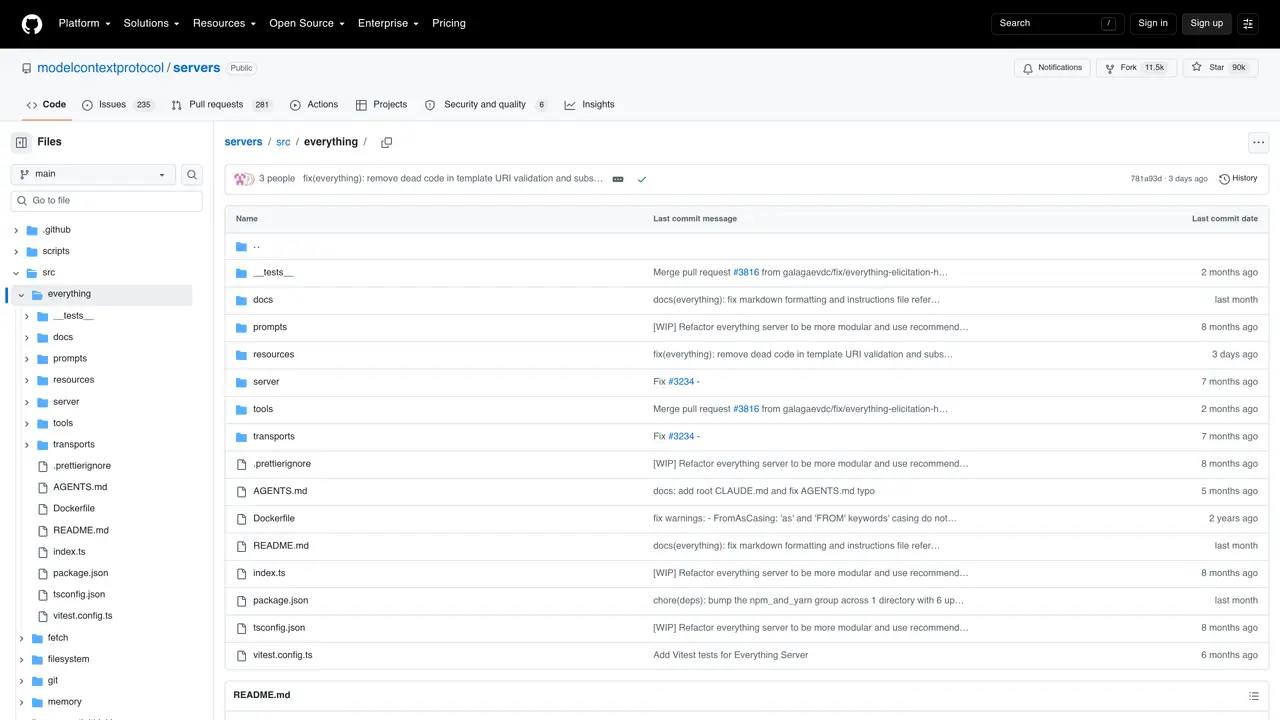
Everything MCP is a Model Context Protocol (MCP) server that bridges the Everything desktop search engine to AI coding assistants such as Cursor, Claude Desktop, and Windsurf. It enables AI tools to perform fast, local file and folder lookups directly within the editor, eliminating the need for cloud-based searches or leaving the development environment. The server runs as a lightweight process and communicates over MCP, allowing AI agents to issue search queries and retrieve real-time results without exposing sensitive local data to external services. Developers can use it to quickly locate project files, configuration artifacts, logs, or any other local content referenced during coding sessions, making it particularly useful for offline workflows or environments where cloud connectivity is restricted. The integration is configured by adding the server to the AI assistant’s MCP configuration, with support for multiple transport methods including stdio, SSE, and streamable HTTP. While primarily intended as a demonstration of MCP features, it provides a practical solution for local file discovery within AI-assisted development workflows.
GitHub, Inc.
San Francisco, California, US · Founded 2008
Everything MCP is a Model Context Protocol server that connects the Everything desktop search engine to AI coding assistants, enabling fast local file and folder searches directly within the editor.
Everything MCP integrates with major AI coding assistants that support the Model Context Protocol, including Cursor, Claude Desktop, and Windsurf.
Installation can be done via npm or by running the server from source. Configuration involves adding the server to your AI assistant's MCP settings, typically in a configuration file like claude_desktop_config.json or mcp.json.
Yes, Everything MCP performs local searches and does not require an internet connection, making it suitable for offline workflows or environments with restricted cloud access.
Everything MCP is designed for Windows systems, as it relies on the Everything desktop search engine which is Windows-specific.
While it provides functional local search capabilities, Everything MCP is primarily intended as a test server to demonstrate MCP protocol features rather than a full-featured production tool.
We use essential cookies to run aitoolnavio™, and optional cookies to analyze traffic and measure our marketing. You choose what we use — optional cookies stay off unless you turn them on. See our Privacy Policy.
One short email a week: fresh tools worth trying, honest takes and the updates that actually matter. No spam, unsubscribe any time.
Collaboration and version control platform for software development and AI model hosting.
A cloud platform for deploying, scaling, and managing web apps and AI workloads with Git-based CI/CD and edge functions.
Unified platform to access and switch between hundreds of AI models like ChatGPT, Claude, and Gemini via a single API.
xAI builds Grok frontier AI models for reasoning, coding, voice, images, video, enterprise workflows, and developer APIs.
Meta AI enhances machine learning, NLP, and computer vision capabilities.
AI-powered coding platform that uses agents to plan, write, and test software with real-time feedback and verifiable artifacts.
Open-source backend platform providing Postgres, authentication, APIs, and real-time features to build scalable apps quickly.
Chat, build, and explore with open AI models.
Standardize application packaging and execution with portable containers for consistent local and cloud workflows.
Cloud communications platform that lets developers embed SMS, voice, WhatsApp, email, video, verification, and conversational AI via APIs.
Revolutionize AI application development, monitoring, and deployment with LangChain.
Run open-source chatbots locally on your PC without internet, keeping conversations private and offline.
Matched on what this tool does — grouped by the job you would be replacing.
matches Exposes Everything search engine via MCP · Supports Windows desktop file and folder lookups · Real-time search results within the AI coding environment
Private AI-powered file search for Windows that indexes and retrieves documents, images and notes by meaning
Local memory layer that indexes everything on a Mac for instant search and agent context