Collaboration and version control platform for software development and AI model hosting.
645M visits/mo-0.6%#1 Coding & Development

Qdrant MCP server connects Qdrant vector search to Cursor, Claude Desktop, and Windsurf via the MCP protocol.
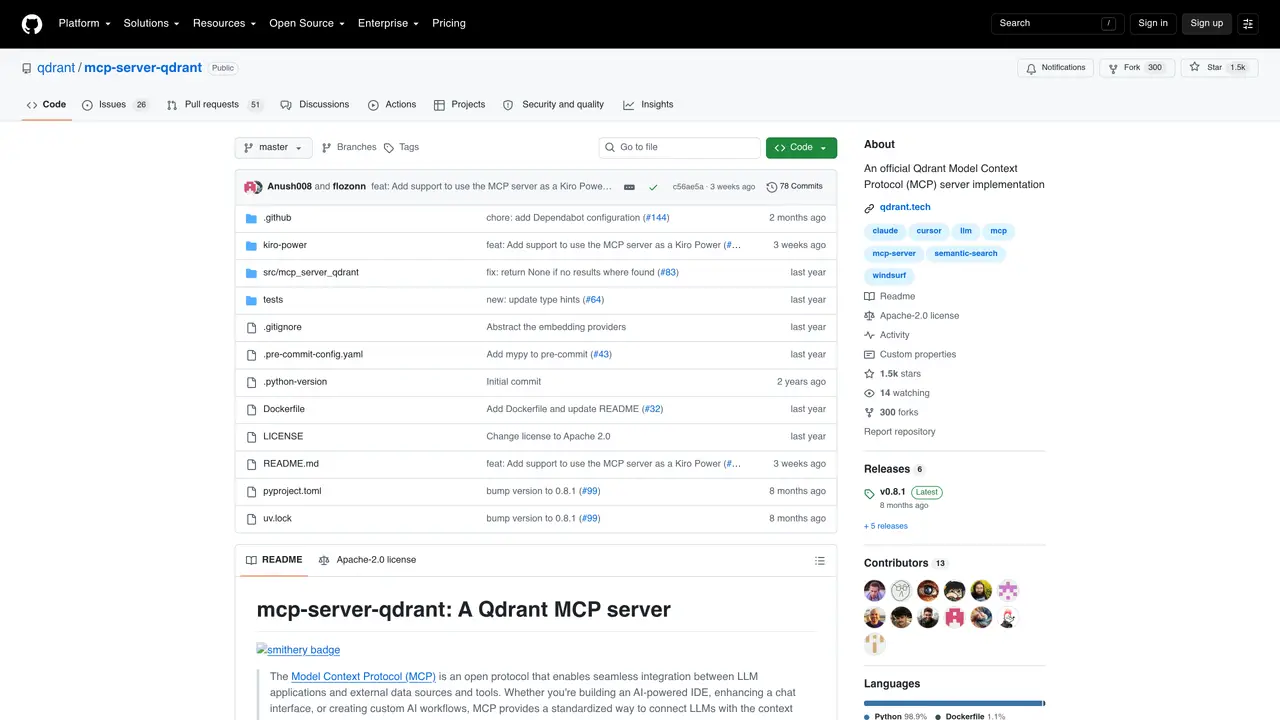
Qdrant MCP server is an open-source implementation that exposes Qdrant’s vector search capabilities through the Model Context Protocol (MCP). It enables direct integration with popular AI coding assistants such as Cursor, Claude Desktop, and Windsurf, allowing these tools to query and retrieve relevant context from Qdrant collections without leaving their native interfaces. The server acts as a bridge, translating MCP requests into Qdrant operations like similarity search, filtering, and payload retrieval. Developers can use it to enhance AI-powered coding workflows by providing real-time, context-aware vector search results. It is particularly useful for applications requiring semantic search over large codebases, documentation, or unstructured data. The server is designed to be lightweight and easy to deploy alongside existing Qdrant instances. It supports standard Qdrant features such as collections, vectors, and payload filtering while maintaining compatibility with the MCP ecosystem.
GitHub, Inc.
San Francisco, California, US · Founded 2008
Qdrant MCP server exposes Qdrant’s vector search capabilities through the Model Context Protocol, enabling AI coding assistants to query and retrieve context from Qdrant collections directly within their interfaces.
Developers and teams building AI-powered coding workflows or applications requiring semantic search over large codebases, documentation, or unstructured data will benefit from using this server.
It integrates via the Model Context Protocol, allowing AI coding assistants like Cursor, Claude Desktop, and Windsurf to access Qdrant’s vector search capabilities without leaving their native environments.
Configuration is done via environment variables, including QDRANT_URL or QDRANT_LOCAL_PATH, API keys, default collection names, and embedding settings. The server supports FastMCP environment variables for additional customization.
The server can store information in Qdrant when configured, but it also supports a read-only mode that disables write operations via the qdrant-store tool.
Clone the repository, configure the necessary environment variables, and deploy the server alongside your Qdrant instance. Refer to the README for detailed setup instructions and supported transport protocols.
We use essential cookies to run aitoolnavio™, and optional cookies to analyze traffic and measure our marketing. You choose what we use — optional cookies stay off unless you turn them on. See our Privacy Policy.
One short email a week: fresh tools worth trying, honest takes and the updates that actually matter. No spam, unsubscribe any time.
Collaboration and version control platform for software development and AI model hosting.
A cloud platform for deploying, scaling, and managing web apps and AI workloads with Git-based CI/CD and edge functions.
Unified platform to access and switch between hundreds of AI models like ChatGPT, Claude, and Gemini via a single API.
xAI builds Grok frontier AI models for reasoning, coding, voice, images, video, enterprise workflows, and developer APIs.
Meta AI enhances machine learning, NLP, and computer vision capabilities.
AI-powered coding platform that uses agents to plan, write, and test software with real-time feedback and verifiable artifacts.
Open-source backend platform providing Postgres, authentication, APIs, and real-time features to build scalable apps quickly.
Chat, build, and explore with open AI models.
Standardize application packaging and execution with portable containers for consistent local and cloud workflows.
Cloud communications platform that lets developers embed SMS, voice, WhatsApp, email, video, verification, and conversational AI via APIs.
Revolutionize AI application development, monitoring, and deployment with LangChain.
Run open-source chatbots locally on your PC without internet, keeping conversations private and offline.
Matched on what this tool does — grouped by the job you would be replacing.
matches Exposes Qdrant vector search via MCP protocol · Supports similarity search and filtering operations · Integrates with Cursor, Claude Desktop, and Windsurf
Connect Chroma Mcp to Cursor, Claude Desktop and Windsurf via an MCP server.
Inspect, read, write, and debug Redis keys and cache state in real time via MCP.