Unleash creativity: edit photos, videos, and designs with AI-enhanced tools.
16M visits/mo-11.4%#6 Image & Design

Turn Figma designs or text prompts into interactive prototypes and web apps with AI.
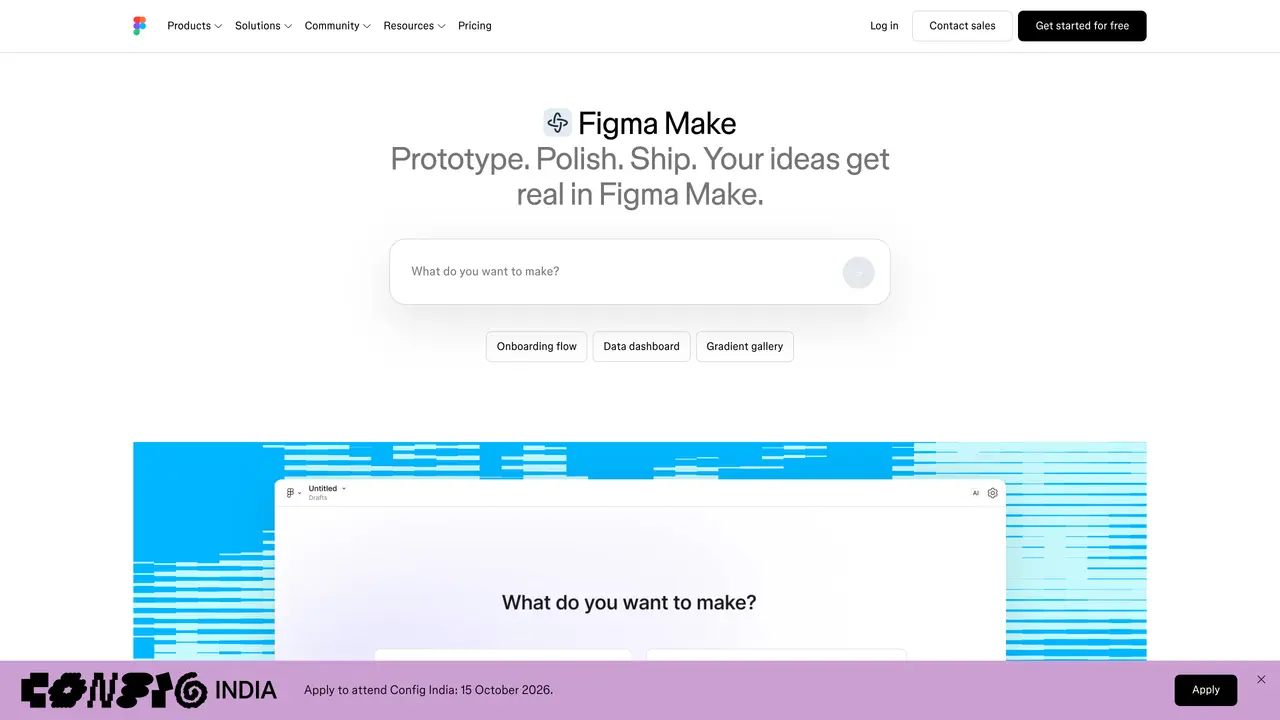
Figma Make transforms static Figma designs or simple text prompts into interactive prototypes and web applications quickly. It accelerates the prototyping process by converting existing designs into dynamic, functional interfaces without requiring manual coding. The tool supports real-time collaboration, enabling designers and product teams to iterate and refine prototypes together. It also allows for easy data connections, making it suitable for creating prototypes that simulate real-world user flows. Figma Make is particularly useful for generating prototypes for user testing, including those with working chatbot integrations. It is designed to streamline workflows for UI designers, UX researchers, product managers, and developers who rely on Figma’s ecosystem for their design and prototyping needs.
Figma Make is an AI-powered tool that converts static Figma designs or text prompts into interactive prototypes and web applications. It allows users to generate code-backed prototypes directly within Figma, enabling real-time collaboration and iterative refinement.
Figma Make is designed for UI designers, UX researchers, product managers, and developers who work within the Figma ecosystem. It suits teams looking to accelerate prototyping, streamline workflows, and bridge the gap between design and development.
Yes, Figma Make supports MCP connectors to integrate with external tools, allowing users to incorporate documents, tasks, and data from other applications as context for their prototypes or apps.
No, Figma Make is designed to be accessible without requiring manual coding. Users can generate prototypes from prompts or existing designs, though advanced users can leverage local codebases or custom skills for more control.
Users can start with Figma Make by accessing it directly within Figma. It offers features like voice-to-text prompting, attachments for context, and templates to streamline the creation process. Documentation and guides are available to help users begin.
Figma Make allows users to attach a variety of files to prompts, including Figma frames, PDFs, images, videos, audio, and text files. This helps guide the AI toward generating more accurate and context-aware prototypes.
We use essential cookies to run aitoolnavio™, and optional cookies to analyze traffic and measure our marketing. You choose what we use — optional cookies stay off unless you turn them on. See our Privacy Policy.
One short email a week: fresh tools worth trying, honest takes and the updates that actually matter. No spam, unsubscribe any time.
Unleash creativity: edit photos, videos, and designs with AI-enhanced tools.
A drag-and-drop design platform for presentations and social graphics with AI photo tools and a large template library.
Create captivating, customizable presentations and easily share them across devices with a cloud-based platform.
Generate custom visuals for blogs, create unique social media images, and design eye-catching visuals for marketing campaigns.
Create stunning designs, edit photos, remove objects, make collages, and transform images with powerful AI tools and effects.
Create auto-resized campaign images and videos with DaVinci AI's generative media suite.
Create precise 3D models, collaborate on designs, and analyze simulations in real-time.
Cloudinary provides APIs and tools to integrate, manage, and optimize images and videos for AI-driven visual experiences.
Generate custom color palettes instantly with AI or from images for design projects.
Turn simple prompts into flyers, social posts, emails, event pages, and tickets using AI-powered design and marketing tools.
Generate high-quality images with flawless embedded text from text prompts, plus batch output and style control in a creative canvas.
Edit, transform, and enhance photos with text prompts using our free AI photo editor online.
Matched on what this tool does — grouped by the job you would be replacing.
matches Converts static Figma designs into interactive prototypes · Generates prototypes from simple text prompts · Enables easy data connections for realistic prototypes
Rocket.new converts app ideas into working applications by analyzing and summarizing call conversations, enabling no-code development for designers, entrepreneurs, and developers.
Generate interactive prototypes from text or Figma designs instantly with AI, ideal for teams without design expertise.
Convert text descriptions or screenshots into working UI code instantly for rapid prototyping.
AI tool that converts text prompts into website designs, wireframes, and Figma prototypes in seconds.
matches Generates prototypes from simple text prompts · Allows quick rewriting of UI copy · Generates interactive site animations
matches Supports real-time collaboration for teams
AI-powered website builder that lets teams create sites quickly with AI translation, text generation, and copy rewriting—no coding required.
Instantly generate websites, app interfaces, and SaaS designs by chatting with AI.
Turns plain-English briefs into product strategy, high-fidelity UI designs, copy, layouts, and developer notes in one pass.
AI-powered website builder that turns prompts into landing pages, UI designs, and animations with exports to HTML or Figma.
Leverage analytics, automate tasks, share documents, and coordinate projects.
Harness AI to craft, collaborate, and iterate UI designs effortlessly.
A Figma plugin that turns natural language prompts into editable UI designs, streamlining rapid prototyping and collaboration.
AI design tool that lets you create pixel-perfect UI screens and flows directly inside your IDE.