Unleash creativity: edit photos, videos, and designs with AI-enhanced tools.
16M visits/mo-11.4%#6 Image & Design

Combines three images—subject, scene, and style—to generate new, unique visuals directly from visual inputs.
Whisk is an AI-powered image generation tool from Google Labs that creates new images by merging three visual inputs: subject, scene, and style. Unlike text-based image generators, Whisk uses images as prompts, giving users precise control over the elements being combined. It is designed for creatives, artists, and anyone seeking to explore visual ideas quickly and intuitively. The tool is particularly useful for rapid prototyping, brainstorming, or discovering unexpected creative combinations. By focusing on visual inputs rather than text descriptions, Whisk enables more direct and tangible creative exploration. It serves as a valuable resource for visual innovation, allowing users to experiment with different combinations and refine their ideas in real time. Whether for professional projects or personal exploration, Whisk streamlines the creative process by turning visual inputs into new, cohesive images.
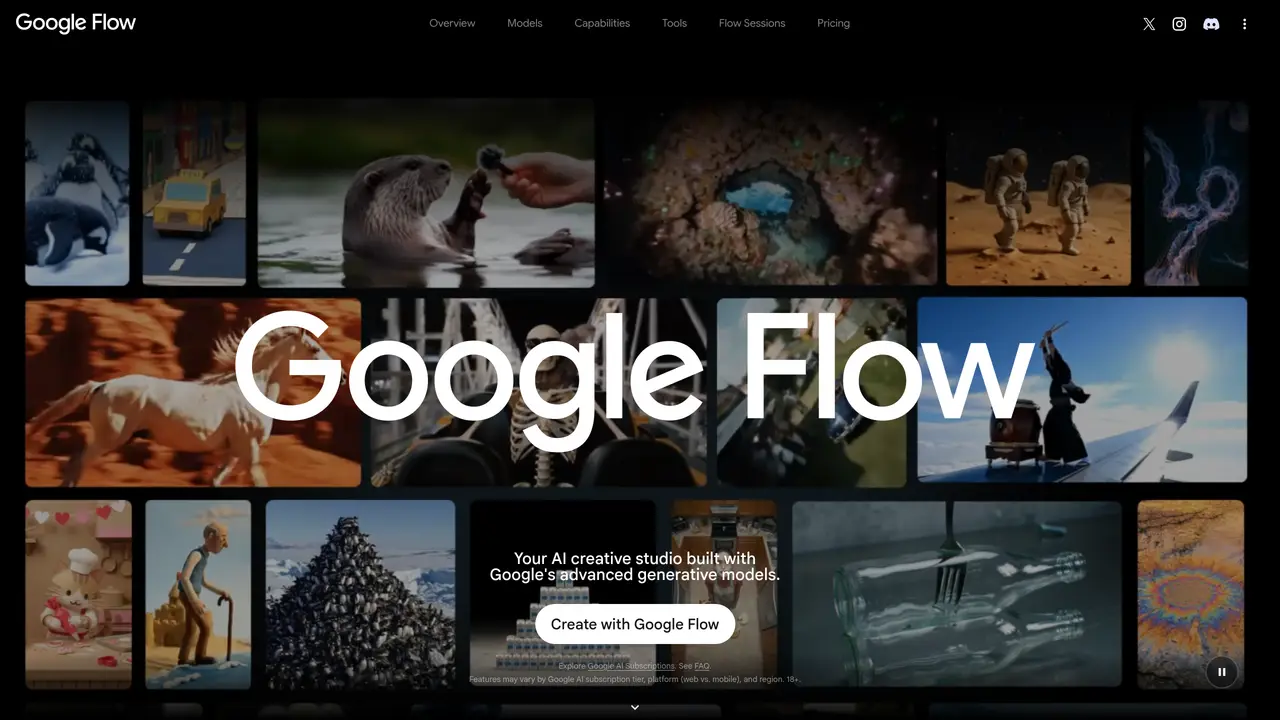
Whisk is an AI-powered image generation tool within Google Flow that merges three visual inputs—subject, scene, and style—to create new images. It uses image-based prompts instead of text, allowing users to combine and refine visual elements directly.
Whisk is designed for creatives, artists, designers, and professionals who need precise control over visual outputs. It suits those looking to prototype ideas, brainstorm visually, or explore unexpected creative combinations.
Whisk is accessible through Google Flow, Google’s AI creative studio. Users need an eligible Google AI subscription and must navigate to the Whisk tool within the platform to begin combining visual inputs.
Whisk operates within Google Flow, which includes tools like Image Editor, Mockup Comp, and Shader Effects. It is part of a broader ecosystem of creative tools built on Google’s generative models.
Whisk’s features depend on the user’s Google AI subscription tier, platform, and region. It requires visual inputs, which may limit users without pre-existing images or assets. Access is also restricted to eligible users.
Yes, Whisk is suitable for professional projects such as rapid prototyping, visual brainstorming, and refining creative ideas. Its image-based approach allows for precise control over outputs, making it useful for design and content creation workflows.
We use essential cookies to run aitoolnavio™, and optional cookies to analyze traffic and measure our marketing. You choose what we use — optional cookies stay off unless you turn them on. See our Privacy Policy.
One short email a week: fresh tools worth trying, honest takes and the updates that actually matter. No spam, unsubscribe any time.
Unleash creativity: edit photos, videos, and designs with AI-enhanced tools.
A drag-and-drop design platform for presentations and social graphics with AI photo tools and a large template library.
Create captivating, customizable presentations and easily share them across devices with a cloud-based platform.
Generate custom visuals for blogs, create unique social media images, and design eye-catching visuals for marketing campaigns.
Create stunning designs, edit photos, remove objects, make collages, and transform images with powerful AI tools and effects.
Create auto-resized campaign images and videos with DaVinci AI's generative media suite.
Create precise 3D models, collaborate on designs, and analyze simulations in real-time.
Cloudinary provides APIs and tools to integrate, manage, and optimize images and videos for AI-driven visual experiences.
Generate custom color palettes instantly with AI or from images for design projects.
Turn simple prompts into flyers, social posts, emails, event pages, and tickets using AI-powered design and marketing tools.
Generate high-quality images with flawless embedded text from text prompts, plus batch output and style control in a creative canvas.
Edit, transform, and enhance photos with text prompts using our free AI photo editor online.
Matched on what this tool does — grouped by the job you would be replacing.
matches Combines three visual inputs: subject, scene, and style · Uses images as prompts instead of text descriptions · Generates new images from existing visual inputs
AI platform for upscaling images, enhancing photos, and generating high-quality creative assets with contextual detail.
Generate unique artwork, customize with an intuitive interface, and push creative boundaries with AI-generated art.
Online AI image generator and editor that blends subject, scene and style inputs into 4K artwork
Create and edit photorealistic images from text prompts and reference images without technical expertise.
matches Enables rapid prototyping and brainstorming · Provides direct control over visual elements · Supports intuitive and visual creative exploration
Generate custom designs and graphics using AI-powered tools on Playground.
Generate interactive prototypes from text or Figma designs instantly with AI, ideal for teams without design expertise.
Google Flow is an AI filmmaking tool that generates and edits short videos from text prompts using Google's Veo model.
AI video generator from Google that turns text, images, or video prompts into high-quality, realistic scenes for creators and marketers.