
Remove image backgrounds instantly, save time with advanced AI, and create stunning images effortlessly.
54M visits/mo-8.6%#2 Image & Design

AI-powered photo editor with upscaling, restoration, relighting and film filters
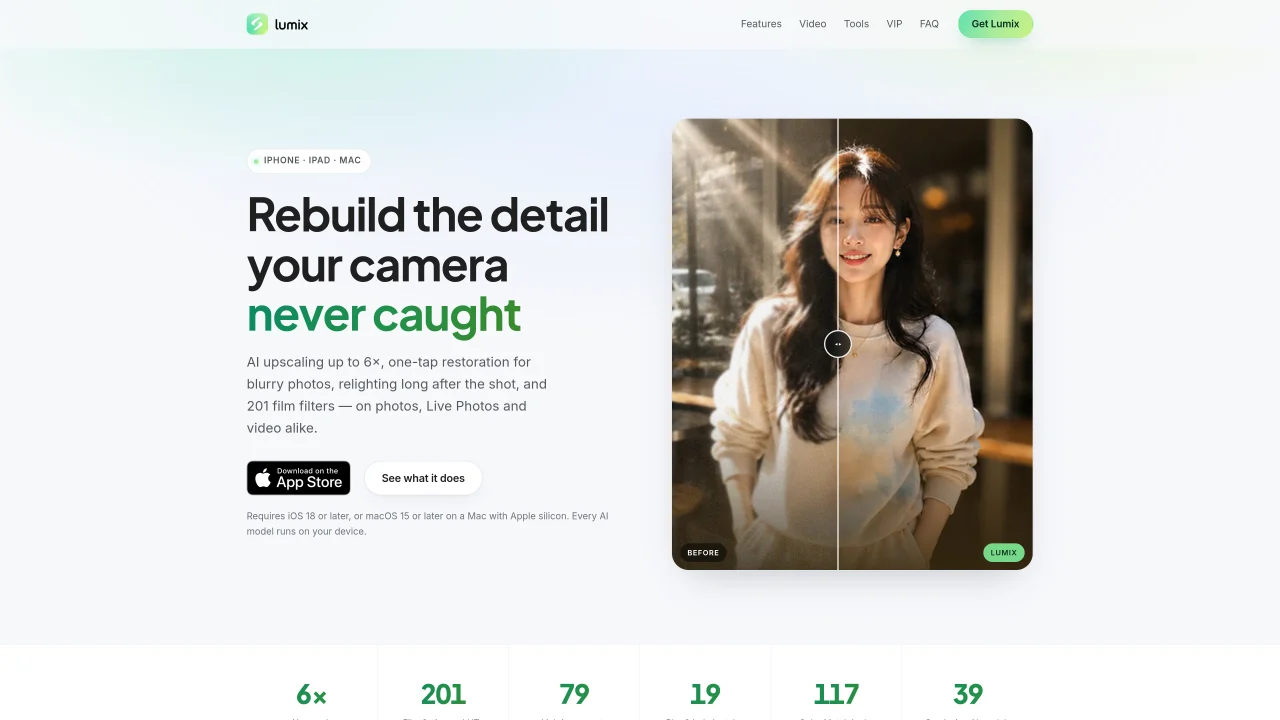
Lumix Photo is an AI-driven photo editor designed for iPhone, iPad and Mac. It uses on-device neural models to perform tasks such as upscaling images up to 6×, restoring blurry photos, relighting scenes, applying film filters and adjusting color. The app supports photos, Live Photos and video, applying edits frame by frame where needed. It includes tools for enhancing detail, denoising, sharpening, lightening underexposed shots, adding directional lighting and creating depth-based bokeh effects. Additional features include film-inspired LUTs, color matching, subject cutouts and cleanup tools. All processing occurs locally on the device, ensuring privacy and offline functionality. The interface includes before/after sliders and non-destructive editing workflows.
Lumix Photo is an AI-powered photo editor designed for iPhone, iPad, and Mac. It requires iOS 18 or later on mobile devices or macOS 15 or later on Apple silicon Macs to function.
All AI models and processing occur locally on the device, ensuring privacy and offline functionality. No images are uploaded to external servers for editing.
Lumix Photo supports frame-by-frame editing for videos and Live Photos, including upscaling, restoration, relighting, applying film filters, and adjusting color. Tools like cleanup and cutout are limited to still images.
The AI upscaling feature uses a neural model to reconstruct edges and texture rather than simply stretching pixels. It supports upscaling factors of 2×, 3×, 4×, and 6×, and can handle photos, Live Photos, and video frames.
Yes, the Color Match tool allows users to apply the color grading from one image to another. Users can also import a reference photo, and Lumix will match its color profile to the target image.
Lumix Photo offers monthly, yearly, and lifetime subscription options. Pricing details are available in the App Store and within the app, with subscriptions renewing automatically unless canceled.
We use essential cookies to run aitoolnavio™, and optional cookies to analyze traffic and measure our marketing. You choose what we use — optional cookies stay off unless you turn them on. See our Privacy Policy.
One short email a week: fresh tools worth trying, honest takes and the updates that actually matter. No spam, unsubscribe any time.
Remove image backgrounds instantly, save time with advanced AI, and create stunning images effortlessly.
AI platform for upscaling images, enhancing photos, and generating high-quality creative assets with contextual detail.
Remove backgrounds, adjust colors, add text, filters, and shapes with ease.
Unleash creativity: edit photos, videos, and designs with AI-enhanced tools.
Transform photos effortlessly with AI: edit, enhance, and remove backgrounds.
Web and mobile AI platform for generating, editing, and training custom visuals from prompts with community models and face-swap tools.
Convert raster images into scalable vector graphics within seconds.
Create stunning designs, edit photos, remove objects, make collages, and transform images with powerful AI tools and effects.
Create stunning visuals, access image recognition and processing, and express creatively with natural language processing.
Cloudinary provides APIs and tools to integrate, manage, and optimize images and videos for AI-driven visual experiences.
All-in-one AI suite for creators to automate workflows, edit media, and generate content across video, design, and productivity tools.
Identify stolen identities, uncover copyright infringements, and find unauthorized use of images with precision.
Matched on what this tool does — grouped by the job you would be replacing.
matches Photo restoration and enhancement · AI upscaling up to 6× · AI denoising for grain removal
Online AI tool for restoring faded, scratched or blurry old photos
Online AI tool for enhancing, brightening, denoising and restoring photos
One-click AI tool to upscale, unblur, denoise, colorize, and restore photos while preserving quality.
matches AI relighting with directional and spot lights · 201 film and cinema LUTs · Color matching with 117 reference looks
matches Depth-based lens blur with 19 bokeh styles · Neural segmentation for precise object isolation · Depth-map driven enhancement with spatial awareness
matches Subject cutout and cleanup tools · Background removal and replacement · Background and Object Removal
Colourlab is a color grading AI tool for video editing.
AI-powered Photoshop plugin for one-click color grading, shadow/highlight control, and creative effects like bokeh and flares.
AI-powered multi-track video editor with agent-driven and manual workflows
AI-powered photo editor for Windows with depth-aware, non-destructive adjustments
Change photo backgrounds, apply effects and filters, enhance images, and touch up photos with one-tap tools.
AI-powered tool for seamless photo editing and enhancement.
AI-powered photo and video editing for e-commerce product images
Enhance photos with AI-driven editing tools.