

Summarizes, extracts, and rewrites content from files.
89M visits/mo+8.7%#2 Productivity & Office
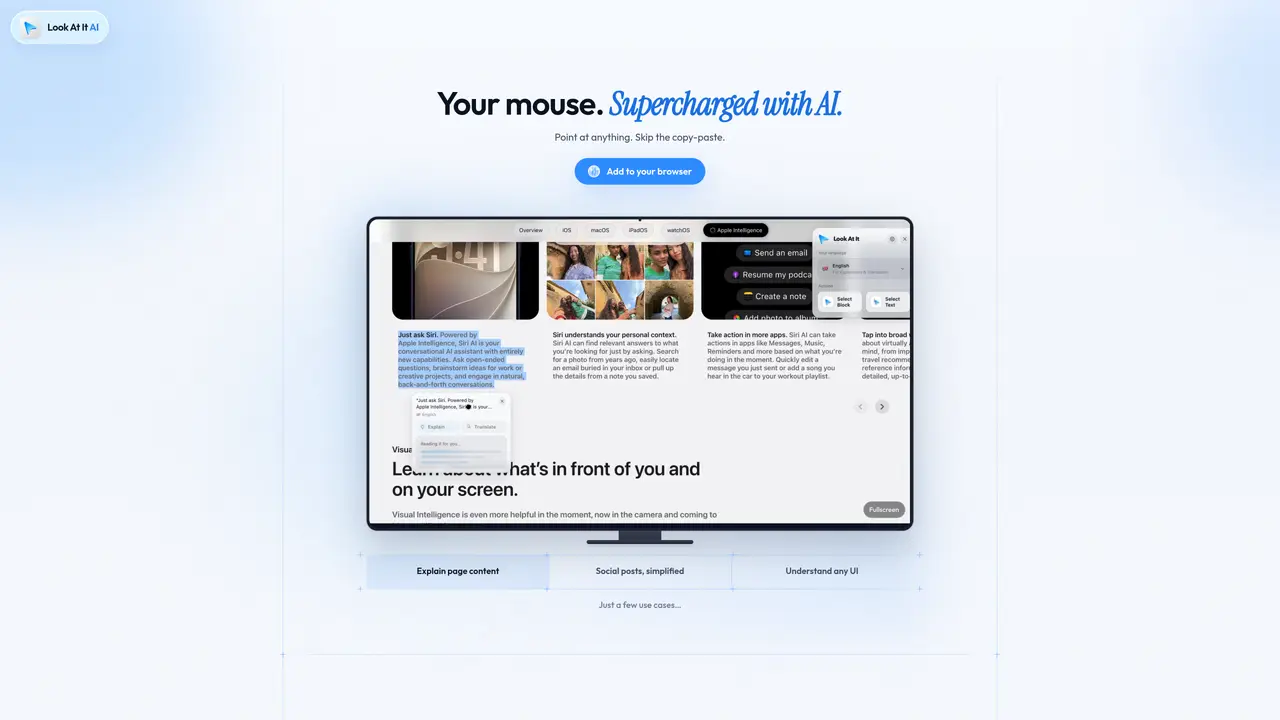
Look At It AI is a browser extension that enhances user interaction with on-screen content by leveraging on-device artificial intelligence. The tool allows users to point at any text or user interface element on a webpage, PDF, or application and receive instant, plain-language explanations without the need to copy or paste content into external chat windows. It supports over 40 languages and operates entirely offline once installed, ensuring privacy by processing all information locally on the user’s device. The extension is designed for individuals who require quick understanding of complex documents, technical jargon, or unfamiliar interfaces without interrupting their workflow. It highlights selected passages or UI elements and displays concise, context-specific explanations directly on screen, reducing the need for additional research or tools. Look At It AI is particularly useful for clarifying social media posts, understanding technical documents, and navigating software interfaces with ease. The tool emphasizes privacy and simplicity, requiring no account creation or internet connection after installation, making it accessible and secure for immediate use.
Look At It AI provides instant explanations of text and user interface elements directly on screen by pointing at them, eliminating the need to copy or paste content into separate chat windows.
The tool is designed for individuals who need quick understanding of complex documents, technical terms, or unfamiliar interfaces without disrupting their workflow.
No, Look At It AI operates entirely offline once installed, processing all information locally on the user’s device.
The tool processes all information on-device and does not share data with remote servers, ensuring that what you look at stays private.
Look At It AI supports over 40 languages, allowing users to receive explanations in their preferred language.
No, Look At It AI does not require account creation; users can install the extension and start using it immediately.
We use essential cookies to run aitoolnavio™, and optional cookies to analyze traffic and measure our marketing. You choose what we use — optional cookies stay off unless you turn them on. See our Privacy Policy.
One short email a week: fresh tools worth trying, honest takes and the updates that actually matter. No spam, unsubscribe any time.
Summarizes, extracts, and rewrites content from files.
Automate citation and reference management, aid research with text and data mining, and securely store and share documents.
Capture, organize, and share ideas, notes, and documents effortlessly.
Headless CMS that lets developers manage structured content and deliver it anywhere via flexible APIs and real-time collaboration tools.
Efficiently create and manage cases, streamline workflows, securely store and share documents, and collaborate with colleagues.
Access files, collaborate, and secure your data with unbeatable customizable system.
An AI-powered PDF editor and converter for editing, OCR, signing, annotating, merging, and chatting with documents across devices.
Browser-based PDF editor that edits, signs, converts, merges, compresses, and shares files, with AI for form filling, document chat, and PDF creation.
Securely store, access, and search documents from any device with ease.
Create and customize legal documents, consult lawyers, and access legal guides all in one platform.
Centralize brand assets, automate approvals, and collaborate with external partners in a single digital asset management platform.
AI diagramming and documentation tool for engineering teams to create and update cloud architecture, ERDs, and flowcharts from prompts, code, and CI/CD workflows.
Matched on what this tool does — grouped by the job you would be replacing.
matches Point-and-explain interface · UI element clarification
Chrome extension that reads browser tabs and files to fill forms and draft messages
Browser extension that generates reply suggestions for text selections on any website
Browser extension that lets users query web pages and documents with multiple AI models via a side panel
matches On-device AI processing · Offline operation
matches Multi-language support · PDF and webpage compatibility
Local AI chat app for Apple Silicon Macs with no account or internet required
Private, on-device voice dictation for eleven Indian languages
Efficiently answer research queries, translate natural language to SQL, and utilize OpenAI WebGPT and larger language models.
Privacy-first online PDF toolkit with 90+ browser-based tools and 4 AI features
Browser-based PDF editor with AI tools and local file processing