
Summarizes, extracts, and rewrites content from files.
89M visits/mo+8.7%#2 Productivity & Office
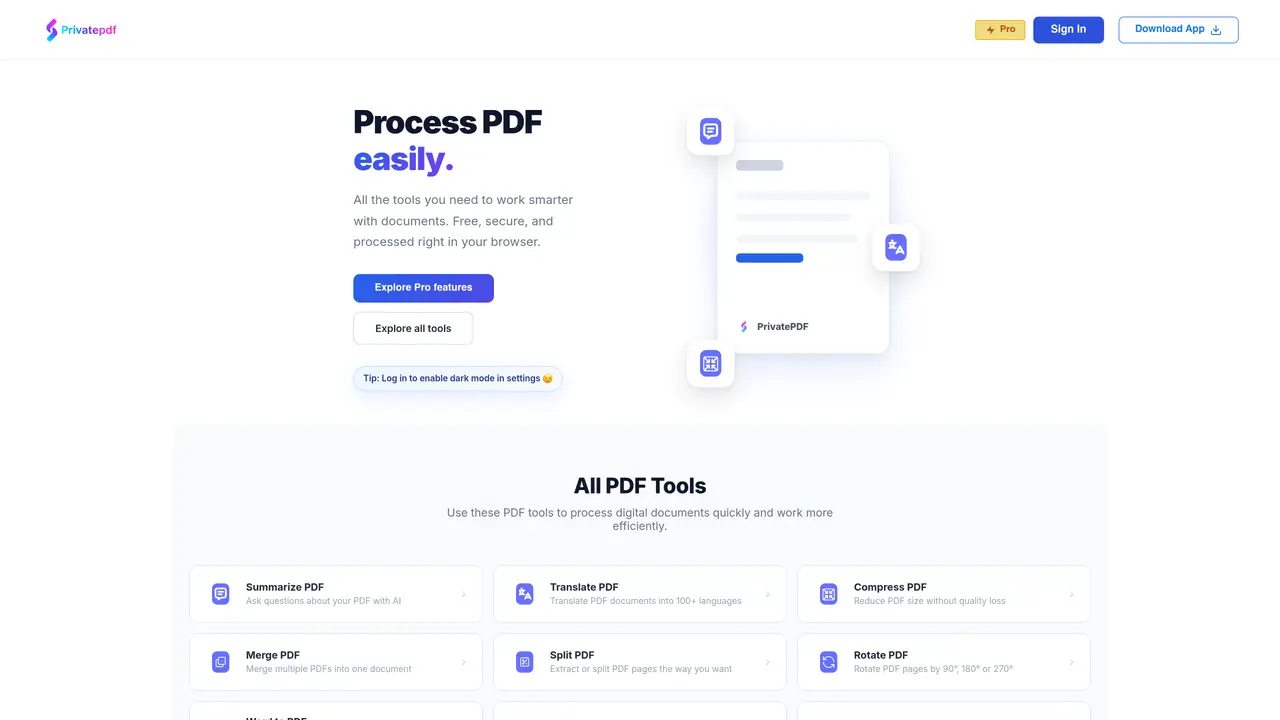
PrivatePDF offers a comprehensive suite of PDF tools that operate entirely within a web browser, enabling users to process documents without installing additional software. The platform supports essential tasks such as merging, splitting, compressing, translating, and converting files between formats including PDF, Word, Excel, PowerPoint, and images. Basic tools are available at no cost and do not require user registration, while advanced features like AI-powered PDF chat, OCR, and higher file limits are accessible through a paid subscription. For core functionalities, files are processed locally in the browser, ensuring data remains on the user’s device and enhancing privacy. For server-based operations, the service employs encryption and automatically deletes files after processing to maintain security. The platform is designed to be accessible across modern browsers on both desktop and mobile devices, providing a seamless experience without the need for app installations. PrivatePDF caters to individuals and professionals who prioritize privacy and efficiency in document handling, offering a balance between convenience and data protection.
Go to the Merge PDF tool, drag and drop your files, arrange the order, then click Merge. The output file will download automatically. This tool runs entirely in your browser.
Browser-based tools like merge, split, compress, rotate, watermark, and sign never send files out of your device. Server-based tools use encryption and auto-delete files after processing.
Core tools are completely free with no daily limits. Premium features such as Translate PDF, Chat PDF, OCR, and larger file support require a paid plan.
Free users can process files up to 50MB. Premium users can process files up to 500MB. Processing speed depends on your device.
No account is required for basic tools. An account is only needed for premium features and to save settings.
Yes. PrivatePDF works on modern browsers across Android, iPhone, and iPad without requiring app installation.
We use essential cookies to run aitoolnavio™, and optional cookies to analyze traffic and measure our marketing. You choose what we use — optional cookies stay off unless you turn them on. See our Privacy Policy.
One short email a week: fresh tools worth trying, honest takes and the updates that actually matter. No spam, unsubscribe any time.
Summarizes, extracts, and rewrites content from files.
Automate citation and reference management, aid research with text and data mining, and securely store and share documents.
Capture, organize, and share ideas, notes, and documents effortlessly.
Headless CMS that lets developers manage structured content and deliver it anywhere via flexible APIs and real-time collaboration tools.
Efficiently create and manage cases, streamline workflows, securely store and share documents, and collaborate with colleagues.
Access files, collaborate, and secure your data with unbeatable customizable system.
An AI-powered PDF editor and converter for editing, OCR, signing, annotating, merging, and chatting with documents across devices.
Browser-based PDF editor that edits, signs, converts, merges, compresses, and shares files, with AI for form filling, document chat, and PDF creation.
Securely store, access, and search documents from any device with ease.
Create and customize legal documents, consult lawyers, and access legal guides all in one platform.
Centralize brand assets, automate approvals, and collaborate with external partners in a single digital asset management platform.
AI diagramming and documentation tool for engineering teams to create and update cloud architecture, ERDs, and flowcharts from prompts, code, and CI/CD workflows.
Matched on what this tool does — grouped by the job you would be replacing.
matches Merge multiple PDFs into one document · Split PDFs by pages or extracts
Convert PDFs to Word, Excel, PowerPoint, HTML, merge multiple PDFs, and extract images.
Browser-based PDF tools for merging, compressing, converting and editing files
Free online PDF tools for merging, splitting, compressing and converting files without signup
A collection of free online tools for PDF, image, AI, developer, business and conversion tasks
matches Convert between PDF, Word, Excel, PowerPoint, and image formats
matches Perform OCR on scanned PDFs or images
matches Summarize or ask questions about PDF content with AI
An AI-powered PDF editor and converter for editing, OCR, signing, annotating, merging, and chatting with documents across devices.
Web-based platform for converting, editing, securing and generating documents
Summarize, chat with, and clean up PDFs.
AI-powered PDF editor that lets users edit text in original fonts and convert scans to editable files
Free browser-based OCR tool that extracts text from images and PDFs
Read smarter with Free AI PDF Reader!
Privacy-first online PDF toolkit with 90+ browser-based tools and 4 AI features