Summarizes, extracts, and rewrites content from files.
89M visits/mo+8.7%#2 Productivity & Office

Automatically process and search PDFs by loading them into ChatGPT, and gain insights through simple natural language questions.
ChatWithPDF is an innovative plugin tool that simplifies how users interact with PDF documents. This powerful tool allows users to load and query PDF documents directly from within the ChatGPT platform. With ChatWithPDF, users can easily query and analyze PDF content by simply providing a temporary URL for processing. This makes it easy to quickly and accurately find the information you need from PDFs. Plus, users can ask questions based on the PDF content, allowing them to gain deeper insights into the document. All in all, ChatWithPDF is a convenient way to access and search PDF documents without having to manually search for information. It’s the perfect tool for anyone looking for an efficient and user-friendly way to interact with PDFs.
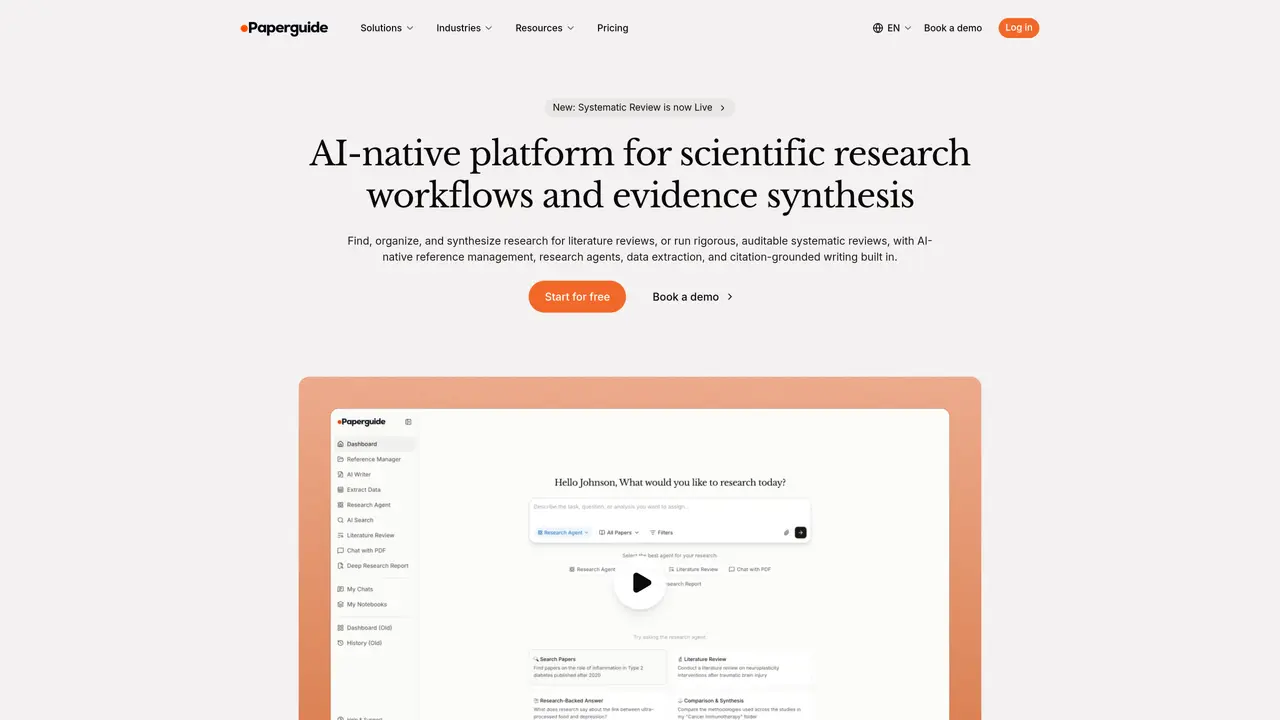
ChatWithPDF is an AI-powered tool integrated with Paperguide’s research platform that allows users to interact with PDF documents by uploading them or providing a URL. It enables users to ask questions about the PDF content and receive answers grounded in the document’s full text.
ChatWithPDF is designed for researchers, academics, and professionals who need to analyze, extract, or synthesize information from PDF documents efficiently. It is particularly useful for those conducting literature reviews, systematic reviews, or data extraction.
Yes, ChatWithPDF is part of Paperguide’s AI-native research platform, which allows users to import papers from tools like Zotero or Mendeley, add papers by DOI, and use the extracted data across other workflows such as systematic reviews or AI writing.
Key features include the ability to chat with single or multiple PDFs, ask detailed questions about the content, extract structured data from papers, and generate literature reviews. It also supports annotation, note-taking, and citation-grounded answers.
ChatWithPDF provides answers grounded in the full text of the PDFs, with every claim or extracted value linked to its source. This ensures transparency and allows users to verify the information directly from the original document.
Users can start by signing up for a free account on Paperguide’s platform, where they can upload PDFs or provide URLs for processing. The tool is accessible as part of Paperguide’s research workflows, including systematic reviews and reference management.
We use essential cookies to run aitoolnavio™, and optional cookies to analyze traffic and measure our marketing. You choose what we use — optional cookies stay off unless you turn them on. See our Privacy Policy.
One short email a week: fresh tools worth trying, honest takes and the updates that actually matter. No spam, unsubscribe any time.
Summarizes, extracts, and rewrites content from files.
Free tool to collect, organize, cite and share research sources
An AI-powered PDF editor and converter for editing, OCR, signing, annotating, merging, and chatting with documents across devices.
Browser-based PDF editor that edits, signs, converts, merges, compresses, and shares files, with AI for form filling, document chat, and PDF creation.
Streamline PDF interaction with AI summarization, batch processing, and secure Q&A.
Efficiently find data, extract key topics, map entities, analyze sentiment, and highlight important points in your PDF documents.
All-in-one AI platform for writing, image, music, and analysis.
AI-powered PDF editor with built-in agents for summarization, translation, and document analysis.
Obtain information, navigate documents, and customize responses with an AI-powered chatbot and user-friendly interface.
Summarize, chat with, and clean up PDFs.
Find sections, analyze & extract content, and interact with documents efficiently using AI-powered technology.
Generate comprehensive PDF reports, leverage NLP and ML to understand documents, save time and money with faster decision-making.
Matched on what this tool does — grouped by the job you would be replacing.
matches Automatically load PDF documents into ChatGPT for quick processing · Easily search PDFs with natural language queries · Gain insights from PDF content with simple questions
Obtain information, navigate documents, and customize responses with an AI-powered chatbot and user-friendly interface.
Summarize PDFs, extract topics, and get answers effortlessly.
Converts static PDFs into interactive documents with question answering, summarization, and information retrieval.
Extract insights from PDFs, Word docs, CSVs, Excel files, and SQL databases by chatting with them in natural language.