Summarizes, extracts, and rewrites content from files.
89M visits/mo+8.7%#2 Productivity & Office

Extract text, search, navigate, annotate, and collaborate on PDFs effortlessly.
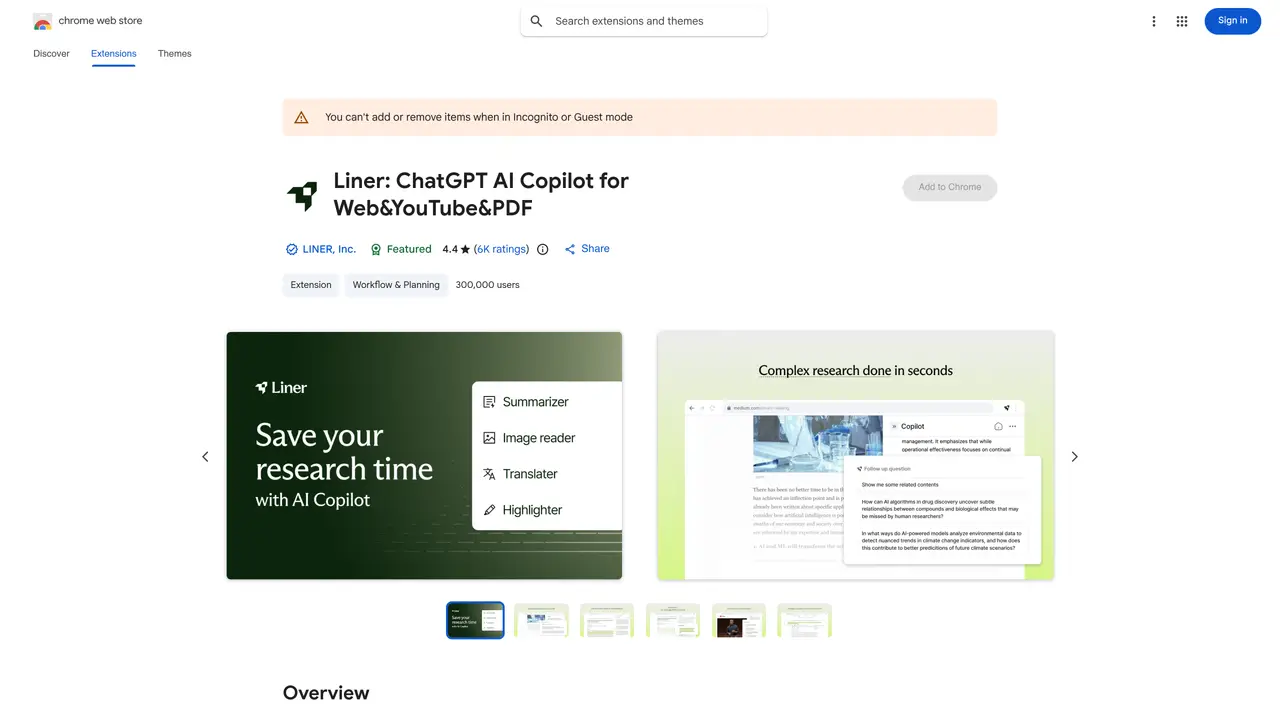
LINER AI for PDF is an innovative tool designed to make working with PDFs easier and faster. It uses artificial intelligence to automatically identify and extract text from the documents, so you don’t have to manually type or copy and paste. This saves time and effort, allowing you to focus on more important tasks. LINER AI for PDF is ideal for students, researchers, writers, and other professionals. It can be used to quickly find relevant information in documents, and it also provides a range of features that can help you organize, analyze, and collaborate on PDFs. With its intuitive search and navigation, you can quickly find the information you need. Additionally, its built-in annotation tools allow you to highlight and annotate PDFs with ease, and its collaboration features let you share your documents with teammates and colleagues. With LINER AI for PDF, you can make working with PDFs simpler and more efficient.
LINER AI for PDF integrates ChatGPT directly into PDFs and web pages, enabling users to ask questions, summarize content, and highlight key insights without leaving the document.
The tool is designed for students, researchers, writers, and professionals who need to quickly digest, analyze, and organize information from PDFs and online sources.
Yes, LINER offers a Basic plan with core features like AI search, summarization, and highlighting, while advanced features such as file uploads and access to multiple AI models require a Pro plan.
LINER primarily functions as a browser extension for Chrome, enabling AI-powered interactions directly within web pages, PDFs, and YouTube videos.
The free version restricts advanced features like file uploads and access to multiple AI models, and its functionality is limited to supported browsers and platforms.
Users can install the Chrome extension from the Web Store, create an account, and start using AI Copilot features like summarization and highlighting immediately.
We use essential cookies to run aitoolnavio™, and optional cookies to analyze traffic and measure our marketing. You choose what we use — optional cookies stay off unless you turn them on. See our Privacy Policy.
One short email a week: fresh tools worth trying, honest takes and the updates that actually matter. No spam, unsubscribe any time.
Summarizes, extracts, and rewrites content from files.
Free tool to collect, organize, cite and share research sources
An AI-powered PDF editor and converter for editing, OCR, signing, annotating, merging, and chatting with documents across devices.
Browser-based PDF editor that edits, signs, converts, merges, compresses, and shares files, with AI for form filling, document chat, and PDF creation.
Streamline PDF interaction with AI summarization, batch processing, and secure Q&A.
Efficiently find data, extract key topics, map entities, analyze sentiment, and highlight important points in your PDF documents.
All-in-one AI platform for writing, image, music, and analysis.
AI-powered PDF editor with built-in agents for summarization, translation, and document analysis.
Obtain information, navigate documents, and customize responses with an AI-powered chatbot and user-friendly interface.
Summarize, chat with, and clean up PDFs.
Find sections, analyze & extract content, and interact with documents efficiently using AI-powered technology.
Generate comprehensive PDF reports, leverage NLP and ML to understand documents, save time and money with faster decision-making.
Matched on what this tool does — grouped by the job you would be replacing.
matches Automatically extract text from PDFs · Quickly search and navigate PDFs · Intuitive search and navigation
AI-powered PDF editor with built-in agents for summarization, translation, and document analysis.
Summarize PDFs, extract topics, and get answers effortlessly.
Lightweight AI-powered PDF editor for macOS with on-device processing
matches Annotate and collaborate on PDFs · Built-in annotation tools · Collaboration features
An AI research workspace for students and academics to search 200M+ papers, manage references, annotate PDFs, summarize sources, and write with citations.
AI assistant that analyzes documents like PDFs and contracts, answers questions in plain language, and extracts insights for faster understanding.
AI-powered library to save, annotate, and search webpages, PDFs, videos, and notes in one searchable workspace.