Generate content, correct spelling, suggest synonyms to enhance writing.
173M visits/mo+0.1%#1 Productivity & Office

Browser-based tool that audits and prices MEP bills of quantities using 777 macro-indexed 2026 rates
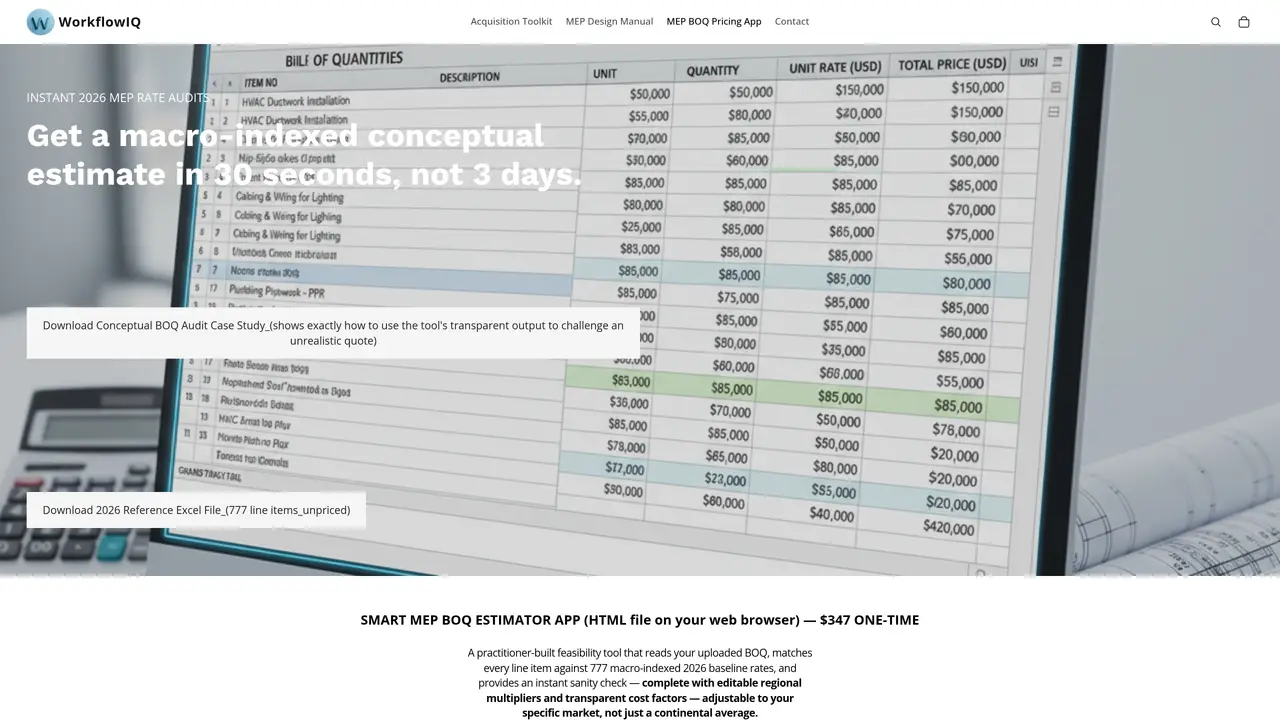
A standalone HTML application that runs in Chrome, Edge, or Safari without installation or an account. It accepts an MEP bill of quantities (BOQ) in Excel format, automatically reads descriptions, quantities, units, and unit rates, and semantically matches each line item against a 777-item reference database of 2026 baseline rates across Plumbing, HVAC, Electrical, and General Items. The tool provides two primary functions: a Price tab that generates unit rates, amounts, and cost breakdowns for unpriced BOQs, and an Audit tab that flags overpriced items in contractor-submitted BOQs with full mathematical transparency. Users can adjust regional multipliers for GCC, USA, and Western Europe or define custom regions to calibrate results to local market conditions. The output includes editable cost factors and a variance report that highlights discrepancies for manual review. A companion 10-page PDF guide explains every BOQ column, offers a 5-step validation framework, and includes a 20-point red-flag checklist and glossary of MEP terms.
The MEP BOQ Pricing App is a standalone HTML tool that runs in a web browser without installation or an account. It is designed for developers, project owners, MEP engineers, and quantity surveyors who need a quick, transparent sanity check on MEP bill of quantities (BOQ) pricing before tendering.
The app reads an uploaded Excel BOQ file, automatically extracting descriptions, quantities, units, and unit rates. It then semantically matches each line item against a 777-item reference database of 2026 baseline rates across Plumbing, HVAC, Electrical, and General Items.
The tool runs entirely offline in your browser once loaded and does not require an account. However, it does require a free Anthropic API key for AI processing, which is paid directly to Anthropic.
Yes, the tool includes editable regional multipliers for GCC, USA, and Western Europe, and allows users to define custom regions to calibrate results to local market conditions.
If an item cannot be matched to the reference database, the tool returns a clear 'No Match Found' result for that line, ensuring transparency and requiring manual review.
The download includes the standalone HTML app, a 10-page PDF guide on reading and auditing MEP BOQs, a 777-item reference Excel toolkit with baseline rates, and full setup instructions.
We use essential cookies to run aitoolnavio™, and optional cookies to analyze traffic and measure our marketing. You choose what we use — optional cookies stay off unless you turn them on. See our Privacy Policy.
One short email a week: fresh tools worth trying, honest takes and the updates that actually matter. No spam, unsubscribe any time.
Generate content, correct spelling, suggest synonyms to enhance writing.
Turn messy team ideas into actionable plans with Miro's visual workspace.
Leverage analytics, automate tasks, share documents, and coordinate projects.
Integrates AI into Airtable to analyze data, summarize insights, draft content, and automate workflows without prior AI experience.
Cloud accounting software that automates bookkeeping, invoicing, and financial reporting for small and growing businesses.
Streamline teamwork, manage projects, automate tasks efficiently.
Automate code, research, and documents using agents.
AI assistant for safe, reliable productivity with code, collaboration, and integrations.
Create customizable tables, databases, and spreadsheets, share data securely with team members.
Easy-to-use CRM platform that automates lead capturing, prioritizes tasks, and provides sales pipeline analytics for businesses of all sizes.
Transforms thoughts into actions, enhancing productivity and efficiency.
Write & run code in 50+ languages, auto-complete with AI, and code faster with an intuitive interface.
Matched on what this tool does — grouped by the job you would be replacing.
Paid placement · similar tools from listings that support aitoolnavio™
Instant lead response for home-service pros: your phone rings on every new lead, plus 14 days of follow-up
matches Drag-and-drop Excel BOQ upload with automatic column detection · Price and Audit modes for unpriced and contractor BOQs · Editable regional multipliers and custom region support
AI-powered tool that converts architectural plans into detailed construction estimates
AI estimator for trade contractors that generates accurate, itemized estimates quickly.