Generate content, correct spelling, suggest synonyms to enhance writing.
173M visits/mo+0.1%#1 Productivity & Office

Browser extension that blurs the screen when a second face appears in the webcam feed
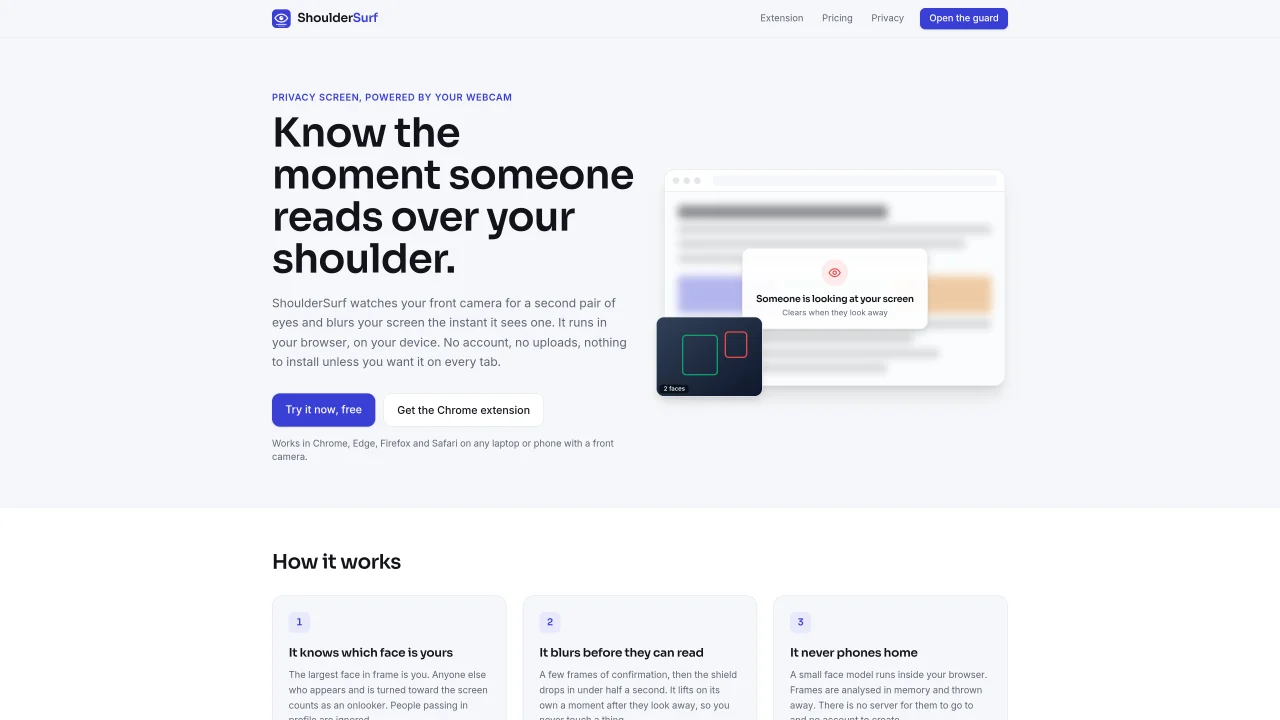
ShoulderSurf is a browser extension that uses the device’s front-facing camera to detect when a second person is looking at the screen. It runs entirely on the user’s device, analyzing camera frames in memory and discarding them immediately without upload or storage. The extension works across Chrome, Edge, Firefox, and Safari on laptops and phones with a front camera. When a second face turns toward the screen, the screen blurs within half a second and remains blurred until the onlooker looks away. The tool includes a walk-away lock feature that blurs the screen when the user leaves the desk and restores it upon return. Sensitivity, reaction speed, and hold time can be adjusted in settings. A quiet chime can be enabled to signal when the screen blurs or unblurs. The extension can be toggled from the browser toolbar and protects every tab once installed. The web version of ShoulderSurf is available for free and protects only its own page, while the Chrome extension covers all browser tabs.
ShoulderSurf is a browser extension that uses the device’s front-facing camera to detect when a second person is looking at the screen. It blurs the screen within half a second when an onlooker is detected and restores visibility when they look away.
The tool is designed for anyone working in shared or public spaces, such as cafés, trains, open-plan offices, or shared flats, where screen privacy is a concern. It is also useful for presentations or hot-desking environments.
No account is required to use ShoulderSurf. A license key is provided after payment, which is pasted into the extension to activate the subscription. The key also serves as a login method.
ShoulderSurf runs entirely on the user’s device. Camera frames are analyzed in memory and discarded immediately without upload or storage. No images or video are sent to any server.
The Chrome extension version of ShoulderSurf protects every tab in the browser once installed. The web version only protects its own page and remains free.
Subscriptions can be canceled at any time from the account page using the license key. Protection continues until the end of the paid period.
We use essential cookies to run aitoolnavio™, and optional cookies to analyze traffic and measure our marketing. You choose what we use — optional cookies stay off unless you turn them on. See our Privacy Policy.
One short email a week: fresh tools worth trying, honest takes and the updates that actually matter. No spam, unsubscribe any time.
Generate content, correct spelling, suggest synonyms to enhance writing.
Turn messy team ideas into actionable plans with Miro's visual workspace.
Leverage analytics, automate tasks, share documents, and coordinate projects.
Integrates AI into Airtable to analyze data, summarize insights, draft content, and automate workflows without prior AI experience.
Cloud accounting software that automates bookkeeping, invoicing, and financial reporting for small and growing businesses.
Streamline teamwork, manage projects, automate tasks efficiently.
Automate code, research, and documents using agents.
AI assistant for safe, reliable productivity with code, collaboration, and integrations.
Create customizable tables, databases, and spreadsheets, share data securely with team members.
Easy-to-use CRM platform that automates lead capturing, prioritizes tasks, and provides sales pipeline analytics for businesses of all sizes.
Transforms thoughts into actions, enhancing productivity and efficiency.
Write & run code in 50+ languages, auto-complete with AI, and code faster with an intuitive interface.
Matched on what this tool does — grouped by the job you would be replacing.
Paid placement · similar tools from listings that support aitoolnavio™
Instant lead response for home-service pros: your phone rings on every new lead, plus 14 days of follow-up
matches On-device face detection using webcam feed · Real-time screen blurring when a second face appears · Walk-away lock to blur screen when user leaves desk
Safeguard digital privacy with AI-powered, customizable image blurring.
Browser extension that blocks AI prompt input on any website