AI assistant for safe, reliable productivity with code, collaboration, and integrations.

TeenyPDF
FreeStarting price
0Popularity
About TeenyPDF
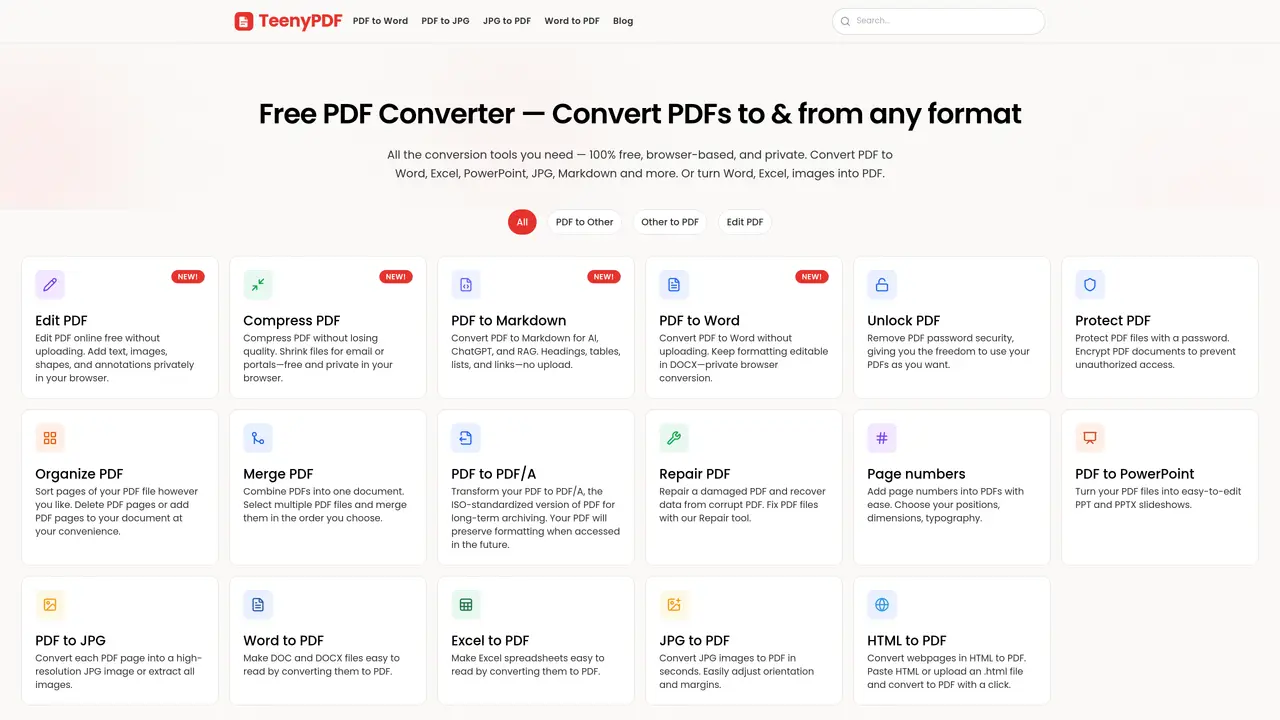
TeenyPDF provides a suite of browser-based utilities for working with PDF files entirely on the user’s device. The platform offers conversion tools that transform PDFs to and from formats such as Word, Excel, PowerPoint, JPG, Markdown, and HTML, as well as reverse conversions from these formats into PDF. Users can edit PDFs by adding text, images, shapes, and annotations without uploading files. Additional features include password protection and removal, page organization, merging, repair, and conversion to PDF/A for long-term archiving. The service also supports compressing PDFs without quality loss, adding page numbers, and extracting images from PDFs. All operations occur locally in the browser, ensuring privacy and eliminating the need for file uploads. The tools are designed for both individual and business use, with options for batch processing and mobile access.
Key features
- Convert PDF to Word, Excel, PowerPoint, JPG, Markdown, HTML
- Edit PDFs by adding text, images, shapes, and annotations
- Compress PDFs without quality loss
- Password protect or remove PDF security
- Merge, split, and organize PDF pages
- Repair damaged or corrupt PDF files
- Convert PDF to PDF/A for long-term archiving
- Add page numbers to PDFs
Use cases
- Converting PDFs to editable formats for document editing
- Compressing large PDFs for email sharing
- Preparing PDFs for AI tools by converting to Markdown
Pros
- No file uploads required
- 100% browser-based with no account needed
- Supports multiple input and output formats
- Local processing ensures privacy
- Free to use
Cons
- No desktop application available
- Limited to browser-based use
- No API access mentioned
Frequently asked questions about TeenyPDF
What is TeenyPDF and how does it work?
TeenyPDF is a browser-based suite of PDF utilities that operate entirely on the user’s device without requiring file uploads. It provides tools for converting, editing, compressing, organizing, and securing PDF files locally in the browser.
Who should use TeenyPDF?
TeenyPDF is designed for both individuals and businesses who need to work with PDFs privately and efficiently. It suits users who prioritize data security, offline workflows, and local file processing.
Does TeenyPDF require an account or software installation?
No account is required to use TeenyPDF’s tools, and all operations are performed directly in the browser. There is no need to install additional software or plugins.
What file formats does TeenyPDF support for conversion?
TeenyPDF supports conversions between PDF and formats such as Word, Excel, PowerPoint, JPG, Markdown, HTML, and PDF/A. It also allows reverse conversions from these formats back into PDF.
Can TeenyPDF handle batch processing or large files?
TeenyPDF supports batch processing for certain tools, allowing users to manage multiple documents efficiently. File size limits depend on the browser and device capabilities, but operations are optimized for local processing.
How does TeenyPDF ensure privacy when working with PDFs?
All tools process files locally in the browser, meaning files never leave the user’s device. This approach eliminates the need for uploads and reduces exposure to third-party servers.