Generate content, correct spelling, suggest synonyms to enhance writing.
173M visits/mo+0.1%#1 Productivity & Office

AI-powered website builder that generates complete, professional designs from simple user input.
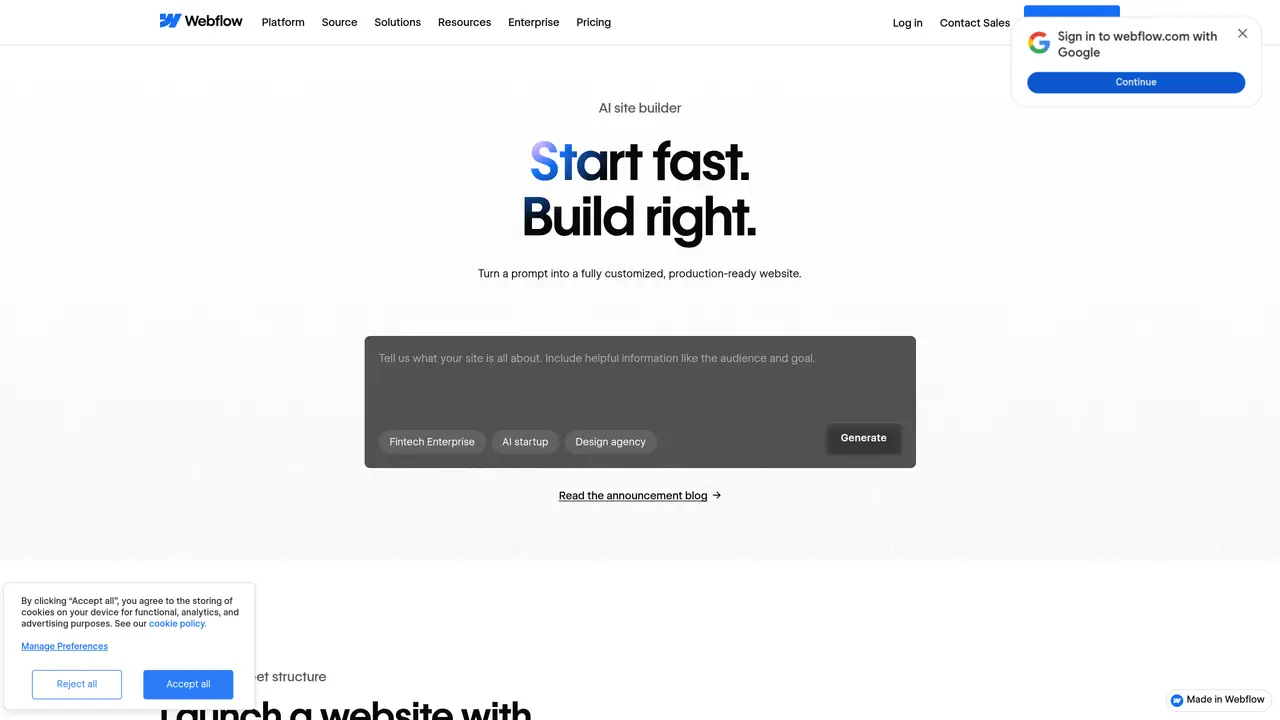
Webflow’s AI Site Builder uses artificial intelligence to automate the creation of full website designs. It generates layouts, typography, color schemes, and images based on user-provided prompts or requirements. The tool is designed for business owners, web developers, and content creators who need to build polished websites without deep technical expertise. By handling design decisions automatically, it reduces the time and effort required to start a new project. Users can customize the output to match their brand or preferences while maintaining professional standards. The platform integrates with Webflow’s ecosystem, allowing for further refinement and publishing. It serves as a bridge between rapid prototyping and high-quality web development.
It transforms a text prompt into a fully functional, customizable website draft with layouts, typography, color schemes, and images, ready for further editing in Webflow.
It suits marketers, designers, developers, agencies, and business owners who want to quickly launch polished websites without deep technical expertise.
Yes, but you need a paid Site plan to connect a custom domain to any Webflow site, including AI-generated ones.
Describe your project in a prompt, and the tool generates a ready-to-edit site draft. You can then customize, add structure, and refine it using Webflow’s full platform.
You can use it to create new pages, CMS Collection items, optimize SEO and AEO, and answer questions while building—all within the Webflow editor.
Sites are built on Webflow Flowkit, a modular CSS framework that ensures design consistency, customizability, and scalability.
We use essential cookies to run aitoolnavio™, and optional cookies to analyze traffic and measure our marketing. You choose what we use — optional cookies stay off unless you turn them on. See our Privacy Policy.
One short email a week: fresh tools worth trying, honest takes and the updates that actually matter. No spam, unsubscribe any time.
Generate content, correct spelling, suggest synonyms to enhance writing.
Turn messy team ideas into actionable plans with Miro's visual workspace.
Leverage analytics, automate tasks, share documents, and coordinate projects.
Integrates AI into Airtable to analyze data, summarize insights, draft content, and automate workflows without prior AI experience.
Cloud accounting software that automates bookkeeping, invoicing, and financial reporting for small and growing businesses.
Streamline teamwork, manage projects, automate tasks efficiently.
Automate code, research, and documents using agents.
AI assistant for safe, reliable productivity with code, collaboration, and integrations.
Create customizable tables, databases, and spreadsheets, share data securely with team members.
Easy-to-use CRM platform that automates lead capturing, prioritizes tasks, and provides sales pipeline analytics for businesses of all sizes.
Transforms thoughts into actions, enhancing productivity and efficiency.
Write & run code in 50+ languages, auto-complete with AI, and code faster with an intuitive interface.
Matched on what this tool does — grouped by the job you would be replacing.
Paid placement · similar tools from listings that support aitoolnavio™
Instant lead response for home-service pros: your phone rings on every new lead, plus 14 days of follow-up
matches Generates complete website designs from user input · Automates layout, typography, and color scheme selection · Produces images and visual assets
Drag-and-drop website builder that generates content and design automatically without coding, enabling fast, professional site creation.
Landing Page AI is a free AI-powered website builder that creates high-converting landing pages in seconds.
Official WordPress AI website builder that turns ideas into a content-ready site instantly with AI-generated layouts, text, and images.
AI-powered WordPress website builder that generates sites, images, text, and layouts directly in the editor.