Unleash creativity: edit photos, videos, and designs with AI-enhanced tools.

Crate Captions
0Popularity
About Crate Captions
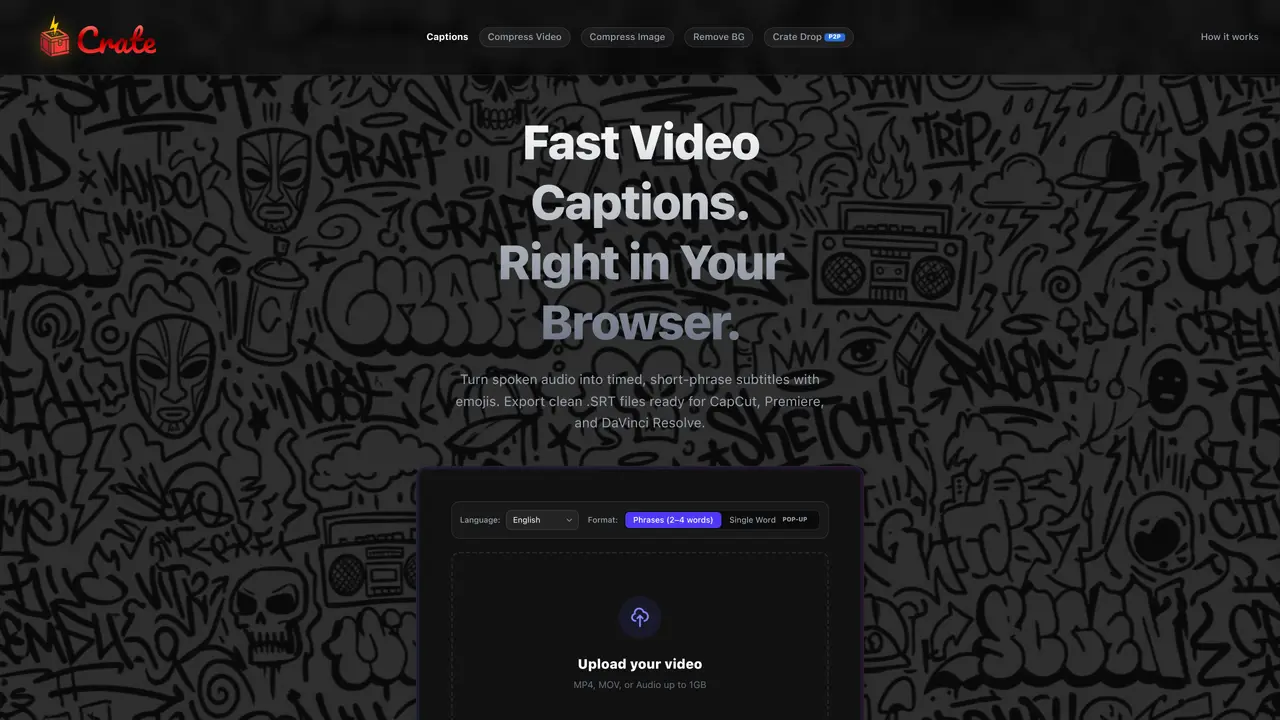
Crate Captions is a browser-based tool that converts spoken audio into timed, short-phrase subtitles with emoji suggestions. It exports clean .SRT files compatible with video editors like CapCut, Premiere Pro, and DaVinci Resolve. The tool processes audio locally using the browser’s Web Audio API and WebAssembly, ensuring no files are uploaded to external servers. This approach maintains privacy and speeds up processing by avoiding cloud queues. Users can upload video or audio files up to 1GB in formats such as MP4, MOV, or MP3. The generated subtitles are formatted as 2–4 word phrases aligned with grammatical boundaries for natural readability. Emojis are added based on semantic context and appended to each caption line. The tool supports multiple languages including English, Hindi, Spanish, French, Portuguese, Arabic, Chinese, Japanese, Korean, German, Italian, Russian, and Turkish.
Key features
- Local audio processing via Web Audio API
- Supports MP4, MOV, WebM, MKV, AVI, MP3, WAV, M4A, OGG
- Auto-detects language for speech recognition
- Formats subtitles as 2–4 word phrases
- Adds emojis based on phrase meaning
- Exports .SRT files for CapCut, Premiere, DaVinci
- No server-side processing or storage
- Privacy-focused with no external uploads
Use cases
- Generating subtitles for Instagram Reels or TikTok
- Adding captions to YouTube Shorts for accessibility
- Transcribing podcast audio for video editing
Pros
- Local processing with no file uploads
- Supports multiple languages and file formats
- Exports standard .SRT files for major editors
- Adds emojis based on semantic context
- No account or sign-up required
Cons
- Limited to 1GB file size depending on device memory
- Accuracy may drop with heavy accents or overlapping voices
- Emoji feature requires external text-only call
- iMovie does not natively support .SRT files
Frequently asked questions about Crate Captions
What is Crate Captions and what does it do?
Crate Captions is a browser-based tool that converts spoken audio into timed, short-phrase subtitles with emoji suggestions. It exports clean .SRT files compatible with video editors like CapCut, Premiere Pro, and DaVinci Resolve.
Who is Crate Captions designed for?
The tool is designed for short-form video creators who need fast, private, and accurate subtitles for platforms like Instagram Reels, TikTok, or YouTube Shorts. It suits users who prioritize privacy and prefer local processing over cloud-based solutions.
How does Crate Captions process audio files?
Crate Captions processes audio locally using the browser’s Web Audio API and WebAssembly, ensuring no files are uploaded to external servers. The speech recognition model runs in the background without sending the original video or audio to a server.
What file formats and sizes does Crate Captions support?
The tool supports video formats like MP4, MOV, WebM, MKV, and AVI, as well as audio formats such as MP3, WAV, M4A, and OGG. File size support goes up to around 1 GB, depending on the user's device memory.
How are emojis added to the captions?
After transcribing the audio into short phrases, each caption is evaluated semantically to pair it with a relevant emoji based on meaning and tone. The emojis are appended to the end of each subtitle line in the .SRT file.
Can I remove emojis from the captions?
Yes, emojis can be removed by editing the .SRT file in a plain text editor before importing it into your video editor, or by deleting the emoji characters directly within the editor after import.