

Create, edit, subtitle, and translate pro-grade videos instantly.
7.9M visits/mo-7.1%#4 Video & Animation
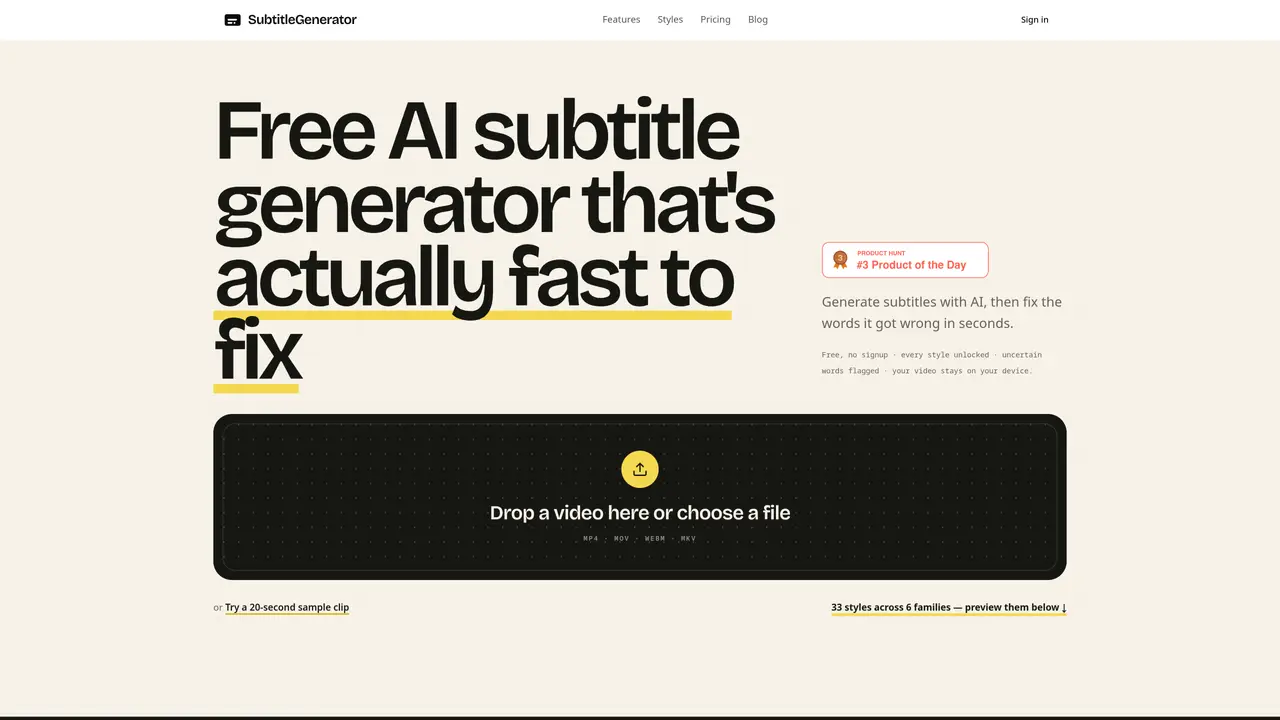
Subtitle Generator is a browser-based application that uses artificial intelligence to automatically create subtitles from video files. Users can upload videos in formats such as MP4, MOV, WebM, or MKV and receive AI-generated captions within moments. The tool flags uncertain words for manual review, allowing users to correct errors before finalizing the subtitles. It supports interactive editing where individual cues can be re-transcribed or adjusted for accuracy. The platform offers 33 caption styles organized into six families, enabling users to apply typography, framing, highlighting, and motion effects to match their content type. Subtitles remain on the user’s device throughout the process, and the tool supports exporting in a single workflow. The interface includes a shared catalog for managing projects and styles.
Subtitle Generator is a browser-based AI tool that automatically creates subtitles from video files. It allows users to upload videos in formats such as MP4, MOV, WebM, or MKV and generates AI-generated captions quickly.
The tool is suitable for content creators, podcasters, educators, marketers, and anyone needing accurate subtitles for videos. It supports various content types, including tutorials, interviews, gaming highlights, and social media clips.
Yes, Subtitle Generator allows users to start for free without requiring signup. All caption styles are unlocked, and uncertain words are flagged for manual review. The video remains on the user’s device throughout the process.
Yes, the tool flags uncertain words automatically and allows users to edit, re-transcribe, or adjust individual cues for accuracy. Users can also preview and apply different caption styles before exporting.
The tool offers 33 caption styles organized into six families, including typography, framing, highlighting, and motion effects. Styles range from clean lower thirds to cinematic, karaoke, and branded options.
Users can start by uploading a video file directly to the browser-based tool. No signup is required to begin, and the process includes generating, editing, styling, and exporting subtitles in a single workflow.
We use essential cookies to run aitoolnavio™, and optional cookies to analyze traffic and measure our marketing. You choose what we use — optional cookies stay off unless you turn them on. See our Privacy Policy.
One short email a week: fresh tools worth trying, honest takes and the updates that actually matter. No spam, unsubscribe any time.
Create, edit, subtitle, and translate pro-grade videos instantly.
Turn scripts and recordings into ready-to-share videos.
AI-powered video translation and dubbing that syncs lip movements, generates subtitles, and supports 111 source and 74 target languages.
RecCloud is a comprehensive tool for AI-driven video creation, editing, and enhancement.
AI Dubbing translates videos into multiple languages, generates speech based on scripts, and achieves accurate lip sync.
Transforms video dubbing with nuanced voice preservation and 100+ languages.
Localize videos in multiple languages, customize content, and use voice-over, captioning, and subtitling for various purposes.
Generate auto-translated captions, edit with ease, and collaborate on projects with shared captions in 17 languages.
Generate multilingual voiceovers, dub videos, and localize content with reliable text-to-speech voice solutions.
A chat-based AI creative studio for recording, editing, enhancing, dubbing, subtitling, and publishing video and audio content, plus Voice APIs for developers.
Automate dubbing with AI for multilingual videos, ensuring natural sound and effortless global reach.
Transform screen recordings into multilingual videos and documents effortlessly.
Matched on what this tool does — grouped by the job you would be replacing.
matches AI subtitle generation · Interactive word-by-word correction · Flagging of uncertain words
Free AI tool to generate and add subtitles to videos without watermarks
On-device subtitle and caption generator for videos with animated styles
Browser-based subtitle generator for short-form videos with emoji support
AI-powered animated subtitle generator for short-form video content
matches Local processing of videos · Supports MP4, MOV, WebM, MKV formats
matches 33 caption styles in six families · Word-by-word subtitle animations · Preset animation templates
Web app that converts audio and video files into searchable text with timestamps and subtitles
Offline desktop app that converts local audio and video files to text
Generates and translates subtitles from videos using local AI on Mac or Windows
Browser-based tool for local audio and video transcription and subtitle editing
AI-powered tool to generate, style and export captioned videos for social platforms
Browser-based tool that adds timed captions to short-form videos