Unleash creativity: edit photos, videos, and designs with AI-enhanced tools.

DemoKit
0Popularity
About DemoKit
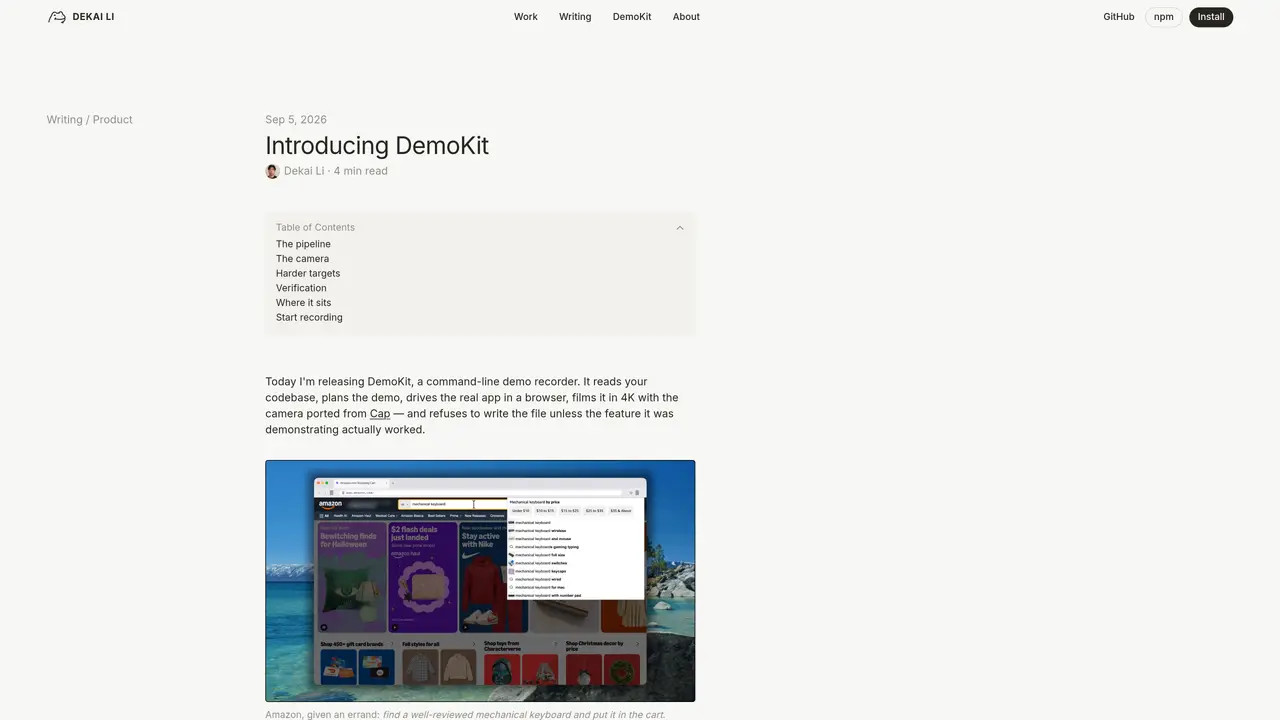
DemoKit is a command-line application that records software demonstrations in a browser, producing 4K videos with a ported camera system. It operates through a four-stage pipeline: planning, capture, rendering, and verification. The tool reads a codebase to determine what a demo must prove before opening a browser, then drives a real application in headless Chromium while recording every interaction. The camera system replicates Cap’s spring-zoom behavior, cursor movement, and window styling without manual adjustments. After recording, DemoKit verifies each step of the demo through three independent checks to confirm the intended feature actually worked. The verification process compares the state before and after each interaction, ensuring the recorded outcome matches the planned demonstration. It supports complex applications including those using WebGL, virtualized rendering, and canvas-based interfaces.
Key features
- Command-line interface for recording
- 4K video output with Cap’s camera system
- Automated planning from codebase analysis
- Headless Chromium browser automation
- Three-step verification per demo action
- Spring-zoom camera behavior replication
- Cursor and window styling customization
- Support for WebGL and canvas-based apps
Use cases
- Recording verified software demos for documentation
- Automated testing of user interface interactions
- Generating proof-of-concept videos for feature showcases
Pros
- Records demos in 4K with a ported camera system
- Automated verification of each demo step
- Plans demo flow by analyzing codebase before execution
- Supports complex web applications with dynamic rendering
- Produces verified demo videos without manual editing
Cons
- Command-line only, no graphical interface
- Requires headless Chromium for execution
- Verification process may fail if checks disagree
Frequently asked questions about DemoKit
What does DemoKit do?
DemoKit is a command-line tool that records software demonstrations in a browser by driving a real application in headless Chromium, capturing interactions in 4K video, and verifying each step of the demo through three independent checks.
Who is DemoKit designed for?
DemoKit is designed for developers, product teams, and technical writers who need to create accurate, verified demo videos of web applications, including complex interfaces like Google Maps or Grafana.
How does DemoKit verify the recorded demos?
DemoKit verifies each step of the demo three times from different vantage points, ensuring the intended feature actually worked before writing the final video file.
Does DemoKit work with complex web applications?
Yes, DemoKit supports complex applications using WebGL, virtualized rendering, and canvas-based interfaces, such as Google Maps, Grafana, and Next.js.
How do I get started with DemoKit?
Start by installing DemoKit via npm, then use a single command to plan, capture, render, and verify a demo video without manual adjustments.
Does DemoKit require manual camera adjustments?
No, DemoKit ports Cap's camera system, which handles spring-zoom behavior, cursor movement, and window styling automatically without manual adjustments.