AI-powered video messaging tool that records, shares, and manages video messages with AI-generated titles, summaries, and tasks.
16M visits/mo-3.4%#5 Chatbots & Assistants

AI video production software that transforms webinars, demos, and presentations into multi-camera videos from a single webcam.
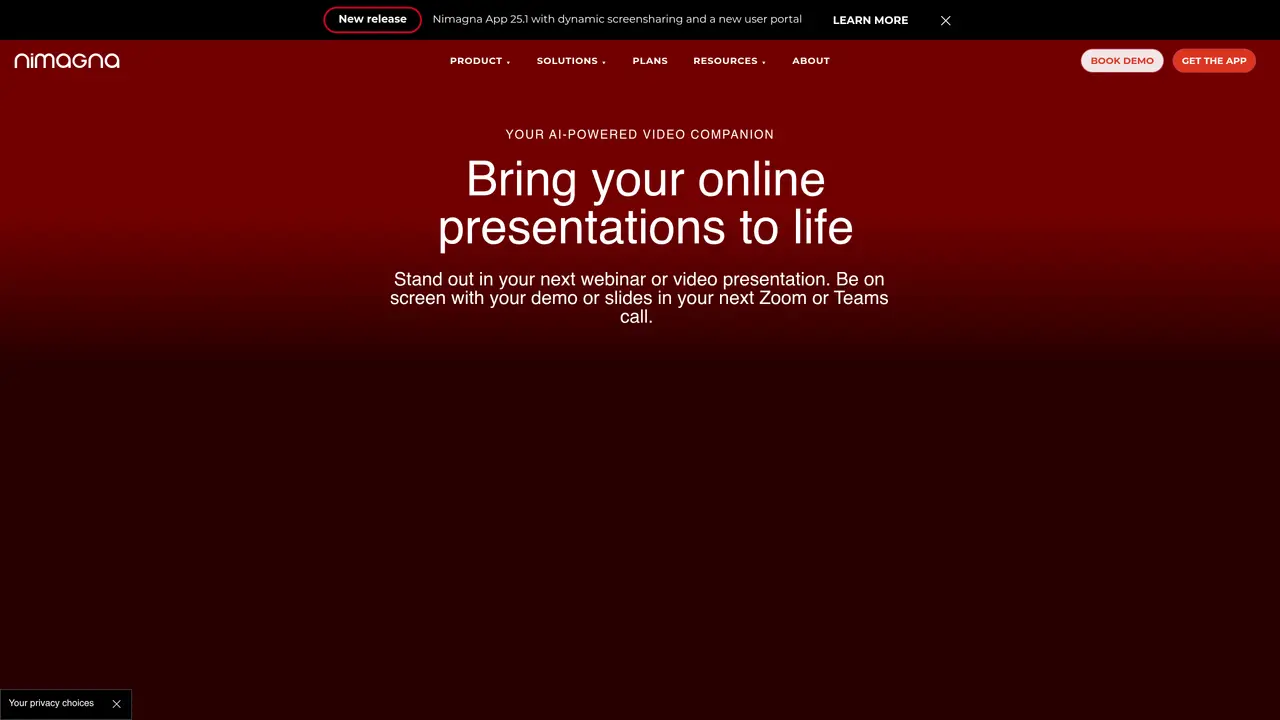
Nimagna is a desktop application for Windows and Mac designed to help businesses and educators convert online presentations, webinars, recordings, and product demos into more engaging video experiences using a single webcam. The tool leverages AI to direct multi-camera production by analyzing presenter gestures, body movement, and eye gaze to automatically adjust framing and highlight key content. It supports hands-free live operation for meetings and webinars, as well as recording for training sessions, video messages, and demos. Nimagna integrates with popular video platforms like Zoom, Microsoft Teams, and Google Meet, and is compatible with other conferencing and virtual event tools. The software also includes PowerPoint support with automatic slide timing and content emphasis, along with 3D virtual environments that place presenters alongside shared content. Its patent-pending AI approach functions as a director, producer, and camera operator, enabling multi-angle, stage-like presentations without requiring complex studio equipment.
Nimagna is a desktop application for Windows and Mac that converts online presentations, webinars, recordings, and product demos into more engaging video experiences using a single webcam. It leverages AI to direct multi-camera production by analyzing presenter gestures, body movement, and eye gaze to automatically adjust framing and highlight key content.
Nimagna is designed for businesses and educators who want to enhance their online presentations, webinars, training sessions, video messages, and product demos with professional-grade video production without requiring complex studio equipment.
Nimagna integrates with popular video platforms like Zoom, Microsoft Teams, and Google Meet, as well as other conferencing and virtual event tools. It supports hands-free live operation for meetings and webinars, enabling seamless multi-angle presentations.
Yes, Nimagna includes PowerPoint support with automatic slide timing and content emphasis, allowing presenters to create more dynamic and engaging video experiences directly from their slides.
Yes, Nimagna can be used for both hands-free live operation during meetings and webinars, as well as for recording training sessions, video messages, and product demos with AI-driven camera adjustments.
Nimagna uses a patent-pending AI approach that functions as a director, producer, and camera operator, enabling multi-angle, stage-like presentations by analyzing presenter movements and automatically adjusting the framing and focus.
nimagna.com · third-party estimates from Similarweb
Traffic figures are third-party estimates, good for scale and trends; they can differ from a company's own numbers. Updated monthly.
We use essential cookies to run aitoolnavio™, and optional cookies to analyze traffic and measure our marketing. You choose what we use — optional cookies stay off unless you turn them on. See our Privacy Policy.
One short email a week: fresh tools worth trying, honest takes and the updates that actually matter. No spam, unsubscribe any time.
AI-powered video messaging tool that records, shares, and manages video messages with AI-generated titles, summaries, and tasks.
Unleash creativity: edit photos, videos, and designs with AI-enhanced tools.
Record lectures, create tutorials, and securely share videos with teams.
Create stunning videos in a few clicks, customize with powerful tools, and automate editing without experience.
Create, convert, and enhance videos effortlessly with professional effects and royalty-free music.
Create marketing videos quickly, customize with templates, music, and photos, optimize for different platforms with AI.
Automate video editing, add text-to-speech voice-overs, and optimize videos for impactful results.
Freemium, uncensored AI video and image creation for individual creators with text-to-video, image effects, and gem-based upgrades for HD and no watermarks.
Create, edit, subtitle, and translate pro-grade videos instantly.
Cloudinary provides APIs and tools to integrate, manage, and optimize images and videos for AI-driven visual experiences.
All-in-one AI suite for creators to automate workflows, edit media, and generate content across video, design, and productivity tools.
Generate cinematic video clips from text or images and refine them with AI-powered editing tools for creators and visual professionals.
Matched on what this tool does — grouped by the job you would be replacing.
matches AI-directed multi-camera production · PowerPoint integration with automatic slide timing · 3D virtual environments for presenter placement
Record lectures, create tutorials, and securely share videos with teams.
A Chrome extension that enhances webcam video with AI backgrounds, beauty filters, and recording for remote workers and creators.
Remove background noise, replace with virtual backgrounds, and enhance lighting for a polished appearance.
Create annotated tutorials, record and share meetings, and make marketing videos effortlessly.
matches Hands-free live operation for meetings and webinars · AI analysis of gestures, body movement, and eye gaze · AI meeting summaries and follow-up emails
AI meeting recorder that transcribes, summarizes, and extracts actionable items from calls and lectures in real time.
AI meeting assistant that records, transcribes, and summarizes meetings while tracking action items and syncing updates to tools like Zoom, Teams, Jira, and Salesforce.
AI-powered meeting assistant for transcription, summaries and action items
Ask, summarize and impress with meeting AI summaries and follow-up emails created in seconds.