

Automate video editing, add text-to-speech voice-overs, and optimize videos for impactful results.
4.4M visits/mo-5%#13 Video & Animation
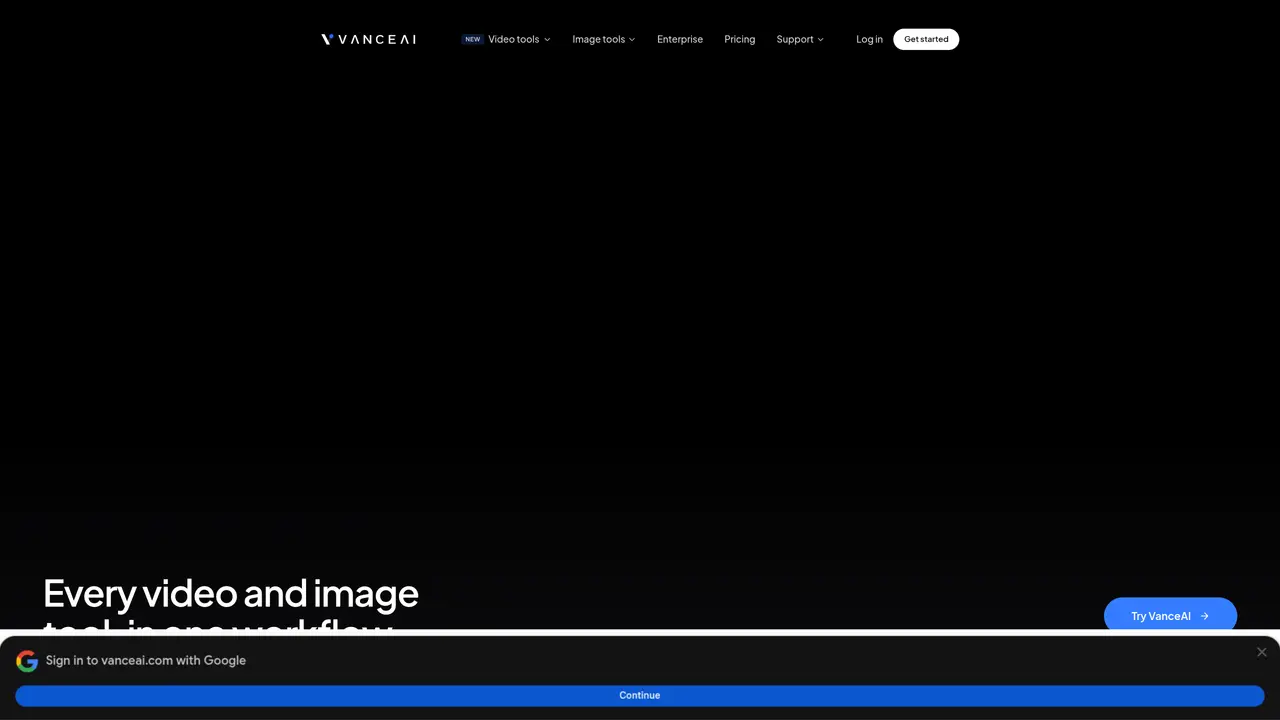
Vance Video AI is a comprehensive suite of AI-driven tools designed to elevate video quality. Whether you’re a professional filmmaker, a content creator, or a hobbyist, Vance Video AI simplifies the complex task of video enhancement, providing features like upscaling, denoising, deinterlacing, and stabilization. This tool is a one-stop solution for anyone looking to transform their video content into high-quality masterpieces. The AI Video Upscaler transforms low-resolution videos into stunning 4K and 8K quality, enhancing every pixel for vibrant colors and sharp details. The AI Denoiser eliminates noise and grain from videos, restoring original detail and texture for a polished final result. The AI Deinterlace converts interlaced video into smooth, progressive frames, enhancing image clarity and motion smoothness. The AI Deshake stabilizes shaky footage with a single click, delivering professional-looking, stable videos. Vance Video AI is suitable for various users, including professional filmmakers, YouTubers and content creators, video editors, and amateur videographers. It can also be used by sports analysts for clearer action replays and historians for restoring archival footage.
Vance Video AI is a suite of AI-powered tools for enhancing video quality, including upscaling, denoising, deinterlacing, and stabilization. It uses deep convolutional neural networks to analyze and improve videos frame by frame.
The tool is designed for professional filmmakers, content creators, video editors, amateur videographers, sports analysts, and historians looking to restore or enhance video footage.
Uploads are encrypted in transit and permanently deleted within 24 hours, ensuring user privacy by default across all models.
Yes, VanceAI offers a free lightweight desktop client called VanceAI Lite for offline AI video and image processing.
Vance Video AI processes all common video formats, enabling batch processing with AI-driven enhancements like upscaling, denoising, and stabilization.
Users can start by creating an account on the VanceAI platform, which includes a free trial with no watermarks and access to video enhancement tools.
We use essential cookies to run aitoolnavio™, and optional cookies to analyze traffic and measure our marketing. You choose what we use — optional cookies stay off unless you turn them on. See our Privacy Policy.
One short email a week: fresh tools worth trying, honest takes and the updates that actually matter. No spam, unsubscribe any time.
Automate video editing, add text-to-speech voice-overs, and optimize videos for impactful results.
Create custom titles, 3D objects, adjust color and contrast, add special effects, transitions, and animations.
Vmake is an all-in-one AI-powered video creation and enhancement platform designed to help creators, marketers, and businesses produce high-quality video content quickly and effortlessly.
AI-enhanced photo and video editing software with local, secure processing.
Efficiently convert, burn, and customize videos for optimal results.
Create lifelike videos from text and images.
Create stunning videos effortlessly with HitPaw's intuitive interface and advanced editing features.
Web-based AI video editor that repurposes YouTube or TikTok clips into scroll-stopping short-form videos with AI voiceovers and viral subtitles.
AI-powered aim trainer that analyzes performance and delivers personalized exercises for FPS gamers to improve accuracy and track progress.
Web-based AI editor that upscales videos to 4K, removes backgrounds and watermarks, generates subtitles, makes clips, and translates videos.
Automatically enhance videos, create stunning results, and supports multiple file formats, with an intuitive chat-based interface.
AI plugin for Adobe Premiere Pro that automates repetitive video editing tasks like silence removal, captioning, and chapter detection.
Matched on what this tool does — grouped by the job you would be replacing.
matches AI Video Upscaler: Transforms low-resolution videos into stunning 4K and 8K quality · AI Denoiser: Eliminates noise and grain from videos, restoring original detail and texture · AI Deinterlace: Converts interlaced video into smooth, progressive frames
Upscale low-res videos, stabilize shaky footage, and achieve exceptional results using advanced neural networks.
AI-powered video upscaling and enhancement software that converts SD to HD, HD to 4K, and 4K to 8K while preserving quality.
Enhance and restore video quality up to 8K with HitPaw VikPea.
AI-powered tool upscales videos to stunning 8K quality.