
Design, automate, and analyze email campaigns with drag-and-drop builders, AI editing, and real-time analytics.
5.2M visits/mo+4.7%#21 Business & Marketing

AI-powered desktop assistant for Microsoft Outlook users to summarize, search and draft emails faster
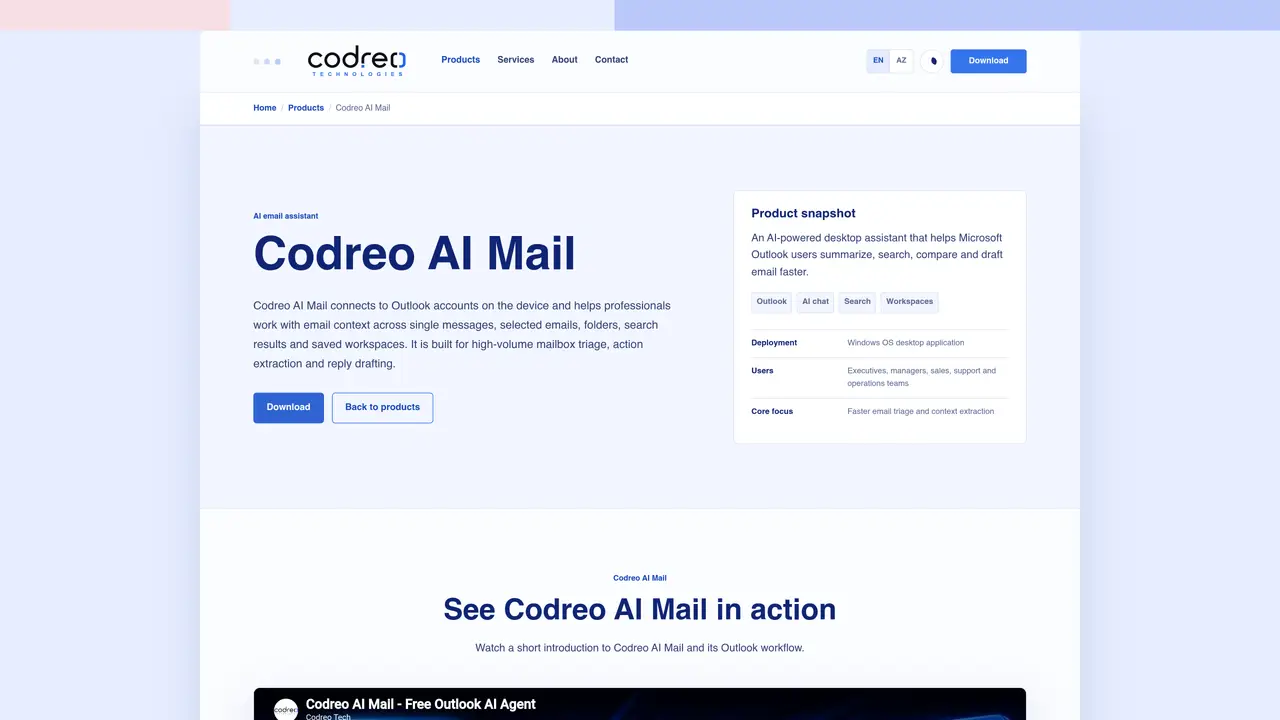
Codreo AI Mail is a desktop application that integrates with Microsoft Outlook to assist professionals in managing high-volume email workflows. It connects directly to Outlook accounts on the device, enabling users to work with email context across individual messages, selected emails, folders, search results and saved workspaces. The tool is designed for faster mailbox triage, extracting key actions from emails and drafting replies efficiently. It operates within Outlook-supported workflows, allowing users to open, reply, reply all or forward messages without leaving the application. The AI assistant supports various scopes of interaction, including single emails, selected emails, folders and entire mailboxes, while providing productivity prompts for summarizing content, identifying urgent items and generating responses. Search functionality extends across folders, workspaces and multiple email accounts, with AI reasoning added to improve search relevance. Workspaces preserve project context by consolidating related emails and chats, which can be exported in Markdown format.
Codreo AI Mail is a desktop application that integrates with Microsoft Outlook to assist professionals in managing high-volume email workflows. It connects directly to Outlook accounts on the device, enabling users to work with email context across individual messages, selected emails, folders, search results and saved workspaces.
The tool is designed for business professionals with high email volume, including executives, managers, consultants, sales and support teams. It is particularly useful for organizations that rely on Microsoft Outlook for their email communication.
Codreo AI Mail connects to Outlook accounts available on the device and operates within Outlook-supported workflows. It allows users to open, reply, reply all or forward messages without leaving the application, while leveraging AI for summarization, action extraction and drafting.
Yes, Codreo AI Mail supports searching across folders, workspaces and multiple email accounts. It enhances search relevance by adding AI reasoning to the process.
Workspaces in Codreo AI Mail preserve project context by consolidating related emails and chats. They allow users to save and revisit email context, and can be exported in Markdown format for further use.
Yes, Codreo AI Mail supports multiple AI providers and allows for local model workflows. Users can manage provider credentials and select models through the provider settings.
We use essential cookies to run aitoolnavio™, and optional cookies to analyze traffic and measure our marketing. You choose what we use — optional cookies stay off unless you turn them on. See our Privacy Policy.
One short email a week: fresh tools worth trying, honest takes and the updates that actually matter. No spam, unsubscribe any time.
Design, automate, and analyze email campaigns with drag-and-drop builders, AI editing, and real-time analytics.
Identify contacts, generate emails, track prospects and accounts based on key signals.
AI assistant that automates routine work across email, calendar, Slack, files and other tools with human oversight.
Schedule events, streamline projects, and draft emails efficiently with its features.
AI-powered email assistant that organizes inboxes, drafts replies, and automates routine tasks for professionals.
Generate SEO-friendly YouTube video scripts and descriptions for blog posts.
Create personalized emails, follow up automatically, and analyze for optimization and insights.
AI-powered email management for Gmail and Google Workspace teams with shared inboxes, AI drafting, automation, and analytics.
Cross-platform email client with unified inbox, calendar, and optional AI assistance for students, professionals, and small teams.
AI executive assistant that organizes Gmail and Outlook inboxes, drafts replies in your voice, schedules meetings, and tracks follow-ups for busy professionals.
Create interactive email campaigns with automated personalization.
Automate responses, personalize emails, and enjoy an intuitive interface for efficient email management.
Matched on what this tool does — grouped by the job you would be replacing.
matches Outlook mailbox access and folder support · AI chat for single emails, selections and folders · Mailbox-level and workspace-level AI queries
AI-powered email assistant that organizes inboxes, drafts replies, and automates routine tasks for professionals.
AI executive assistant that automates Gmail workflows, drafts replies, schedules meetings, and coordinates actions across tools with approval.
AI assistant that scans sent emails to find and draft follow-ups in your inbox
Compose, respond, and summarize emails effortlessly based on keywords.