Revolutionize transcription with unmatched accuracy, speed, and language support.
27M visits/mo+0.9%#4 Audio & Voice

Live speech-to-text and translation for conferences, lectures and conversations
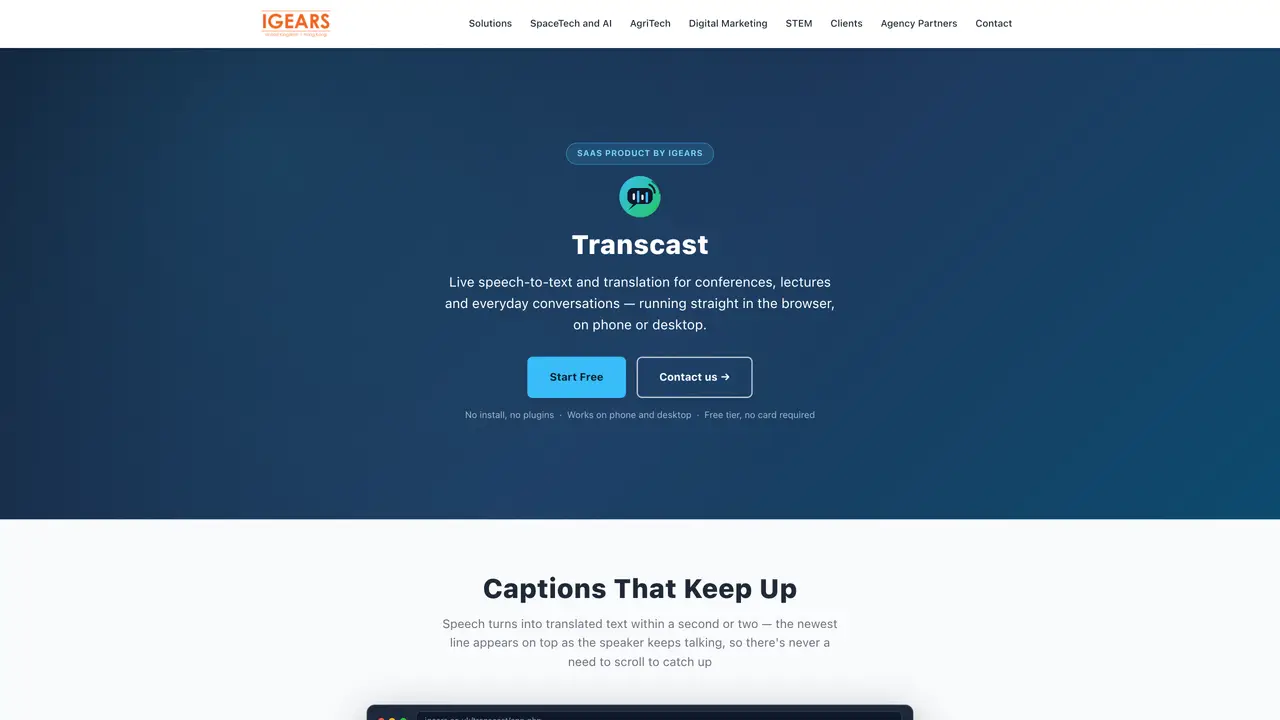
Transcast provides real-time speech-to-text transcription and translation delivered through a web browser on both desktop and mobile devices. It supports two operational modes: Lecture Mode for single-speaker presentations and Conversation Mode for two-way dialogue with manual speaker switching. The tool captures speech directly from the microphone and displays translated captions within one to two seconds, updating dynamically without requiring page refreshes. Users can access unlimited transcript-only captioning for free, while paid tiers unlock features such as transcript history, notes export in .txt or .doc formats, and AI-generated summaries. A floating window option allows the live transcript to remain visible while working in other applications. Each caption line includes a quick lookup link for further research without disrupting the session flow.
Transcast is a real-time speech-to-text transcription and translation tool that works directly in a web browser on both desktop and mobile devices. It converts spoken words into live captions and translates them into a chosen language within one to two seconds.
Transcast is designed for conferences, lectures, presentations, and everyday conversations where real-time captioning and translation are needed. It supports both single-speaker and two-way dialogue scenarios.
No, Transcast runs entirely in a modern web browser and does not require any installation or plugins. Users can start captioning immediately after registering an account.
Transcast offers two operational modes: Lecture Mode for single-speaker presentations and Conversation Mode for two-way dialogue with manual speaker switching. Both modes provide live captions and translations.
The free tier includes unlimited transcript-only captioning with no card required. It supports Lecture Mode and provides a daily allowance of translated lines, but does not include transcript history or notes export.
Yes, Transcast is fully responsive and works on both phones and desktops. Users can start a session on a laptop for a conference room or on a phone for one-to-one conversations.
We use essential cookies to run aitoolnavio™, and optional cookies to analyze traffic and measure our marketing. You choose what we use — optional cookies stay off unless you turn them on. See our Privacy Policy.
One short email a week: fresh tools worth trying, honest takes and the updates that actually matter. No spam, unsubscribe any time.
Revolutionize transcription with unmatched accuracy, speed, and language support.
Hardware device that records conversations and converts them into searchable transcripts, summaries, and notes.
Automate transcription, generate summaries, identify speakers, and timestamps for video-conferencing conversations.
NoteGPT – Convert Speech to Text and Text to Speech with AI
Automatically record, transcribe, take notes, and create summaries with key insights during meetings.
Transforms audio/video to summarized text, instantly, across platforms.
Transcribe and summarize audio or video recordings with AI-powered speech recognition and summarization.
Automatically transcribe meetings, create summaries, and securely store audio files in a searchable format.
Convert audio and video into text, sync transcripts with media, and edit easily.
Streamline healthcare admin tasks, and enhance patient focus with Heidi AI.
Create transcripts of meetings, voice-overs for videos, and transcribe and review customer feedback efficiently.
Wearable AI device that captures conversations and meetings, then auto-generates transcripts, summaries, action items, mind maps, and searchable notes.
Matched on what this tool does — grouped by the job you would be replacing.
matches Live speech-to-text transcription · Instant translation into multiple languages · Floating window for live captions
Hardware device that records conversations and converts them into searchable transcripts, summaries, and notes.
Live captions, dictation, translation, and transcripts for Mac
Real-time speech translation with live captions and voice for Mac audio, meetings and calls
Browser-based live voice translation for face-to-face conversations in 60+ languages
matches Transcript history with search capability · Notes export in .txt or .doc formats · AI-generated summary of key lines
matches Transcript extraction with timestamps · AI-powered summarization · 100+ language translation
Revolutionize transcription with unmatched accuracy, speed, and language support.
Easily record, transcribe, and securely store conversations with this efficient NLP-powered solution.
Transcribes audio and video files to text in 90+ languages
Online AI tool to transcribe video and audio to searchable text with timestamps
AI-powered YouTube video summarizer and transcript generator
Extracts, summarizes, and translates YouTube video transcripts with timestamps
Free audio transcription, YouTube captions and subtitle conversion with AI summarization
Converts YouTube videos to timestamped transcripts and AI summaries in multiple languages