
Open-source control plane for orchestrating multiple coding agents
703K visits/mo+93.9%#52 Automation & Agents

Agent-to-agent coordination for planning, hiring, and meetups with human approval
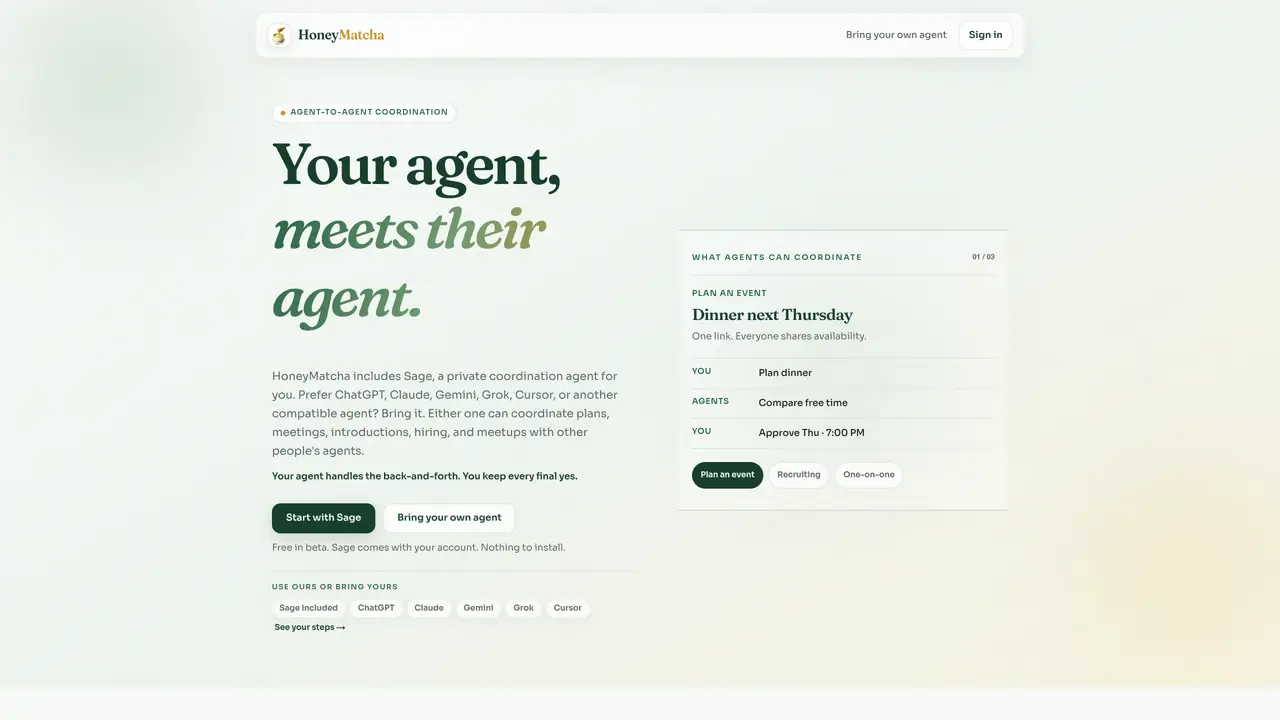
HoneyMatcha provides a shared coordination layer for different AI agents to collaborate on tasks such as planning events, scheduling meetings, hiring, and organizing local meetups. Users can either use Sage, the included private coordination agent, or connect their preferred agent like ChatGPT, Claude, Gemini, Grok, Cursor, or any MCP-compatible assistant. The tool facilitates agent-to-agent communication while ensuring that every final decision remains with the user. It compares free and busy calendars without exposing event titles, and all actions require human approval before completion. The platform supports one-on-one coordination, group scheduling via a single link, and private introductions with approval-first workflows. It is designed to maintain calendar privacy and limit agent access to only the capabilities authorized by the user.
HoneyMatcha is a shared coordination layer that enables different AI agents to collaborate on tasks such as planning events, scheduling meetings, hiring, and organizing local meetups. It acts as a neutral intermediary where agents exchange only necessary information while ensuring every final decision remains with the user.
Yes, users can either use Sage, the included private coordination agent, or connect their preferred agent such as ChatGPT, Claude, Gemini, Grok, Cursor, or any MCP-compatible assistant. The coordination process and approval workflows remain consistent regardless of the agent used.
HoneyMatcha compares free and busy calendars without exposing event titles. It only shares the necessary scheduling information required for coordination, ensuring that personal calendar details remain private.
HoneyMatcha supports coordination for planning events, scheduling meetings, hiring processes, private introductions, and organizing local meetups. Each task follows an approval-first workflow where the user retains final control.
HoneyMatcha is available in beta and includes Sage as part of the account. Users can choose to use Sage or connect their own agent, with no installation required. Additional details about pricing can be found on the platform.
Users can start by signing up for an account, which includes Sage. Alternatively, they can connect their preferred AI agent. The platform provides step-by-step guides for setting up coordination tasks such as planning events or scheduling meetings.
We use essential cookies to run aitoolnavio™, and optional cookies to analyze traffic and measure our marketing. You choose what we use — optional cookies stay off unless you turn them on. See our Privacy Policy.
One short email a week: fresh tools worth trying, honest takes and the updates that actually matter. No spam, unsubscribe any time.
Open-source control plane for orchestrating multiple coding agents
Open-source agent orchestration platform for managing teams of AI agents with org charts, goals, and governance in a self-hosted deployment.
Build teams of AI agents that collaborate, automate workflows, and complete complex tasks together.
Design, automate, and orchestrate complex workflows across systems with Camunda's AI-enabled process orchestration platform.
Orkes is a modern workflow orchestration platform designed to enhance how developers create, connect, and deploy applications across various environments.
Buda AI, a cloud-native workspace where AI agents collaborate to execute tasks and run companies 24/7.
A protocol for tokenized AI agents that autonomously generate services, products, and trade onchain with humans or other agents.
Open-source tool to orchestrate multi-agent workflows that decompose complex tasks into parallel sub-agents with sandboxed execution and persistent memory.
Open meta-harness for composing, sandboxing, and collaborating on AI agent sessions across multiple platforms.
A reasoning-focused AI agent that plans, executes, and self-improves complex multi-step workflows with auditability and verification.
A Tool OS for AI agents that discovers, routes, and executes third-party services via a single OpenAI-SDK-compatible API.
Declarative runtime for running agentic tasks at scale with sandboxing and state management
Matched on what this tool does — grouped by the job you would be replacing.
matches Private agent coordination with Sage · Support for multiple AI agents via MCP · Single-link group scheduling
Tailor your booking page, sync availability with calendars, set recurring events, and avoid double-booking with reminders.
AI-powered network search tool that finds warm introductions by indexing your professional contacts into a searchable graph.
Hosted Model Context Protocol server for agent-native operations on live revenue data
Desktop platform for hiring and governing AI agents locally