Generate captions, optimize content, and enhance with custom images for maximum engagement.
46M visits/mo-10%#3 Image & Design

Private AI assistant layer unifying models, memory and channels in one extensible system
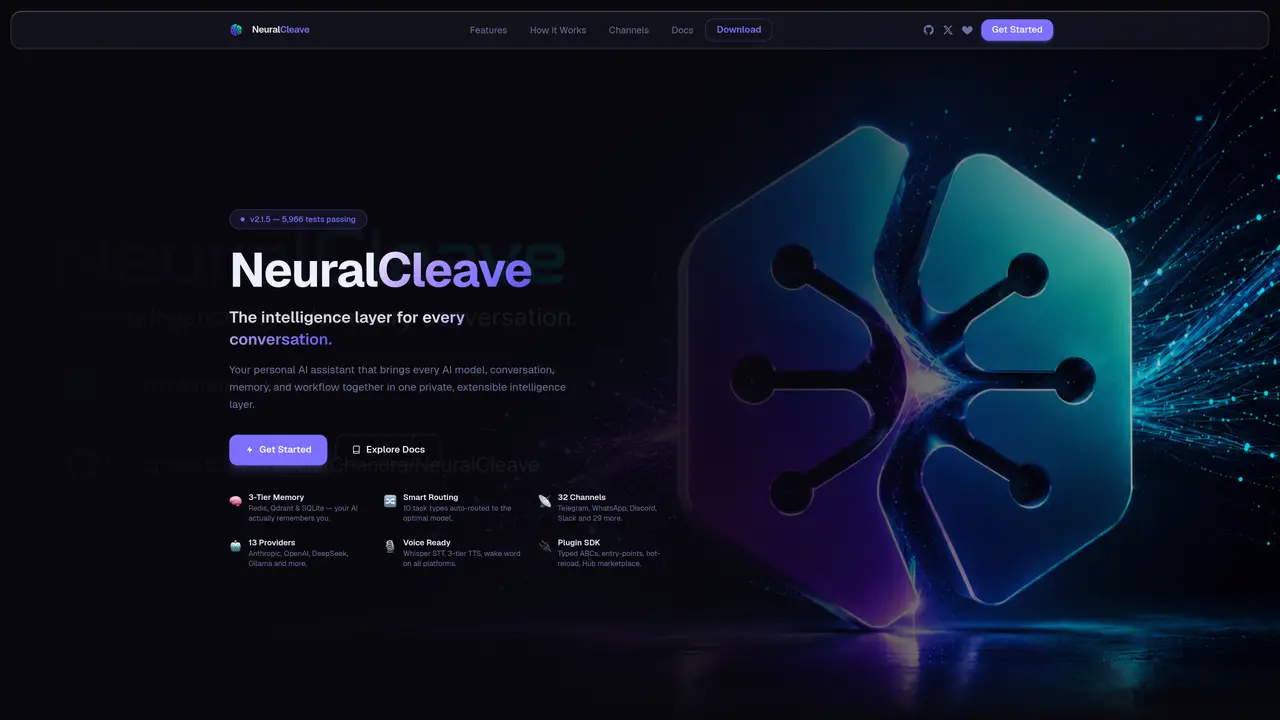
NeuralCleave functions as a local-first intelligence layer that connects multiple AI models, conversation channels and memory systems into a single interface. It ingests messages from 32 supported platforms including Telegram, WhatsApp and Slack, then enriches each request with a three-tier memory system combining Redis hot cache, Qdrant vector search and SQLite long-term storage. A task-aware router automatically selects the optimal provider from 13 supported LLMs based on the request type, ranging from complex reasoning with Claude Opus to local inference with Ollama. Before delivering a response, the ReflectionEngine scores the output across relevance, completeness, accuracy and tone, regenerating low-scoring replies once. The system supports voice input via Whisper STT and three-tier text-to-speech, with wake-word detection available across all platforms. A plugin SDK allows typed Python extensions with hot-reload and a marketplace for verified packages, while a multi-agent orchestrator enables named nodes with model overrides and priority-based routing.
NeuralCleave is a local-first intelligence layer that unifies multiple AI models, conversation channels, and memory systems into a single interface. It processes messages from 32 supported platforms, enriches requests with a three-tier memory system, and routes tasks to the optimal LLM provider based on request type.
NeuralCleave is designed for users who need a unified, private, and extensible AI assistant capable of handling complex workflows across multiple platforms and models. It suits developers, researchers, and individuals seeking persistent memory and multi-agent orchestration.
NeuralCleave uses a three-tier memory system combining Redis for hot cache, Qdrant for vector semantic search, and SQLite for long-term storage. This allows the AI to remember past conversations, preferences, and facts across sessions while maintaining per-agent namespace isolation.
Yes, NeuralCleave includes a voice pipeline with local Whisper STT for speech-to-text, three-tier TTS for text-to-speech, and wake-word detection across all platforms. Voice cloning is also supported, and everything runs on-device for privacy.
Yes, NeuralCleave provides a plugin SDK with typed Python ABCs, hot-reload support, and a marketplace for verified packages. The system also supports a multi-agent orchestrator with named nodes, model overrides, and priority-based routing.
Users can get started by downloading the application from the official website, exploring the documentation, and configuring supported channels and models. The system offers a desktop app, PWA, and REST/CLI management for setup and customization.
We use essential cookies to run aitoolnavio™, and optional cookies to analyze traffic and measure our marketing. You choose what we use — optional cookies stay off unless you turn them on. See our Privacy Policy.
One short email a week: fresh tools worth trying, honest takes and the updates that actually matter. No spam, unsubscribe any time.
Generate captions, optimize content, and enhance with custom images for maximum engagement.
Build conversational forms, capture rich responses, and automate follow-ups with AI-powered surveys and workflows.
Automate code, research, and documents using agents.
AI-powered IDE for autonomous coding tasks and agentic development workflows
Source, match, and manage talent with predictive analytics for effortless recruiting.
Automate workflow, optimize operations, and detect potential issues with this efficient AI-driven solution.
Transforms thoughts into actions, enhancing productivity and efficiency.
AI Recruitment engine to hire top global talent
All-in-one team productivity platform combining chat, docs, video meetings, workflows, and AI tools in one place.
Personal assistant that coordinates tasks across apps and devices via text or call
AI automation and agent-building platform with 3,000+ app integrations
AI job search copilot that matches roles to skills, optimizes resumes for ATS, generates cover letters, and autofills applications with real-time insights.
Matched on what this tool does — grouped by the job you would be replacing.
matches 32 channel adapters for messaging platforms · Multi-agent orchestrator with named nodes and priority routing
Control your computer and apps from any chat.
Platform for building AI agents with voice, memory and tools across multiple messaging channels
Run a persistent, phone-accessible AI assistant with memory and automation via a managed OpenClaw agent in an OpenComputer sandbox.
matches Voice pipeline with STT, TTS and wake-word detection
matches 13 supported LLM providers with automatic routing · ReflectionEngine quality scoring and auto-regeneration
matches Three-tier memory system with Redis, Qdrant and SQLite · Plugin SDK with typed Python ABCs and hot-reload
Open-source, self-hostable platform to build and deploy AI voice agents with customizable speech and telephony providers.
On-device voice AI SDK for wake words, speech recognition, and intent processing
Voice and chat AI agent that responds in real time across languages
Unified API that automatically routes requests to the best AI model
LLM observability and cost tracking tool for engineering and product teams
Intelligent routing layer for AI inference requests across multiple providers
TypeScript-native framework for building production-grade AI agents with workflows, memory, and built-in observability.
A memory layer and context engineering platform that provides long-term AI agent memory, retrieval, and connectors via a universal API.
Add long-term memory, semantic caching, and typed retrieval to AI agents with sub-millisecond latency using an open-source SDK.