Unify customer data, automate workflows, and scale experiences with Einstein AI, Copilot, and Data Cloud in one CRM platform.
110M visits/mo+1.1%#1 Business & Marketing

Browser that integrates with Claude Code and Codex agents for on-page task execution
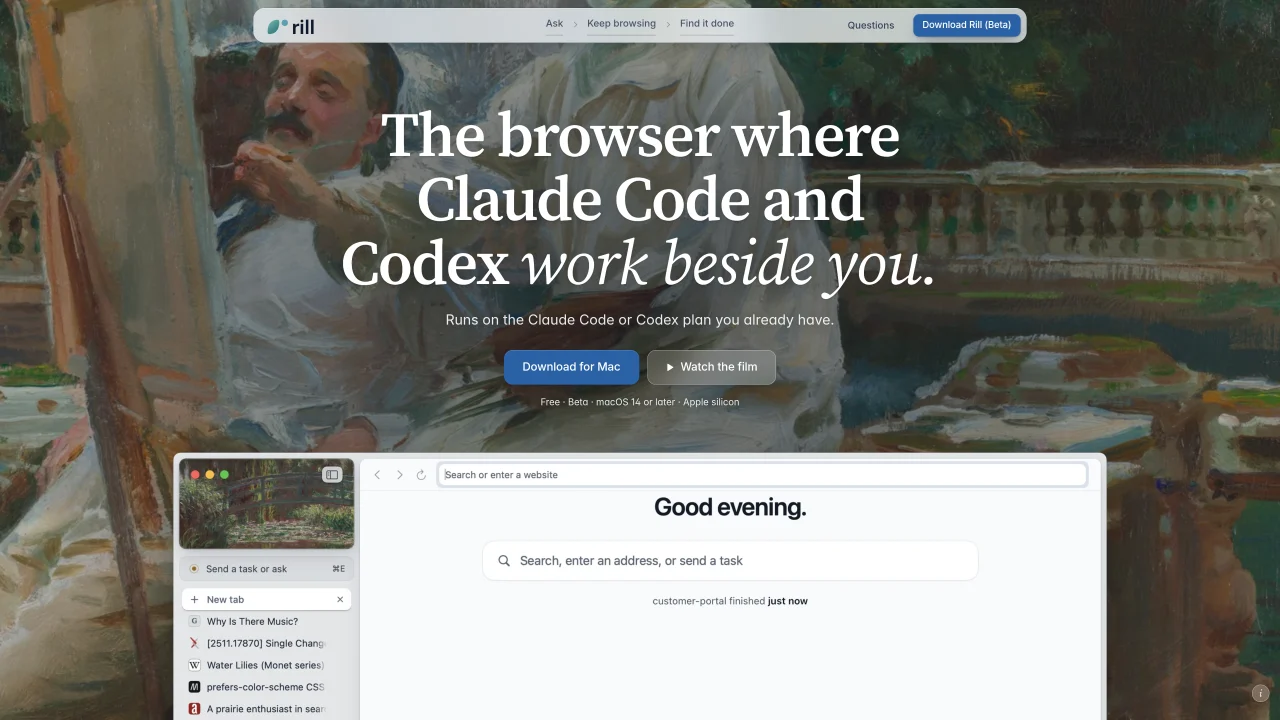
Rill browser is a macOS application that integrates with existing Claude Code or Codex plans to allow AI agents to perform tasks directly within the browser. The tool organizes tabs by project and agent activity, enabling users to send requests or tasks from any page without switching applications. Agents operate in the background, updating the user when work is complete, and maintain project context by referencing the user’s existing Claude Code or Codex history. The browser retains standard features such as password management via Keychain, private windows, and tab organization, while adding AI-driven workflows like project-based task sorting and natural language commands. Users can interact with agents through keyboard shortcuts or voice commands, and the browser supports multiple agents working simultaneously across different projects. Completed tasks are marked and archived, creating a chronological record of activity.
Rill Browser is free to download and use. The AI features rely on an existing Claude Code or Codex plan you already have; no additional subscription or API keys are required.
Yes, the AI agent features require an active Claude Code or Codex plan. Browsing functionality works without these subscriptions.
Agents are prevented from completing payment steps, placing orders, or typing into sensitive fields like passwords or card details unless explicitly instructed. Edits to code are read-only until approved, and changes in git repositories can be undone.
Your browsing history, passwords, and agent activity remain on your Mac. Passwords are stored in the Keychain and unlocked with Touch ID. Agents operate under your account and read pages as untrusted text, with additional safeguards like browsing in separate tabs without your logins.
Rill Browser is compatible with Macs running macOS 14 or later and requires Apple silicon. It supports standard browser features like Keychain integration, private windows, and tab organization.
Download Rill Browser from the website, drag it to your Applications folder, sign in to your Claude Code or Codex account, and press ⌘E on any page to start sending tasks to your agents. No additional setup is required.
We use essential cookies to run Aitoolnavio, and optional cookies to analyze traffic and measure our marketing. You choose what we use — optional cookies stay off unless you turn them on. See our Privacy Policy.
One short email a week: fresh tools worth trying, honest takes and the updates that actually matter. No spam, unsubscribe any time.
Unify customer data, automate workflows, and scale experiences with Einstein AI, Copilot, and Data Cloud in one CRM platform.
Build conversational forms, capture rich responses, and automate follow-ups with AI-powered surveys and workflows.
Transforms thoughts into actions, enhancing productivity and efficiency.
Automate code, research, and documents using agents.
All-in-one team productivity platform combining chat, docs, video meetings, workflows, and AI tools in one place.
Automate workflow, optimize operations, and detect potential issues with this efficient AI-driven solution.
AI-powered IDE for autonomous coding tasks and agentic development workflows
AI Recruitment engine to hire top global talent
Automate tailored conversations, analyze customer behavior, and automate lead gen, customer service, and sales.
AI job search copilot that matches roles to skills, optimizes resumes for ATS, generates cover letters, and autofills applications with real-time insights.
Source, match, and manage talent with predictive analytics for effortless recruiting.
Personal assistant that coordinates tasks across apps and devices via text or call
Matched on what this tool does — grouped by the job you would be replacing.
matches Browser that integrates with Claude Code and Codex agents for on-page task execution · Natural language task submission via ⌘E · Background agent execution with completion notifications
Open-source AI browser that assists with browsing tasks using local or cloud models
Desktop browser that persists agent workspaces with sign-ins and tabs
Browser with an AI agent that performs repetitive web tasks and file actions on request
Browser extension that runs an AI agent inside Chrome to read pages, fill forms and work across tabs
matches Project-based tab organization · Project context detection from existing history
Task orchestration tool for coding agents
A plugin that decomposes prompts into multi-agent plans for Claude Code and Codex
Shared workspace for teams of AI coding agents
Desktop workspace for coding agents like Codex and Claude Code